Dynamic Countdown Timers for Constant Contact
Drive event registrations and boost donations with real-time countdown timers for your Constant Contact campaigns
Start Free with Constant Contact 10,000 free impressions a month · No watermark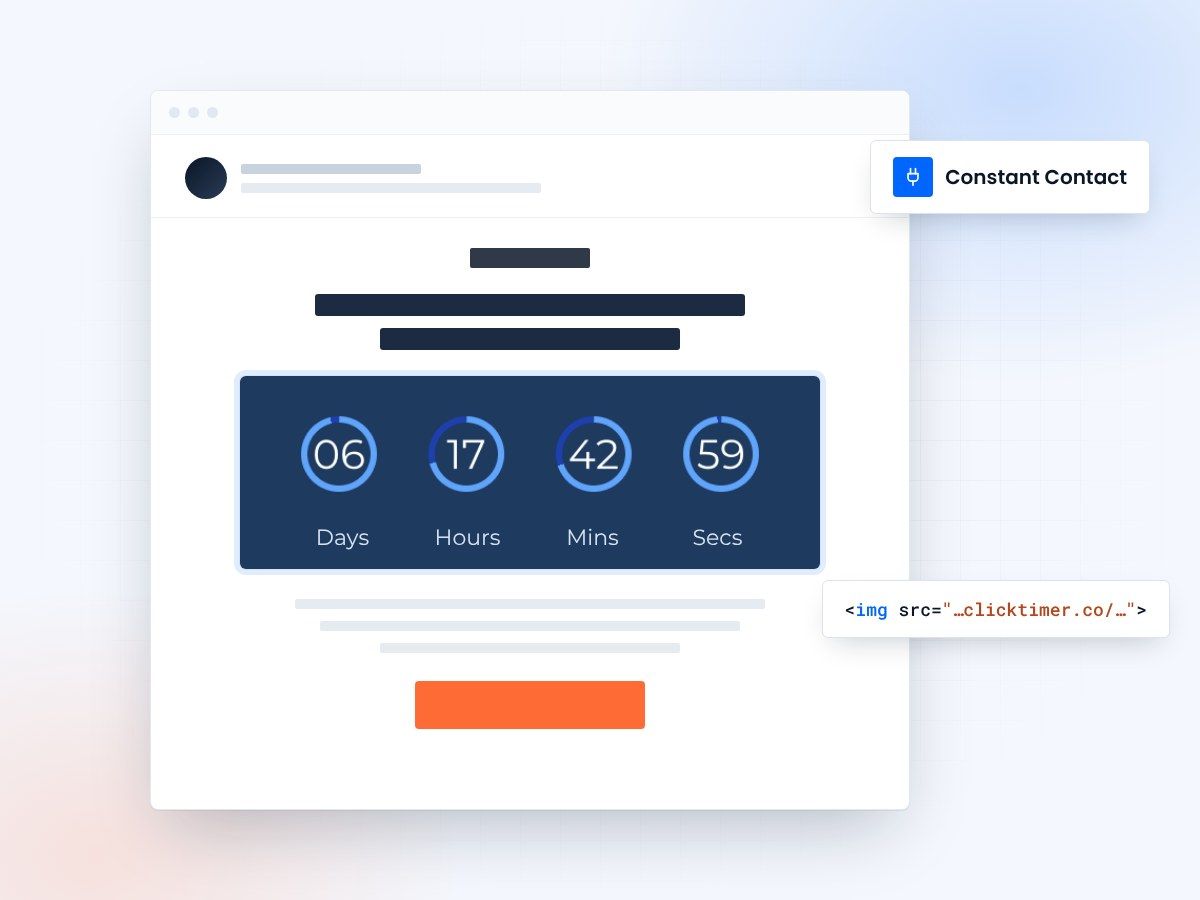
- Fits the Custom Code block
- No coding skills needed
- 10,000 free impressions a month
- Edit the timer after sending
Why use ClickTimer with Constant Contact?
Constant Contact users drive 40% more event registrations and donations with countdown timers. Perfect for community events, seasonal sales, and nonprofit fundraising deadlines. Your timers update automatically in every subscriber's inbox—no need to resend campaigns.
- Perfect for event marketing & fundraising — Build urgency for registrations, ticket sales, and donation drives in your email campaigns
- 900+ fonts, full customization — Match your brand. No watermarks even on free tier.
- Pay-as-you-go pricing — 10K free impressions. No subscription, credits never expire.
- Edit after sending — Update timer settings anytime, changes apply instantly.
How to add countdown timers to Constant Contact
1. Create your timer
Use ClickTimer builder. Set date, colors, fonts.
2. Copy the HTML code
Click Get Code to copy your snippet.
3. Add HTML block in Constant Contact
In your email editor, drag in a Custom Code block (NOT image block).
4. Paste and send
Timer updates in real-time on every email open.
Create your Constant Contact countdown
Set the end date, match your brand, copy the code. 10,000 free impressions a month, no credit card.
Already have an account?
Send Test Email
Enter your email to receive a preview of how this countdown looks in email campaigns.
Popular timer use cases for Constant Contact
Event registration deadlines
Drive early bird sign-ups for webinars, galas, and community events
Fundraising campaign closes
Boost last-minute donations for nonprofit drives and matching campaigns
Seasonal sale endings
Create urgency for holiday promotions and clearance events
Member renewal reminders
Countdown to membership expiration for associations and clubs
RSVP cutoff dates
Build urgency for workshops, trainings, and networking events
Limited-time offers
Drive action on flash sales and exclusive subscriber deals
Frequently asked questions
Does ClickTimer work with Constant Contact's drag-and-drop editor?
Yes. Simply drag a Custom Code block into your email layout, paste your ClickTimer HTML code, and you're done. The timer will display instantly in preview and update live for subscribers.
Can I use timers in Constant Contact automated emails?
Absolutely. Add ClickTimer HTML to any Constant Contact automation series—welcome emails, event reminders, or drip campaigns. Perfect for evergreen countdown sequences.
Do I need coding skills?
No. ClickTimer generates ready-to-paste HTML code. Just copy and paste into the Custom Code block—no technical knowledge required.
What happens after 10K free impressions?
Pay only €0.23 per 10K additional impressions (drops to €0.06 at volume). No subscription, credits never expire. Most small businesses stay free forever.
Can I edit the timer after sending my campaign?
Yes. Change the deadline, colors, or text anytime in ClickTimer dashboard. Updates apply instantly to all sent emails—no need to resend.
Ready to boost your Constant Contact conversions?
Create your timer in about a minute and paste it into a Custom Code block.