Dynamic Countdown Timers for Campaign Monitor
Professional timers for agencies managing high-impact client campaigns
Start Free with Campaign Monitor 10,000 free impressions a month · No watermark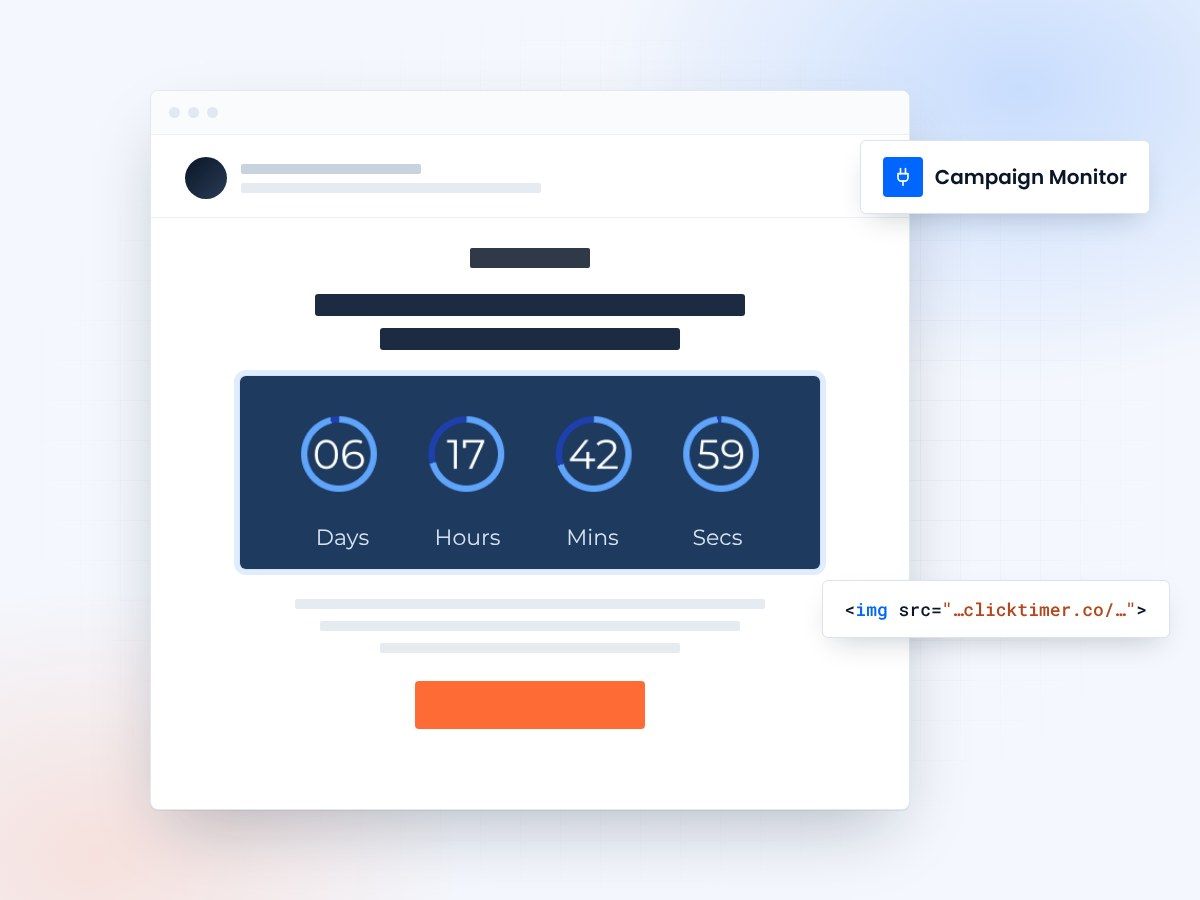
- Works in the drag-and-drop editor
- 900+ fonts for every client brand
- 10,000 free impressions a month
- No watermark, even on the free plan
Countdown timers built for Campaign Monitor agencies
Campaign Monitor agencies need timers that match client brand standards perfectly.
ClickTimer gives you 900+ fonts and full design control so every countdown feels native to the brand. Whether you're running product launches, event registrations, or seasonal promotions, create pixel-perfect timers that elevate your campaign designs.
Why use ClickTimer with Campaign Monitor?
Design-first flexibility for agencies
900+ fonts, unlimited colors, and custom styling to match any client brand guidelines perfectly.
Multi-client management made easy
Create and track timers across campaigns. Edit anytime without resending emails.
Pay-as-you-go pricing
10K free impressions per timer. No subscription, credits never expire. Scale per client.
No watermarks on free tier
Professional output from day one. Perfect for client presentations and live campaigns.
How to add countdown timers to Campaign Monitor
| # | Step | What to do |
|---|---|---|
| 1 | Create your timer | Use ClickTimer builder. Set deadline, customize fonts and colors to match brand. |
| 2 | Copy the HTML code | Click Get Code to copy your unique timer snippet. |
| 3 | Add HTML block in Campaign Monitor | In your campaign template, drag an HTML block (NOT image block) where you want the timer. |
| 4 | Paste and preview | Paste code, preview in Campaign Monitor. Timer updates in real-time on every open. |
Create your Campaign Monitor countdown
Set the deadline, match the client brand, copy the code. 10,000 free impressions a month, no credit card.
Already have an account?
Send Test Email
Enter your email to receive a preview of how this countdown looks in email campaigns.
Popular timer use cases for Campaign Monitor
Client product launches
Build anticipation for new product drops with branded countdown timers
Event registration deadlines
Drive last-minute sign-ups for webinars, conferences, and workshops
Flash sale campaigns
Create urgency for limited-time offers and promotional windows
Early bird pricing
Incentivize early action with visible countdown to price increases
Seasonal campaign deadlines
Highlight holiday shipping cut-offs and seasonal promotion ends
Limited enrollment windows
Push conversions for course launches and membership openings
Frequently asked questions
Do I need to use an HTML block or an image block in Campaign Monitor?
Always use an HTML block, never an image block. The ClickTimer code generates a dynamic image that updates in real-time. Simply drag an HTML content block into your Campaign Monitor template and paste the code.
Can I customize timers to match different client brands?
Absolutely. With 900+ fonts and full color control, you can create on-brand timers for every client. Save custom presets and reuse design settings across campaigns to maintain brand consistency.
Will timers work in Campaign Monitor's drag-and-drop editor?
Yes. ClickTimer is fully compatible with Campaign Monitor's drag-and-drop builder. Just add an HTML block anywhere in your template layout and paste your timer code.
What happens after the countdown reaches zero?
You choose. Display a custom expired message, show zeros, or make the timer invisible. Set this in the ClickTimer builder and change it anytime—even after sending.
How does pricing work for agency accounts managing multiple clients?
Each timer gets 10K free impressions with no watermark. After that, pay €0.23/10K impressions with volume discounts. No subscriptions—buy credits once and use them across all client campaigns. Credits never expire.
Ready to boost your Campaign Monitor conversions?
Create your free timer in 90 seconds. 10K impressions, no credit card.