Dynamic Countdown Timers for ActiveCampaign
Boost automation conversions with real-time countdown timers for sales, webinars, and nurture campaigns
Start Free with ActiveCampaign 10,000 free impressions a month · No watermark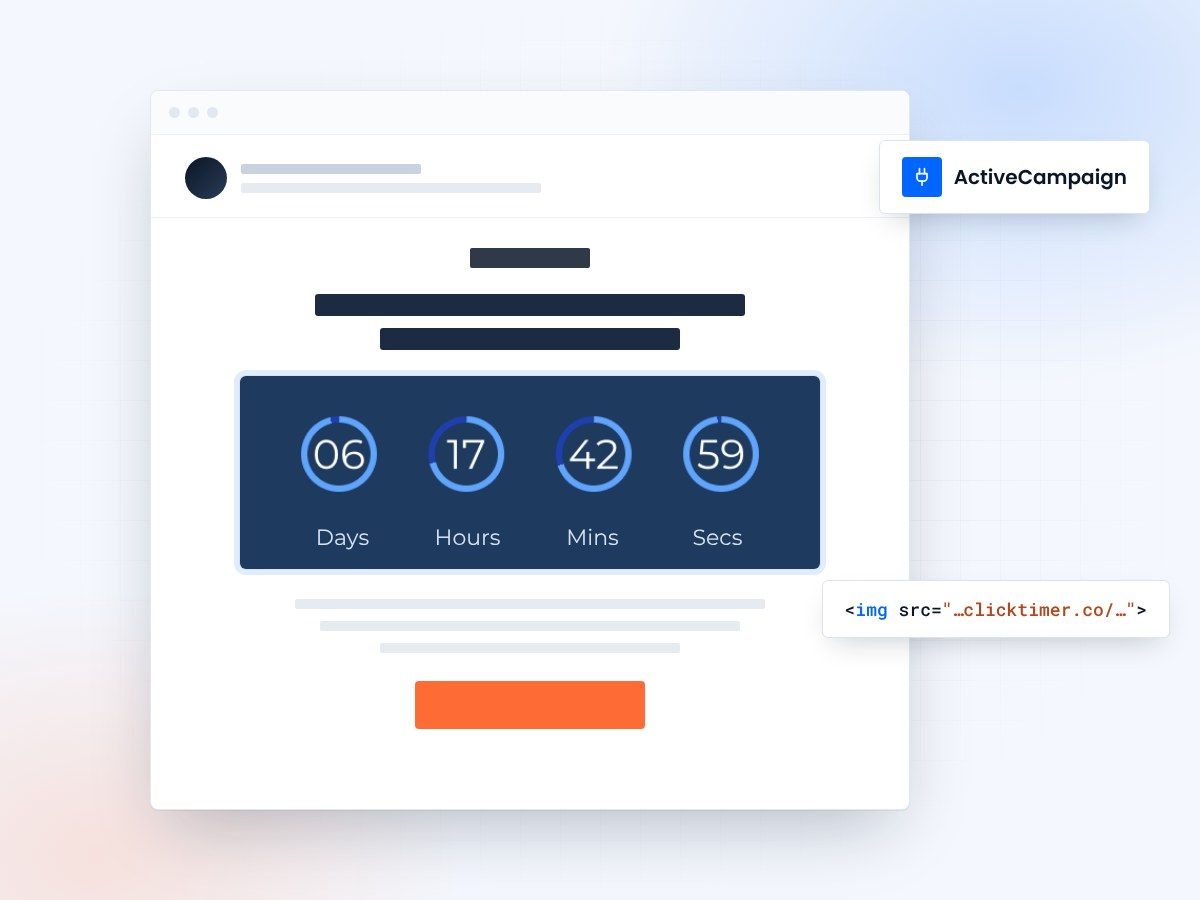
- Works in campaigns and automations
- 900+ fonts, full customization
- No watermark, even on the free plan
- Credits that never expire
Countdown timers for ActiveCampaign automations
ActiveCampaign users rely on sophisticated automations to nurture leads and close deals. ClickTimer adds real-time countdown timers to your automated campaigns, creating urgency that drives clicks and conversions. Whether you're running limited-time offers, webinar sequences, or trial expiration workflows, our timers update dynamically to show accurate time remaining on every email open.
Why use ClickTimer with ActiveCampaign?
Perfect for complex automations
Add urgency to multi-step workflows, nurture sequences, and conditional splits without breaking logic.
900+ fonts, full customization
Match your brand. No watermarks even on free tier.
Pay-as-you-go pricing
10K free impressions. No subscription, credits never expire.
Edit after sending
Update timer settings anytime, changes apply instantly across all automations.
How to add countdown timers to ActiveCampaign
- Create your timerUse ClickTimer builder. Set date, colors, fonts.
- Copy the HTML codeClick Get Code to copy your snippet.
- Add HTML block in ActiveCampaignIn your campaign or automation email, add an HTML block (NOT image block).
- Paste and sendTimer updates in real-time on every email open.
Create your ActiveCampaign countdown
Set the date, colors and fonts, then copy the code. 10,000 free impressions a month, no credit card.
Already have an account?
Send Test Email
Enter your email to receive a preview of how this countdown looks in email campaigns.
Popular timer use cases for ActiveCampaign
Free Trial Expiration
Trigger reminders when trials end to push upgrades
Webinar Registration
Build urgency in automated webinar sequences
Lead Nurture Deadlines
Add time limits to special offers in drip campaigns
Consultation Booking
Drive calendar bookings with limited-time incentives
Product Launch Sequences
Countdown to early-bird pricing or launch dates
Re-engagement Campaigns
Time-limited win-back offers for dormant contacts
Frequently asked questions
Do timers work in ActiveCampaign automations?
Yes. ClickTimer works perfectly in all ActiveCampaign emails—campaigns, automations, split tests, and conditional content. The timer updates in real-time regardless of when contacts enter your workflow.
Can I use different timers for different automation branches?
Absolutely. Create multiple timers in ClickTimer and use different HTML codes in different automation paths. Perfect for A/B testing deadlines or personalizing urgency by segment.
Do I need a ClickTimer account for each ActiveCampaign account?
No. One ClickTimer account can power timers across multiple ActiveCampaign accounts, campaigns, and automations. All impressions count toward your shared pool.
How much does it cost after 10K free impressions?
Pay-as-you-go: €0.23 per 10K impressions (lower at volume). No subscription, credits never expire. Most ActiveCampaign users stay under 50K impressions monthly.
Can I track timer performance in ActiveCampaign?
Use ActiveCampaign's built-in link tracking on your CTA buttons below the timer. Combine with campaign reports to measure urgency impact on clicks and conversions.
Ready to boost your ActiveCampaign conversions?
Create your free timer in 90 seconds. 10K impressions, no credit card.