Email countdown timers that turn browsers into buyers
2-clicks setup. Works with Mailchimp, Klaviyo, and all ESPs. 10,000 free impressions monthly with zero watermarks. No credit card required.
- No watermark
- Pay-as-you-go
- Up to 10x cheaper
- Edit live after send
Already have an account?
Send Test Email
Enter your email to receive a preview of how this countdown looks in email campaigns.
Works seamlessly with your favorite email platform








Calculate Your Pricing
Why Choose Prepaid Credits?
Credits never expire
Use them whenever you're ready, no time pressure
No surprise bills
Pay once, know exactly what you're getting
Instant activation
Credits available immediately after purchase
Use at your own pace
No monthly quotas or recurring charges
Choose an amount
Credits never expire. 1 Impression = 1 Credit
How it works
Get your countdown timer live in 3 simple steps
Create your timer
Choose your timer type, set your end date, and customize colors to match your brand—all in under 90 seconds
Integrate in your email
Copy the generated code and paste it into your email template—works with Mailchimp, Klaviyo, and all ESPs
Track & optimize
Your timer automatically displays to every recipient with real-time tracking of impressions and engagement
Everything you need to create urgency that converts
Create urgency instantly
Countdown timers create psychological urgency. Proven to increase conversions by 200% across flash sales, product launches, and time-sensitive campaigns.
Setup in 90 seconds
No coding required. Choose a template, customize colors and fonts, copy the code. Your first timer is live in under 2 minutes.
Your brand, your rules
900+ fonts, unlimited color customization, transparent backgrounds, and zero watermarks—even on the free tier. Match your brand perfectly.
Works everywhere
Compatible with Mailchimp, Klaviyo, HubSpot, and all email platforms. If you can add an image, you can add ClickTimer.
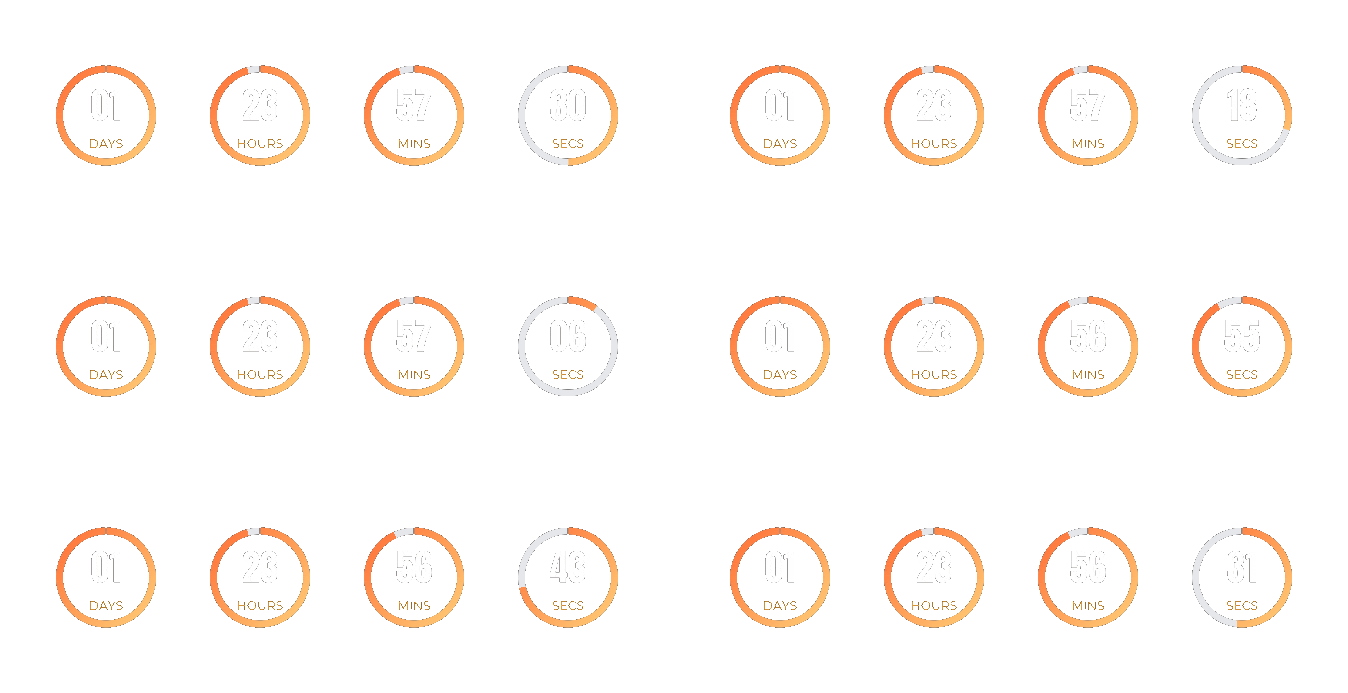
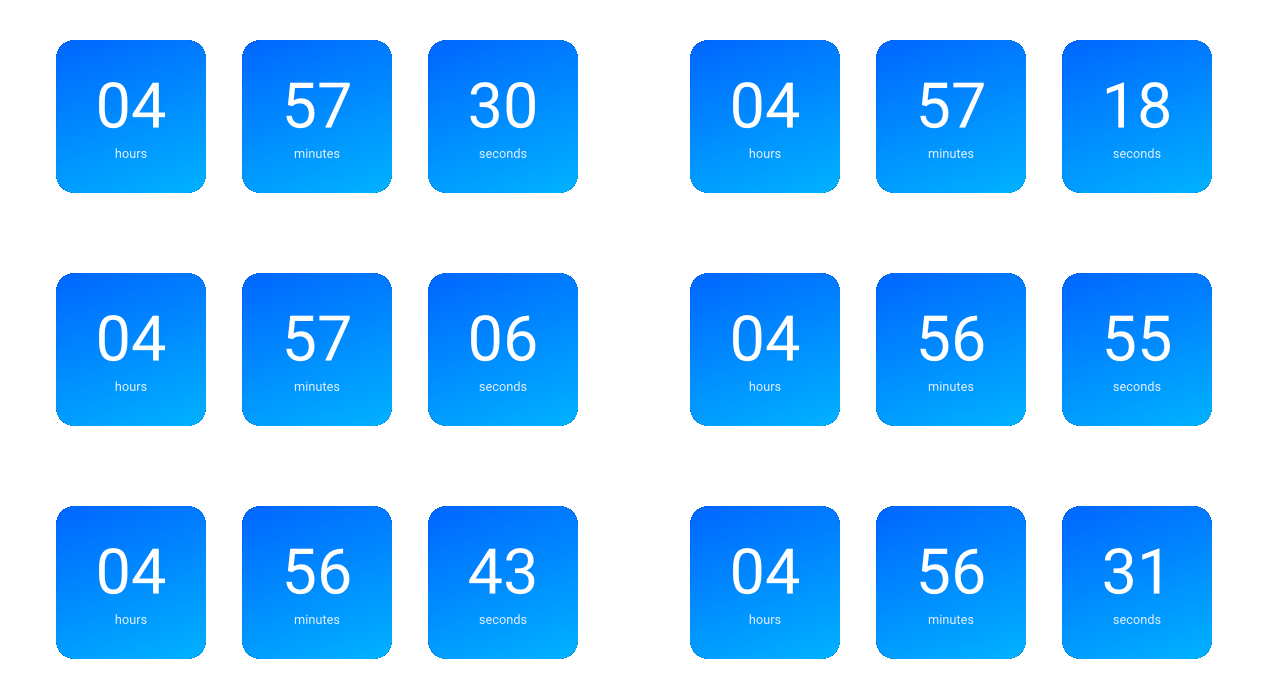
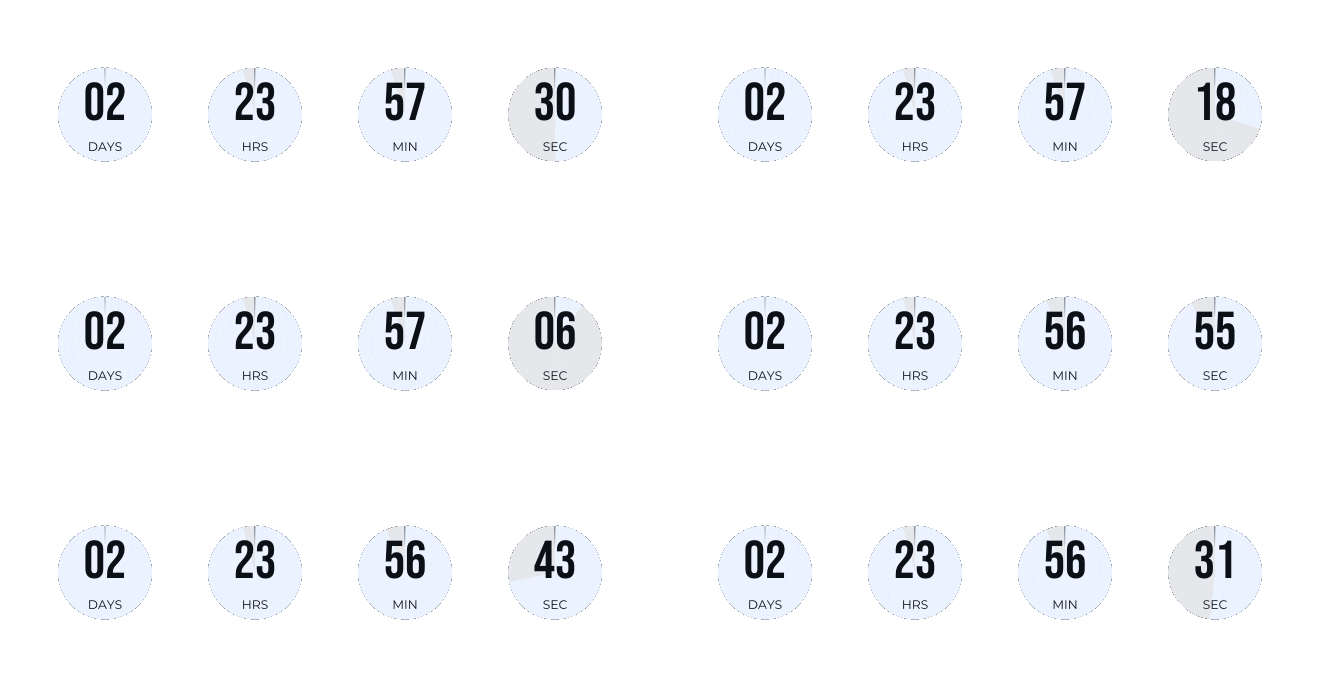
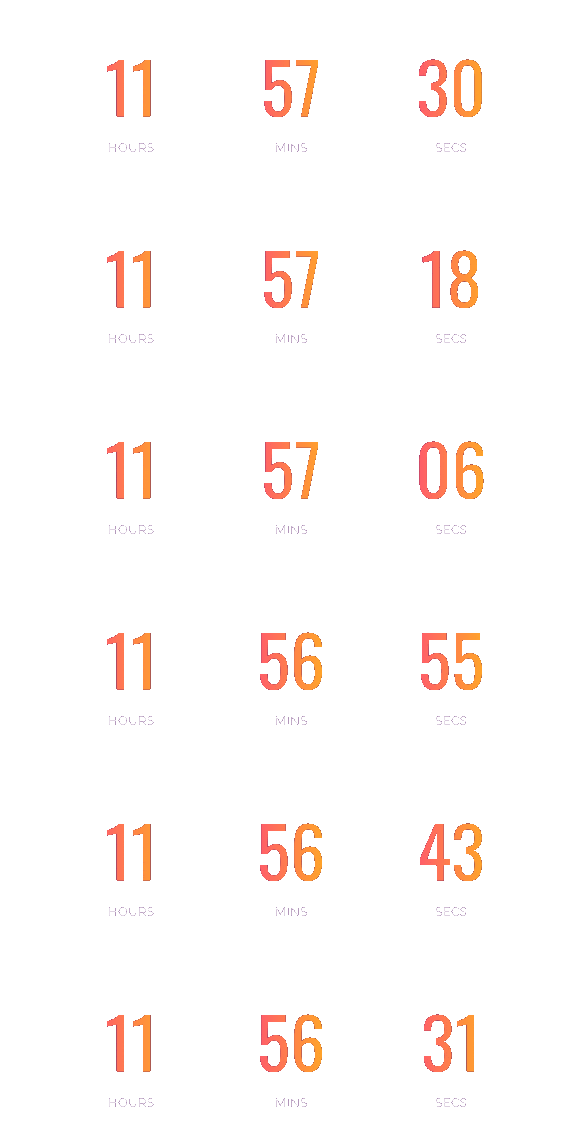
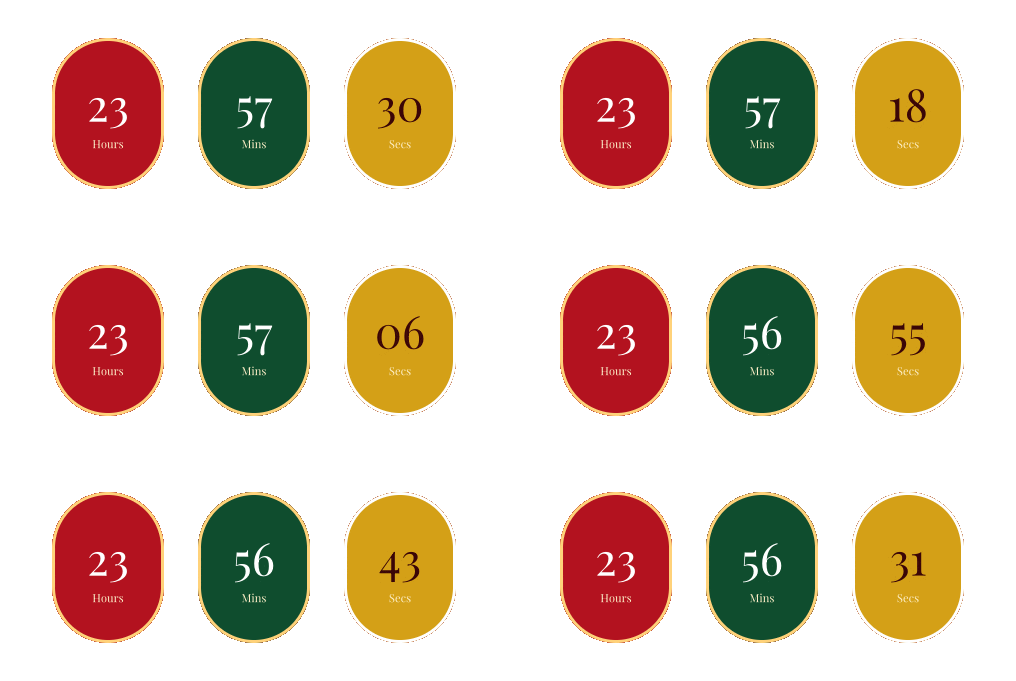
Timers for every campaign

Why pay more for the same thing?
Enterprise features. Pay-as-you-go pricing. Zero bullshit.
No watermark. No extortion.
Competitors force their logo on your emails until you pay. We don't. Professional timers from day one, free.
Pay as you go. No subscription trap.
Buy credits when you need them. No monthly fees draining your account. Credits never expire. Use them at your own pace.
100+ ESPs. Zero plugins.
If it accepts images, it works. Mailchimp, Klaviyo, HubSpot, whatever. Stop overthinking, start converting.
Fix mistakes after send.
Typo? Wrong date? Edit live. Changes update instantly for every recipient. No panic, no resend.
Do the math. We did.
100K impressions. One-time cost vs monthly drain.
Up to 10x cheaper — or we refund the difference
| Tool | Free Tier | Watermark | Cost for 100K | Billing |
|---|---|---|---|---|
| ClickTimer BEST VALUE | 10K | NONE | €2.07 | One-time, never expires |
| MailTimers | 100K | Forced | $7.99/month | Subscription |
| CountdownMail | "Unlimited"* | Forced | $7/month | Subscription |
| Sendtric | 10K | None | ~$8/month | Subscription |
| Mailtimer | 100K | Forced | $7/month | Subscription |
| MotionMail | 20K | Forced | $10/month | Subscription |
*"Unlimited" = unlimited emails, capped impressions. Classic bait.
*"Unlimited" = unlimited emails, capped impressions. Classic bait.
The more you use, the more you save
No subscription. No monthly reset. Credits never expire.
Price Match Guarantee
Up to 10x cheaper — or we refund the difference.
Found a better deal with the same features? Send us the link. No questions, no drama.
- 99.9% Uptime
- GDPR Ready
- No subscription, no trap
- Credits never expire
Join hundreds of email marketers creating urgency
“ClickTimer's setup was incredibly fast. We had our first countdown live in literally 90 seconds. Our Black Friday CTR jumped 34%.”
 Sarah M.Email Marketing Manager, Fashion E-commerce
“The font library is unmatched. We finally matched our exact brand typography. Design team is thrilled, customers are converting.”
 Michael T.Growth Lead, SaaS Startup
“At €4.99, this is the best value in email marketing tools. Professional quality without the enterprise price tag.”
 Lisa R.Marketing Director, B2B Agency
Works with every email platform. Guaranteed.
If your platform supports HTML images, it supports ClickTimer. No plugins, no complex setup.

















Frequently asked questions
Is ClickTimer really free?
Yes! Our free tier includes 10,000 impressions per countdown with zero watermarks, unlimited timers, and all timer types. No credit card required to start.
What happens if I exceed my impression limit?
Your timers is rendering as transparent, and you'll receive an email notification. You can upgrade to a higher tier at any time to increase your limits. It'll reactivate your countdown.
Can I change or cancel my plan anytime?
Absolutely. You can upgrade, downgrade, or cancel your subscription at any time. No long-term contracts or cancellation fees.
Do timers work in all email clients including Outlook?
Yes! Our timers use dynamic images that work across all major email clients including Gmail, Outlook, Apple Mail, Yahoo, and mobile clients.
Are the timers mobile-responsive?
Yes, all timers automatically adapt to any screen size and look great on desktop, tablet, and mobile devices.
Can I match my exact brand fonts?
Yes! Growth and Pro plans include access to 900+ fonts from Google Fonts. You can match your exact brand typography.
Can I edit a timer after sending the email?
Fixed date timers update automatically. For evergreen timers, the countdown is personalized per recipient and cannot be changed after sending.
How long does it take to create my first timer?
Most users create their first timer in under 90 seconds. Choose a template, set your end date, customize colors, and copy the code.
What's the difference between Fixed Date and Evergreen timers?
Fixed date timers count down to a specific date/time for all recipients. Evergreen timers create unique countdowns for each recipient based on when they open the email.
Can I use ClickTimer on my website too?
Yes! While ClickTimer is optimized for email, you can embed timers on websites, landing pages, and anywhere you can add HTML/images.
Latest from the Blog
Ready to boost your email conversions?
Join hundreds of marketers creating urgency that converts. Start free with 10,000 impressions—no credit card required.
Start Free - 10,000 Impressions No watermark • Setup in 2 minutes • Cancel anytimeTop Up Your Credits
You need more credits to cover your estimated usage
You will be redirected to Stripe for secure payment. Your countdown will be saved after purchase.