Countdown Timer Email Templates (Copy & Paste)
Grab a template, drop in your timer, and send. It's that simple.
Create Your Timer — Free 10,000 free impressions a month · No watermark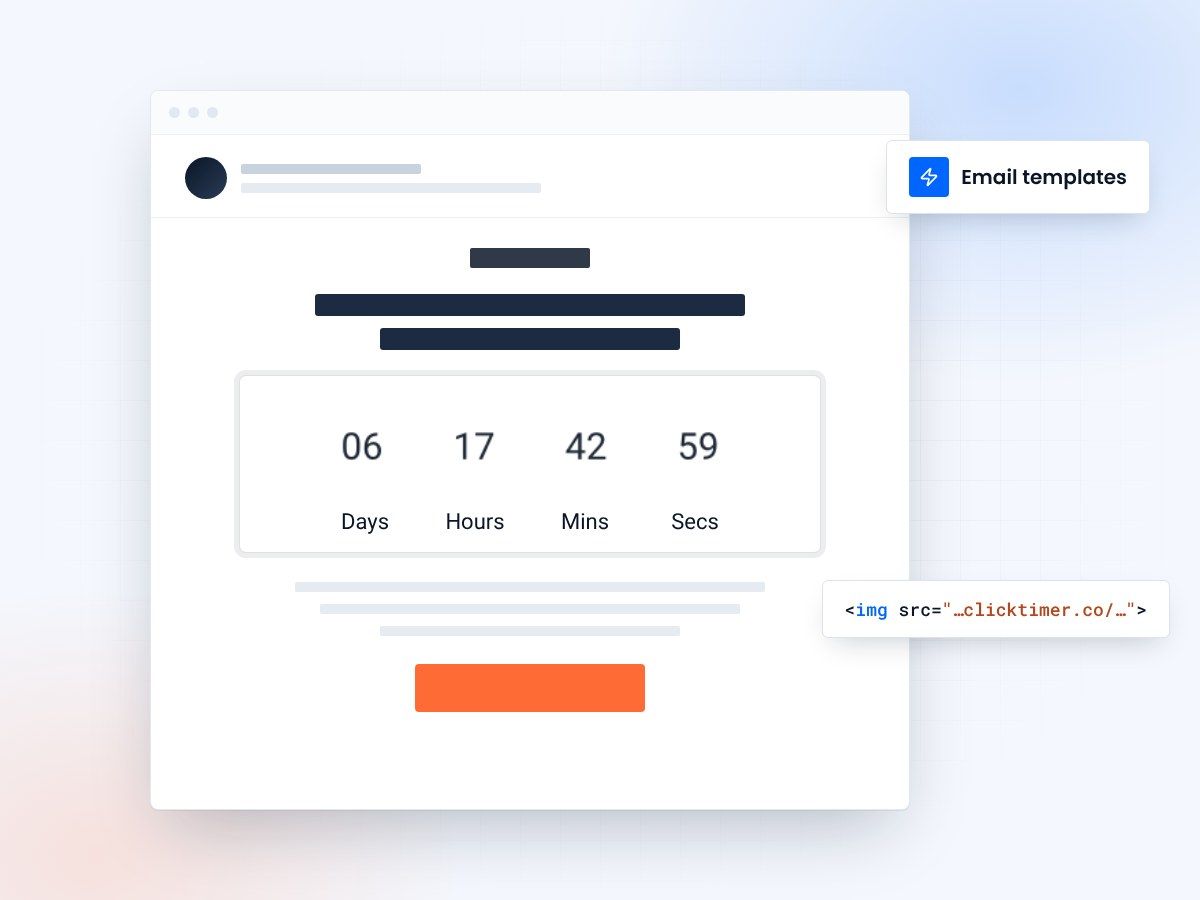
- Six template types covered
- Works with any email platform
- 10,000 free impressions a month
- No watermark, even on free
Why use countdown timer email templates?
Starting from scratch every time you need a countdown timer email wastes hours of design and copywriting effort. Templates solve this by giving you proven, high-converting layouts that you can customize in minutes. Just swap in your branding, adjust the copy, drop in your ClickTimer countdown, and hit send.
The templates on this page cover the most common email marketing scenarios: flash sales, product launches, event registrations, webinar reminders, trial expirations, and seasonal campaigns. Each template includes the HTML structure, suggested copy, timer placement guidance, and a direct link to create the matching timer on ClickTimer.
Every template is designed to work with any email service provider — whether you're on Klaviyo, Mailchimp, HubSpot, or any other platform. Just copy the HTML, paste it into your email builder, and customize.
Template categories overview
| Template type | Best for | Timer placement | Urgency level |
|---|---|---|---|
| Flash sale | E-commerce, retail | Hero (top) | High |
| Product launch | SaaS, tech, retail | Above CTA | Medium-high |
| Event registration | Conferences, webinars | Hero or mid-section | Medium |
| Trial expiration | SaaS, subscriptions | Inline near CTA | High |
| Seasonal campaign | Any industry | Hero (full-width) | Medium |
| Loyalty / rewards | Retention campaigns | Above reward details | Medium-high |
Four layouts to start from
Flash sale template
The flash sale template is the workhorse of e-commerce email marketing. It puts the countdown timer front and center in a hero position, immediately creating urgency before the recipient reads a single word of copy. The timer is the headline.
Structure: bold header announcing the sale → full-width countdown timer → discount details and featured products → prominent CTA button. Keep the copy short — the timer does the heavy lifting. For best results, use a bold sans-serif font on the timer (like Oswald or Bebas Neue) with red or orange digits to amplify urgency.
This template works exceptionally well for Cyber Monday, summer sales, and any time-limited discount. For Shopify stores, see our dedicated Shopify countdown timer guide.
Product launch / pre-order template
Product launch emails need to build anticipation, not just urgency. This template leads with the product story — what it is, why it matters — then uses the countdown timer to drive action by showing exactly when the offer goes live or when pre-order pricing expires.
Place the timer between the product description and the CTA. This way, readers absorb the value proposition first, then the countdown motivates them to act now rather than later. Use your brand's primary font and colors for the timer to keep it cohesive with the launch branding.
Event registration template
For event registration campaigns, the timer can serve double duty: counting down to the registration deadline or to the event itself. Choose based on what drives more action — FOMO about missing the event, or urgency about losing the early-bird price.
This template includes sections for event details (date, time, location, speakers), the countdown timer, and a registration CTA. For webinars, add a "limited spots available" line near the timer to compound the urgency effect.
Trial expiration / SaaS conversion template
The trial expiration template is critical for SaaS conversion flows. Place a personalized countdown timer (unique to each user's trial end date) inline near the upgrade CTA. The visual countdown is far more effective than text like "Your trial expires in 3 days" — it creates a ticking-clock sensation that drives conversions.
Use a clean, professional timer style (no flashy colors) that matches your app's UI. The goal is to feel like a helpful reminder, not a pushy sales tactic. Pair with value-recap copy highlighting what the user will lose access to when the trial ends.
How to use these templates
Getting started is simple:
- Pick a designChoose a design and open it in the builder
- Make it yoursSet the date and time zone, colours and fonts, and upload your own photo in the builder's Custom image tab
- Copy the codeClick Get embed code, then Copy code
- Paste it into your emailIn your email platform, add an HTML block (Code block in Mailchimp) and paste the code
- Test and sendSend yourself a test, then send
Create the countdown for your template
Set the end date, match your brand, copy the HTML code. 10,000 free impressions a month, no credit card.
24 email countdown timer examples you can copy
Each example is a live timer. Open one for its design specs, subject lines and setup steps. All brands are demo brands created by ClickTimer.
Black Friday & Cyber Monday
Christmas & New Year
Automated flows (evergreen)
Launches, events & SaaS
By platform: Klaviyo (8) · Mailchimp (5) · Kit (ConvertKit) (4) · HubSpot (4) · Shopify Email (3)
Already have an account?
Send Test Email
Enter your email to receive a preview of how this countdown looks in email campaigns.
Timer placement best practices
Where you place the timer in your email matters as much as how you style it. The three most effective placements are: hero position (immediately below the header) for maximum visibility, mid-section (between content and CTA) for considered purchases, and near the CTA button for conversion-focused campaigns.
Frequently asked questions
Can I use these templates with any email platform?
Yes. ClickTimer generates a standard HTML snippet that works in every email platform — Klaviyo, Mailchimp, HubSpot, ActiveCampaign, Brevo, and any other ESP.
Do I need coding skills to use these templates?
No. You copy one snippet and paste it into an HTML block. No editing needed.
Are the templates free to use?
The template structures and guidance on this page are completely free. The timer itself is free for up to 10,000 impressions/month with no watermark. Beyond that, pricing starts at just €0.23 per 10K impressions.
How do I customize the timer colors to match my brand?
Use the ClickTimer configurator to set digit colors, label colors, background, and font. See our custom styling guide for detailed instructions.
Try ClickTimer free
Create your first countdown timer in 30 seconds.