Dynamic Countdown Timers for ConvertKit
Drive urgency in your broadcasts and sequences with real-time countdown timers that boost conversions for course creators, bloggers, and digital product sellers.
Start Free with ConvertKit 10,000 free impressions a month · No watermark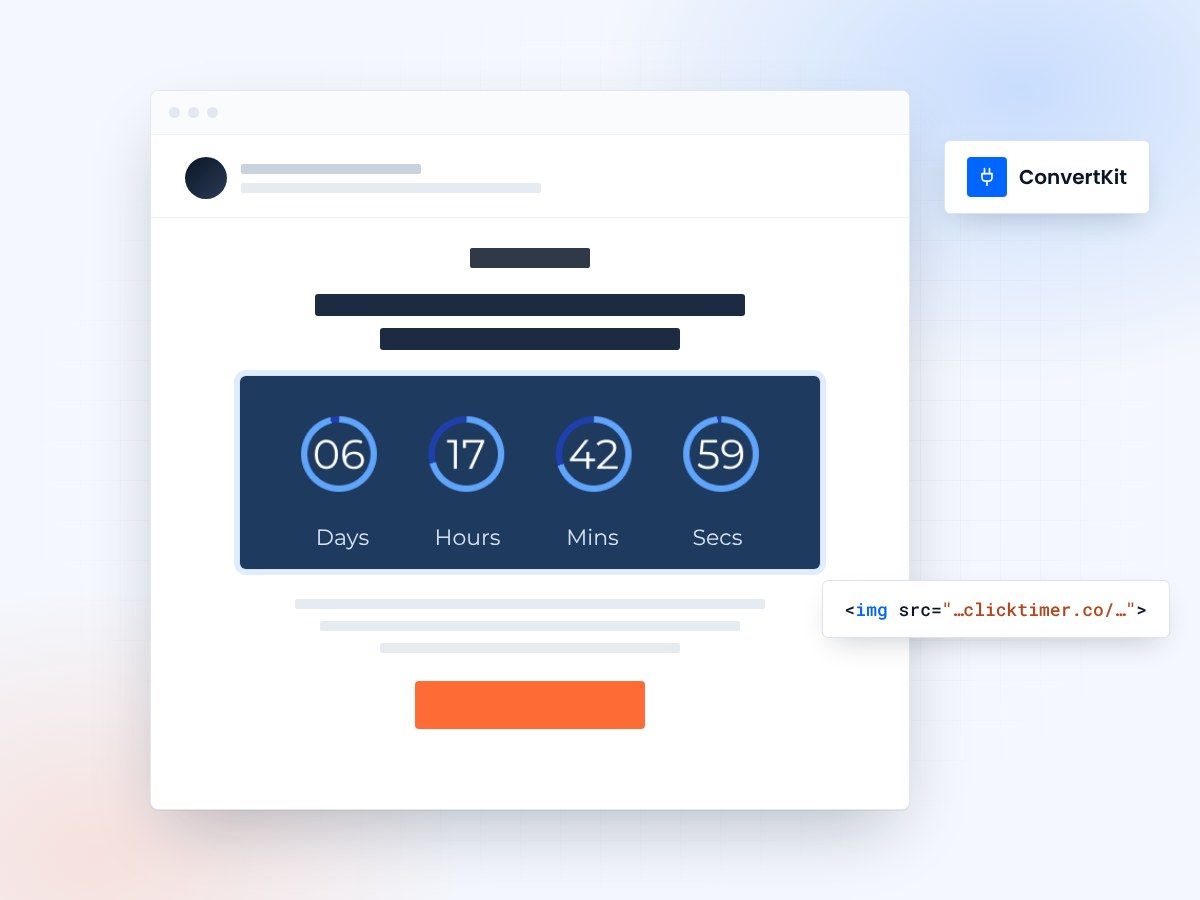
- Broadcasts and sequences
- Pastes in as an HTML block
- 10,000 free impressions a month
- No watermark, even on the free plan
Urgency for launches, offers and sequences
Whether you're launching a new course, promoting a limited-time offer, or nurturing subscribers through your sequences, countdown timers add the urgency creators need to drive action. ClickTimer integrates seamlessly with ConvertKit's broadcasts and automated sequences, helping you convert more readers into customers with dynamic, real-time countdowns that update on every email open.
Why use ClickTimer with ConvertKit?
- Perfect for sequences and broadcasts — Add evergreen timers to your automated sequences or fixed-date countdowns to broadcast campaigns.
- 900+ fonts, full customization — Match your brand. No watermarks even on free tier.
- Pay-as-you-go pricing — 10K free impressions. No subscription, credits never expire.
- Edit after sending — Update timer settings anytime, changes apply instantly.
How to add countdown timers to ConvertKit
1. Create your timer
Use ClickTimer builder. Set date, colors, fonts.
2. Copy the HTML code
Click Get Code to copy your snippet.
3. Add HTML block in ConvertKit
In your broadcast or sequence email, add an HTML block (NOT image block).
4. Paste and send
Timer updates in real-time on every email open.
Create your ConvertKit countdown
Set the date, colors and font, then paste the code into an HTML block. 10,000 free impressions a month, no credit card.
Kit (ConvertKit) countdown timer examples
Live timers built for Kit (ConvertKit). Open one to see the design specs, the copy that goes with it and how to add it.
Already have an account?
Send Test Email
Enter your email to receive a preview of how this countdown looks in email campaigns.
Popular timer use cases for ConvertKit
Course Launch Countdowns
Build hype for your next online course with multi-day countdowns in your broadcast sequence.
Evergreen Sequence Timers
Add subscriber-specific deadlines to your automated welcome or sales sequences.
Digital Product Promotions
Drive urgency for limited-time discounts on ebooks, templates, or memberships.
Webinar Registration Deadlines
Show time remaining until your live training or workshop starts.
Early-Bird Pricing
Countdown to the end of special pricing for your coaching programs or masterclasses.
Content Upgrades & Lead Magnets
Create time-limited access to bonus resources that expire after signup.
Frequently asked questions
Can I use countdown timers in ConvertKit sequences?
Yes! ClickTimer works perfectly in both broadcasts and automated sequences. Use fixed-date timers for campaign broadcasts, or create evergreen timers that start based on when each subscriber enters your sequence.
Do I need to use an image block or HTML block in ConvertKit?
Always use an HTML block (not an image block). In the ConvertKit email editor, click the + button and select HTML, then paste your ClickTimer code. This ensures your timer displays dynamically and updates in real-time.
How much does ClickTimer cost for ConvertKit users?
You get 10,000 free impressions with no watermark. After that, it's pay-as-you-go: €0.23 per 10K impressions (down to €0.06 at volume). No monthly subscription, and credits never expire.
Can I edit my timer after sending my ConvertKit email?
Absolutely. Update your timer's date, design, or settings anytime in ClickTimer. Changes apply instantly to all emails already sent—no need to resend.
Will the countdown work on mobile devices?
Yes. ClickTimer timers are fully responsive and work across all email clients and devices, including Gmail, Apple Mail, Outlook, and mobile apps.
Ready to boost your ConvertKit conversions?
Create your free timer in 90 seconds. 10K impressions, no credit card.