Free Trial Expiring Countdown Email Strategies
Turn trial users into paying customers with urgency-driven countdown emails
Create Your Timer — Free 10,000 free impressions a month · No watermark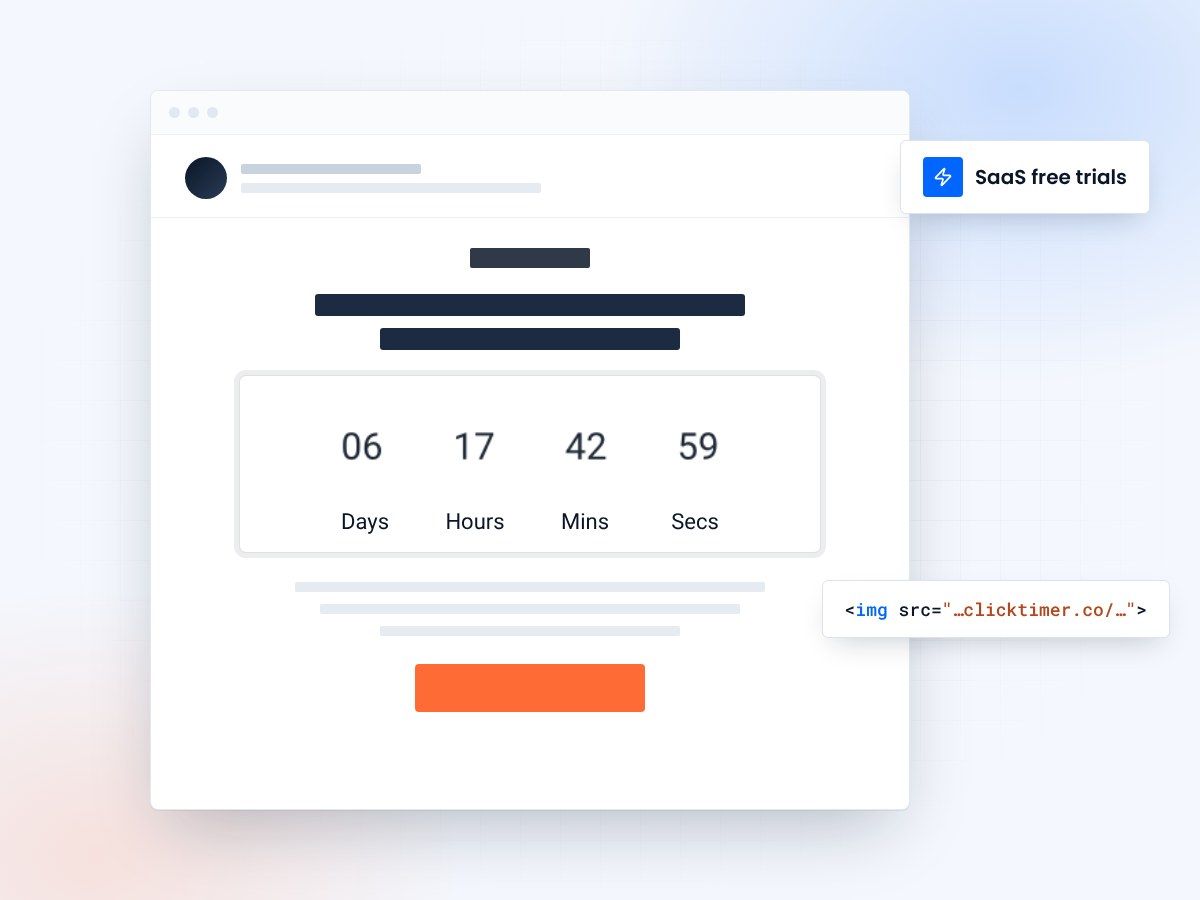
- Updates on every email open
- A personal deadline for each trial user
- 10,000 free impressions a month
- No watermark, even on the free plan
Why countdown timers transform trial expiration emails
Free trial periods are the lifeblood of SaaS growth. But here's the uncomfortable truth: most trial users never convert. Industry benchmarks show trial-to-paid conversion rates hovering between 10-25% for opt-in trials. The biggest reason? Users forget about the trial, procrastinate on making a decision, or simply don't feel enough urgency to act.
That's where countdown timers change the game. A real-time countdown embedded directly in your trial expiration email creates a visceral sense of urgency that static text simply cannot match. When a user opens their email and sees "2 days, 14 hours, 37 minutes" ticking down before they lose access, the psychological impact is immediate and powerful.
Research in behavioral economics consistently shows that loss aversion — our tendency to feel losses more strongly than equivalent gains — is one of the most powerful motivators in decision-making. A countdown timer visually represents the impending loss, making it concrete rather than abstract.
The psychology behind trial expiration urgency
Three psychological principles make countdown timers particularly effective in trial expiration contexts.
Endowment effect
First, the endowment effect means users who have been using your product already feel ownership over it — they value what they have more than what they might gain. A countdown amplifies the fear of losing something they already consider "theirs."
Temporal discounting
Second, temporal discounting makes distant deadlines feel unimportant. A trial ending "in a week" feels like forever. But when a user sees hours and minutes ticking away in real-time, the deadline feels immediate and urgent. The countdown bridges the gap between knowing and feeling.
Decision fatigue
Third, decision fatigue causes users to postpone choices. The countdown timer acts as a forcing function — it narrows the decision window and reduces the temptation to delay. When the timer shows 24 hours left, "I'll decide later" stops being a comfortable option.
Trial expiration email sequence with countdown timers
The most effective trial expiration campaigns aren't single emails — they're sequences that build urgency progressively. Here's a proven 4-email framework that maximizes conversion:
| Timing | Subject line | Countdown focus | |
|---|---|---|---|
| 1 — Soft reminder | 7 days before | "Your trial ends in 7 days — here's what you'll miss" | Days countdown with feature highlights |
| 2 — Value recap | 3 days before | "72 hours left — your [product] progress so far" | Hours countdown with usage stats |
| 3 — Urgency push | 1 day before | "Tomorrow your access expires " | Hours + minutes countdown, CTA-heavy |
| 4 — Last chance | Day of expiration | "Your trial ends today" | Minutes countdown, final offer |
Each email in this sequence should include a ClickTimer countdown that shows the exact time remaining until trial expiration. Because ClickTimer generates GIF-based timers that update on every email open, users always see the current time remaining — not a stale snapshot.
Setting up your trial countdown timer
Getting a countdown timer into your trial expiration emails takes about 30 seconds with ClickTimer. Here's the process:
Head to the ClickTimer configurator and set your countdown end date to match each user's trial expiration. Choose from 900+ Google Fonts to match your brand, customize colors and size, and copy the generated HTML code. Paste it into an HTML block in your email template, and you're done.
For SaaS companies running automated trial sequences through tools like Klaviyo, ActiveCampaign, or HubSpot, you can dynamically set the countdown endpoint using merge tags or personalization tokens — ensuring each user sees their own unique expiration time.
Pro tip: dynamic expiration dates
Most ESPs support date-based merge tags. Pass each user's trial end date as a parameter in the ClickTimer code to create personalized countdowns at scale. This works with every ESP that supports merge tags, which is virtually all of them.
Create your trial countdown
Set the end date, match your brand, copy the code. 10,000 free impressions a month, no credit card.
Already have an account?
Send Test Email
Enter your email to receive a preview of how this countdown looks in email campaigns.
Best practices for trial countdown emails
Place the timer above the fold
Place the timer above the fold. The countdown should be one of the first things users see when they open the email. Don't bury it below paragraphs of text. The visual urgency of a ticking timer loses impact if users have to scroll to find it.
Pair the timer with value reminders
Pair the timer with value reminders. Urgency alone isn't enough — users need to remember why they should care. Include usage statistics ("You've created 12 projects"), feature highlights they've used, or data they'd lose access to.
Offer a clear, single CTA
Offer a clear, single CTA. Don't give users five different options. The email has one goal: get them to convert. "Upgrade Now" or "Keep Your Account" should be the dominant action, positioned directly below the countdown timer.
Consider a discount on the final email
Consider a discount on the final email. If your margins allow it, offering 10-20% off in the last-chance email — combined with a countdown showing hours remaining — can significantly boost conversion. The timer makes the discount feel scarce too.
Don't forget post-expiration
Don't forget post-expiration. Send one email 24-48 hours after expiration with a "We saved your data for 7 more days" countdown. This grace period approach recovers users who genuinely meant to convert but missed the deadline.
Measuring success: key metrics to track
Track these metrics to measure the impact of countdown timers on your trial conversion:
| Metric | Without timer | With timer (expected) | Why |
|---|---|---|---|
| Email open rate | 15-25% | 20-30% | Urgency-driven subject lines |
| Click-through rate | 2-5% | 5-12% | Visual countdown drives clicks |
| Trial-to-paid conversion | 10-15% | 15-25% | Reduced procrastination |
| Time to convert | Spread over weeks | Concentrated near deadline | Timer focuses decision-making |
Why ClickTimer is ideal for SaaS trial emails
For SaaS companies — especially startups and growing teams — cost matters. Most countdown timer services charge monthly subscriptions: MailTimers starts at €49/month, Deadline Funnel at $49/month. That adds up fast when you're still optimizing your funnel.
ClickTimer's pay-as-you-go pricing changes the equation entirely. You get up to 10,000 timer impressions completely free — no watermark, no credit card required. Beyond that, it's just €0.23 per 10,000 impressions, scaling down to €0.06 per 10K at volume. For a SaaS with 500 trial users per month, that could mean paying nothing at all.
Plus, ClickTimer works with every email service provider. Whether you're on Mailchimp, Brevo, or a transactional email service like SendGrid, the GIF-based timer displays perfectly across all email clients.
Frequently asked questions
Can I set a different countdown for each trial user?
Yes. Use dynamic URL parameters with your ESP's merge tags to set each user's trial end date as the countdown target. ClickTimer generates a unique timer for each URL, so every user sees their personalized deadline.
What happens when the countdown reaches zero?
You can configure ClickTimer to show a custom "expired" message when the timer hits zero. This is useful for users who open the email after their trial has ended — they see "Trial Expired" instead of a negative countdown.
Does the timer work in all email clients?
Yes. ClickTimer uses animated GIFs, which are supported by virtually every email client including Gmail, Outlook, Apple Mail, and Yahoo Mail. The timer updates each time the email is opened.
How many trial emails can I send with the free tier?
ClickTimer's free tier covers 10,000 impressions with no watermark. If each trial user opens your emails an average of 3 times across your sequence, that's over 3,000 trial users covered for free.
Add a countdown to your trial emails
Create your first countdown timer in 30 seconds.