The Best Deadline Funnel Alternative for Email Countdown Timers
Why pay $49-99/month for complex funnel features when you just need a simple countdown timer?
Try ClickTimer Free 10,000 free impressions a month · No watermark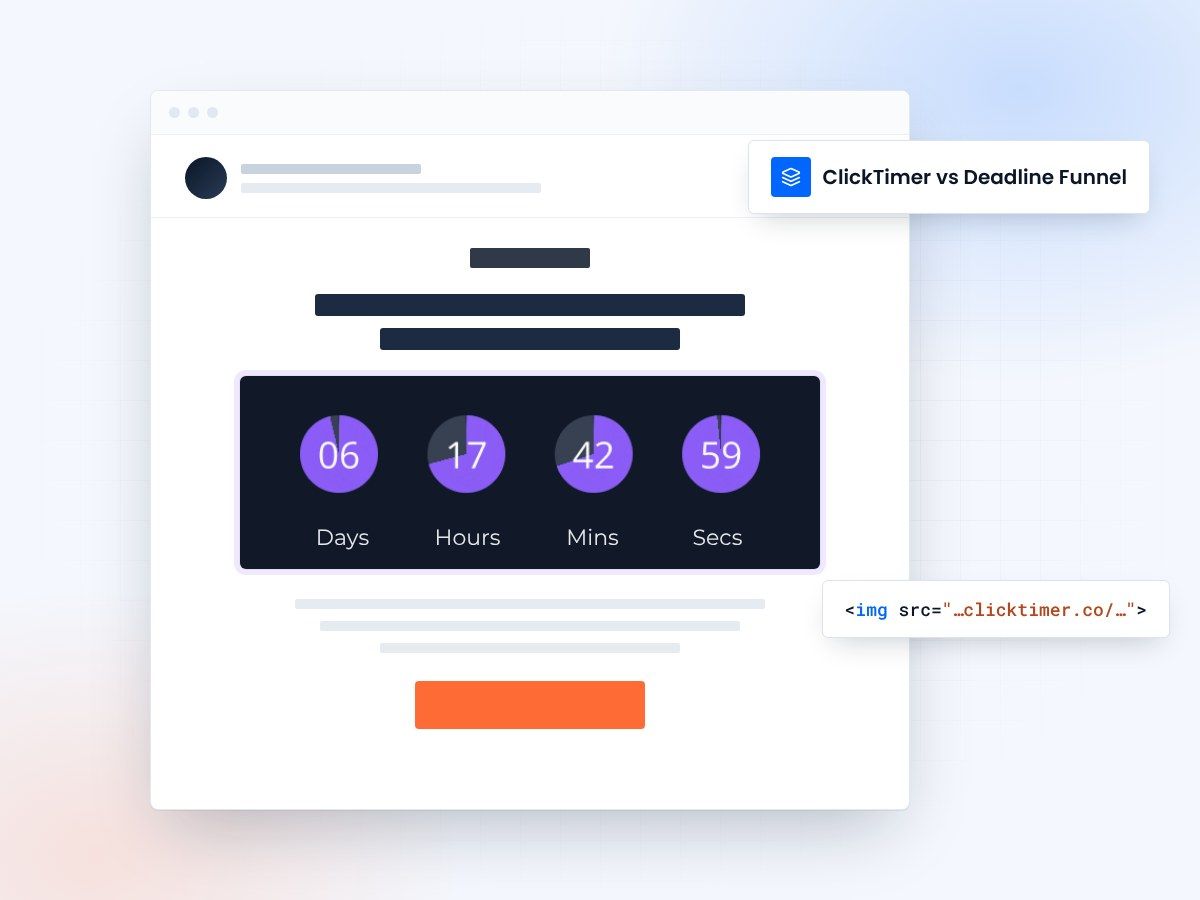
- 10,000 free impressions a month
- No watermark, even on the free plan
- Pay as you go, no subscription
- Prepaid credits that never expire
A simpler Deadline Funnel alternative
Deadline Funnel is a powerful tool for complex marketing funnels, but most users just need a simple countdown timer for their emails. If you're paying $49-99/month for features you don't use, ClickTimer offers a simpler alternative: pay-as-you-go pricing, 10K free impressions monthly, and countdown timers without the funnel complexity.
Deadline Funnel vs ClickTimer
| Feature | Deadline Funnel | ClickTimer |
|---|---|---|
| Free tier | None | 10K impressions |
| Watermark on free | N/A | No |
| Pricing model | Monthly subscription | Pay-as-you-go |
| Credits expiration | Monthly reset | Never expire |
| Fonts available | Limited | 900+ |
| Cost for 100K | $49-99/month | €2.07 (one-time) |
Why switch from Deadline Funnel to ClickTimer?
Stop paying $49-99/month
ClickTimer's pay-as-you-go model means you only pay for what you use. Get 10K free impressions monthly, then pay just €2.07 for 100K impressions - far less than Deadline Funnel's monthly subscription that resets whether you use it or not.
Test before you commit
Unlike Deadline Funnel's no-free-tier approach, ClickTimer gives you 10,000 free impressions every month with no watermark and no credit card required. Test unlimited timers, see real results, then decide if you need more.
Simple timers, no complexity
If you just need countdown timers for emails, why deal with complex funnel features? ClickTimer focuses on one thing: beautiful, customizable countdown timers that work. Create one in 90 seconds, no learning curve required.
Switching is easy
No migration needed. ClickTimer works the same way - create timer, copy HTML code, paste in your email.
1. Create your timer
90 seconds, no account needed
2. Copy HTML code
works with all ESPs
3. Paste in your email
timer updates in real-time
Create your first countdown
No funnel to set up: pick a date, match your brand, copy the code. 10,000 free impressions a month, no credit card.
Already have an account?
Send Test Email
Enter your email to receive a preview of how this countdown looks in email campaigns.
Frequently asked questions
Is ClickTimer really free?
Yes. 10,000 impressions free every month with no watermark. No credit card required.
How does ClickTimer compare to Deadline Funnel?
ClickTimer focuses exclusively on countdown timers for emails without the complex funnel features. You get 10K free impressions monthly, pay-as-you-go pricing (no subscription), and credits that never expire. Perfect if you just need timers, not full funnel automation.
What happens when I exceed 10K impressions?
Buy credits at €0.23 per 10K (or less at higher volumes). Credits never expire - use them whenever you need.
Can I use my existing email templates?
Yes. ClickTimer works with any email platform that supports HTML images - Klaviyo, Mailchimp, HubSpot, and 100+ others.
Will I lose Deadline Funnel's evergreen and personalized deadline features?
ClickTimer focuses on countdown timers with fixed deadlines, perfect for launches, sales, and time-sensitive campaigns. If you need personalized evergreen funnels with complex automation, Deadline Funnel may be a better fit. But if you just need reliable countdown timers that work beautifully in emails, ClickTimer delivers that at a fraction of the cost.
Ready to switch from Deadline Funnel?
Create your first timer in 90 seconds. 10K free impressions, no credit card required.