Webinar Email Campaigns
Drive webinar registrations with countdown timers. Complete strategy for promotion and urgency.
Create Your Timer — Free 10,000 free impressions a month · No watermark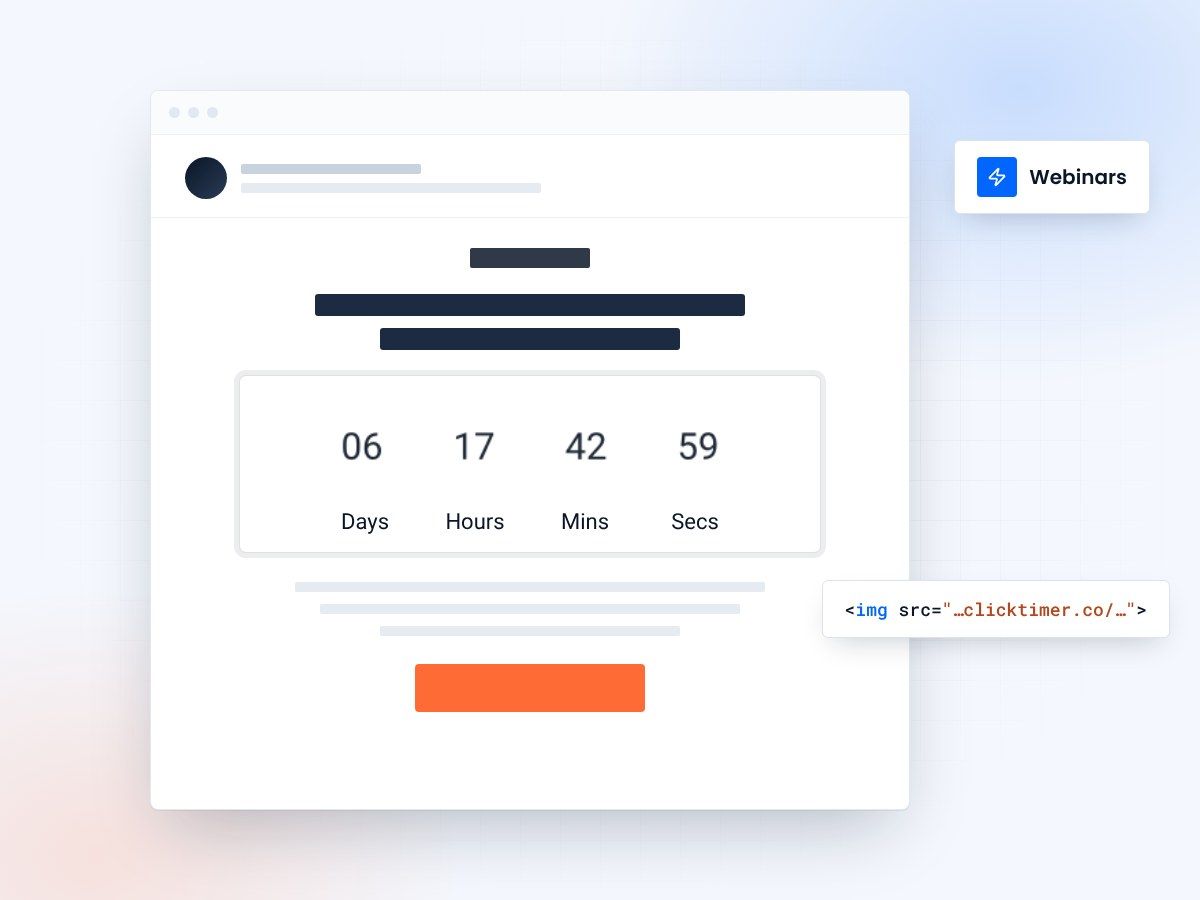
- Built for webinar email sequences
- Registration and start-time countdowns
- 10,000 free impressions a month
- No watermark, even on the free plan
Webinar countdown timer email campaigns
Webinars are high-value marketing assets. A single webinar can generate qualified leads for months. However, getting people to actually register and attend requires strategic email promotion. Countdown timers are one of the most effective tools for driving webinar registrations. When combined with a thoughtful email sequence, countdown timers can increase registrations by 40-60%. This guide covers the complete strategy.
Why webinars need countdown timers
Webinars have a clear deadline: the start time. This built-in scarcity is perfect for countdown timers. Unlike ongoing offers, webinar spots feel genuinely limited ("first 500 registrations"). Countdown timers reinforce that scarcity and create urgency to register immediately rather than "maybe later."
The optimal webinar email sequence
For best results, send a strategic sequence of emails leading up to the webinar. Spread them across 1-2 weeks to reach different segments of your audience at optimal times:
| Timing Before Event | Primary Goal | Timer Use | |
|---|---|---|---|
| Email 1: Announcement | 10-14 days before | Drive initial registrations | Registration deadline timer |
| Email 2: Value Pitch | 7-8 days before | Emphasize webinar value | Secondary timer for reach |
| Email 3: Social Proof | 4-5 days before | Capture remaining registrations | Registration deadline timer |
| Email 4: Final Reminder | 2-3 days before | Confirm attendance intention | Event start countdown timer |
| Email 5: Last Chance | 1 day before | Drive final registrations | 24-hour registration countdown |
| Email 6: Day-Of Reminder | Morning of event | Boost attendance | Start time countdown (2 hrs) |
The six emails in detail
Email 1: the announcement (10-14 days out)
Your first email introduces the webinar and establishes its value. Feature a countdown timer showing days remaining until the event. Subject lines that work:
Include speaker credentials, agenda outline, and clear value proposition. Place the countdown timer prominently showing registration deadline (typically 2-3 days before the event). Make registration super easy—single-click registration beats multi-step forms.
Email 2: the value email (7-8 days out)
People who didn't register to email 1 get this email. Focus on the specific value and outcomes. Who should attend? What problems does this solve?
Include a secondary countdown timer showing when registration closes. Use specific language: "Only 5 spots left" or "Closes Wednesday at 11:59 PM EST." Make the urgency feel real by tying it to a specific deadline.
Email 3: social proof email (4-5 days out)
At this point, you have momentum. Leverage it to drive final registrations:
Include your countdown timer showing registration deadline is approaching. This creates FOMO—other people are already registered and the sender is now in the minority.
Email 4: confirmation email (2-3 days before)
Segmentation matters here. Send different emails to:
- People who registered: Confirmation + calendar invite + pre-work
- People who didn't register: Final reminder with countdown timer
For non-registrants, use the countdown timer to show registration is closing soon. Last chance to save spots. For registrants, use a countdown timer showing days until the event starts to build anticipation.
Email 5: last chance (1 day before)
Final email for non-registrants. Make it urgent and time-sensitive:
Use your most prominent countdown timer design. The timer should show approximately 24 hours remaining. This is your last chance to convert fence-sitters.
Email 6: day-of reminder (morning of event)
Send a reminder to registrants the morning of the webinar. Include a countdown timer showing time until start (e.g., "starts in 2 hours"). This drives attendance and reduces no-show rates.
Include the webinar link, dial-in details, and speaker bios. For video webinars, include a note about testing audio/video beforehand. Make joining as easy as possible.
Create your webinar countdown
Set the start time, match your brand, copy the code. 10,000 free impressions a month, no credit card.
Already have an account?
Send Test Email
Enter your email to receive a preview of how this countdown looks in email campaigns.
Webinar email design best practices
Registration CTA
Make registration impossible to miss. Use a prominent button (CTA should appear 3+ times in email). Consider pre-filled registration with single-click options for easier conversion.
Timer positioning
Place countdown timer above the fold, between headline and registration CTA. Make it visually distinct—use contrasting colors. The timer draws attention and communicates urgency immediately.
Speaker credibility
Include speaker photos, titles, and credentials. People register for webinars to learn from specific experts. Make the speaker authority crystal clear. Include speaker social proof when available.
Agenda details
Include specific agenda items. Generic "learn valuable insights" doesn't work. Tell people exactly what they'll learn: "How to 3x your email conversion rate" is more compelling than "Email marketing best practices."
Advanced: segmentation strategy
Customize the webinar sequence based on audience characteristics:
- Past attendees: Send different speaker-focused subject lines
- VIP accounts: Invite to private pre-webinar Q&A
- Active in category: Send advanced topics email
- New to category: Send beginner-friendly framing
- Previous webinar attendees: Emphasize new content
Common webinar email questions
How long should I promote before the webinar?
Start promotion 2 weeks before for best reach. First email 10-14 days out, final registration email 1-2 days before. Shorter timelines (5-7 days) can work but limit reach. Longer timelines (3+ weeks) cause people to forget before the event.
Should I use different countdown timers for registration vs. attendance?
Yes. Use "registration closes in X days" for early emails (drives registrations). Switch to "event starts in X hours" for confirmation and day-of emails (drives attendance). Different timers serve different purposes and create different urgency levels.
What attendance rate should I expect?
Industry average is 40-50% of registered attendees actually join. With countdown timer emails and day-of reminders, you can typically achieve 50-65% attendance. The more reminder emails you send, the higher attendance, but balance against unsubscribe rates.
Should I cap registration numbers?
Yes, if you have platform limits or want to create scarcity. "Limited to 500 attendees" creates urgency. Once you hit capacity, switch messaging to "Join the waitlist" to capture interested parties who can watch the recording later.
Try ClickTimer free
Create your first countdown timer in 30 seconds and launch your webinar email campaigns today.