ClickTimer vs MotionMail: Which Timer Is Better?
Two popular countdown timer tools go head to head. Here's how they compare on pricing, features, and flexibility.
Create Your Timer — Free 10,000 free impressions a month · No watermark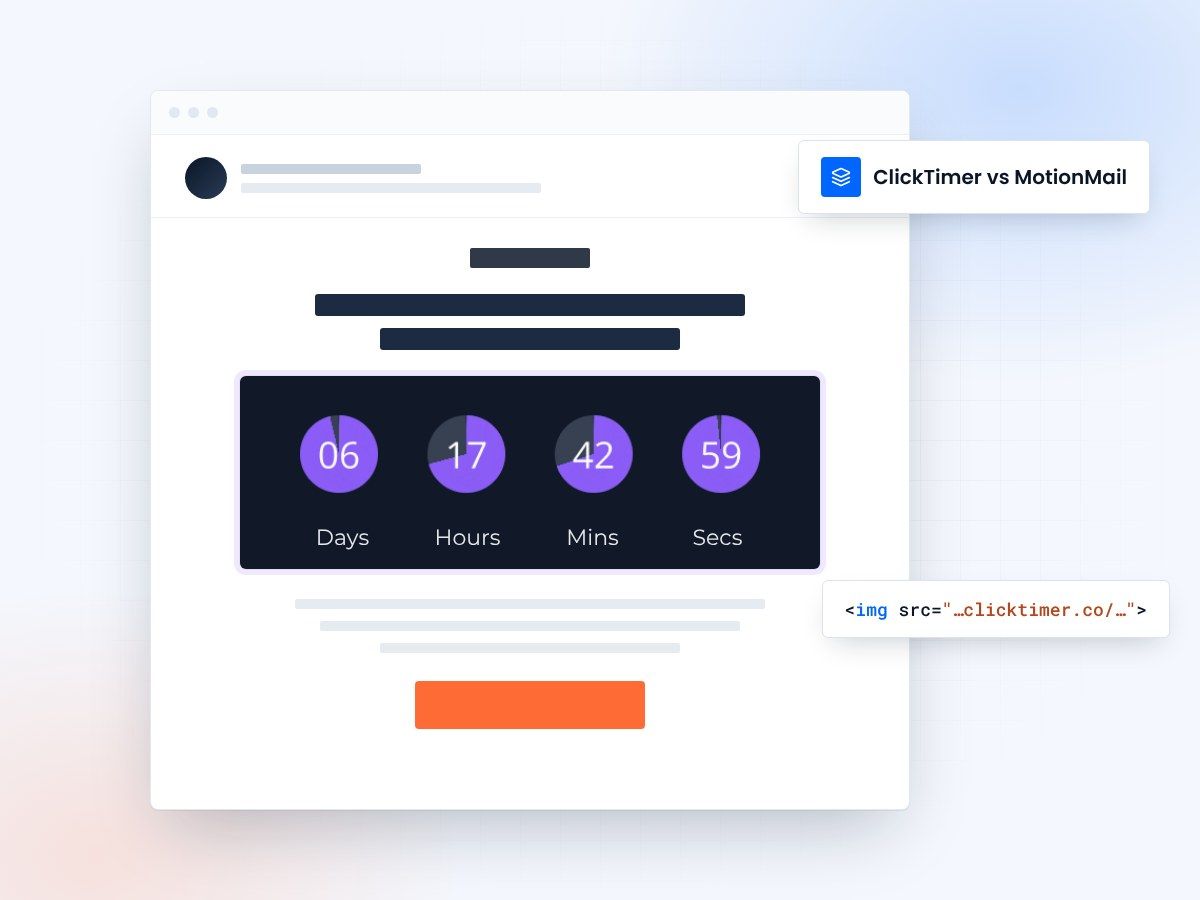
- Pay as you go, no subscription
- Prepaid credits that never expire
- 10,000 free impressions a month
- No watermark, even on the free plan
ClickTimer vs MotionMail at a glance
ClickTimer and MotionMail both let you embed live countdown timers in emails. The core technology is similar — both generate animated GIF images that update in real time when recipients open their emails. But the business models and feature sets serve different audiences.
MotionMail has been in the market longer and offers a broader suite of dynamic email content tools beyond just countdowns. ClickTimer focuses specifically on countdown timers and competes aggressively on price — with a pay-as-you-go model starting at €0.23/10K impressions and a free tier of 10,000 impressions with no watermark.
Pricing breakdown
MotionMail uses subscription-based pricing, while ClickTimer operates on prepaid credits that never expire. This fundamental difference matters depending on how consistently you use countdown timers in your campaigns.
| Feature | ClickTimer | MotionMail |
|---|---|---|
| Free tier | 10,000 impressions, no watermark | Free plan with MotionMail branding |
| Paid starting price | €0.23/10K impressions | $20+/month (subscription) |
| Billing | Pay-as-you-go, credits never expire | Monthly subscription |
| Fonts | 900+ Google Fonts | Standard font options |
| Timer type | GIF countdown | GIF countdown + other dynamic content |
| ESP compatibility | All ESPs | All ESPs |
Feature comparison
MotionMail
MotionMail positions itself as a broader dynamic email content platform. Beyond countdowns, they offer features like live social feeds, weather-based content, and other personalization tools. If you need a full suite of dynamic email elements, MotionMail gives you more out of the box.
ClickTimer
ClickTimer, on the other hand, does one thing exceptionally well: countdown timers. The configurator takes about 30 seconds to create a timer, and you get access to over 900 Google Fonts for precise brand matching. If countdown timers are your primary need, ClickTimer's focused approach and superior pricing make it the stronger choice.
Create your countdown with ClickTimer
Set the end date, match your brand, copy the code. 10,000 free impressions a month, no credit card.
Already have an account?
Send Test Email
Enter your email to receive a preview of how this countdown looks in email campaigns.
The free tier advantage
Who should choose what?
If you need more than just countdown timers — live polls, dynamic images, weather widgets in emails — MotionMail's broader toolkit might justify its subscription cost. But if countdown timers are your main use case, ClickTimer delivers the same core functionality at a fraction of the price, with better font customization and a genuinely useful free tier.
For agencies running timers across multiple client accounts, ClickTimer's pay-as-you-go model is especially attractive. You only pay for actual impressions, and credits never expire — no wasted budget on months where campaigns are lighter. Compare this to other alternatives like NiftyImages or Deadline Funnel to see the full picture.
Frequently asked questions
Does MotionMail offer pay-as-you-go pricing?
No. MotionMail uses monthly subscriptions. ClickTimer is one of the few countdown timer tools that offers true pay-as-you-go pricing with credits that never expire.
Can I use ClickTimer with my existing ESP?
Yes. ClickTimer works with every email service provider — just paste the timer HTML code into an HTML block in your email template. No plugins or special integrations needed.
Which has better design customization?
ClickTimer offers 900+ Google Fonts, which gives you significantly more typographic flexibility. Both platforms allow color and layout customization.
Try ClickTimer free
Create your first countdown timer in 30 seconds. No credit card required.