Early Bird Pricing Countdown Emails
Drive early sales with tier-based countdown timers and progressive pricing
Create Your Timer — Free 10,000 free impressions a month · No watermark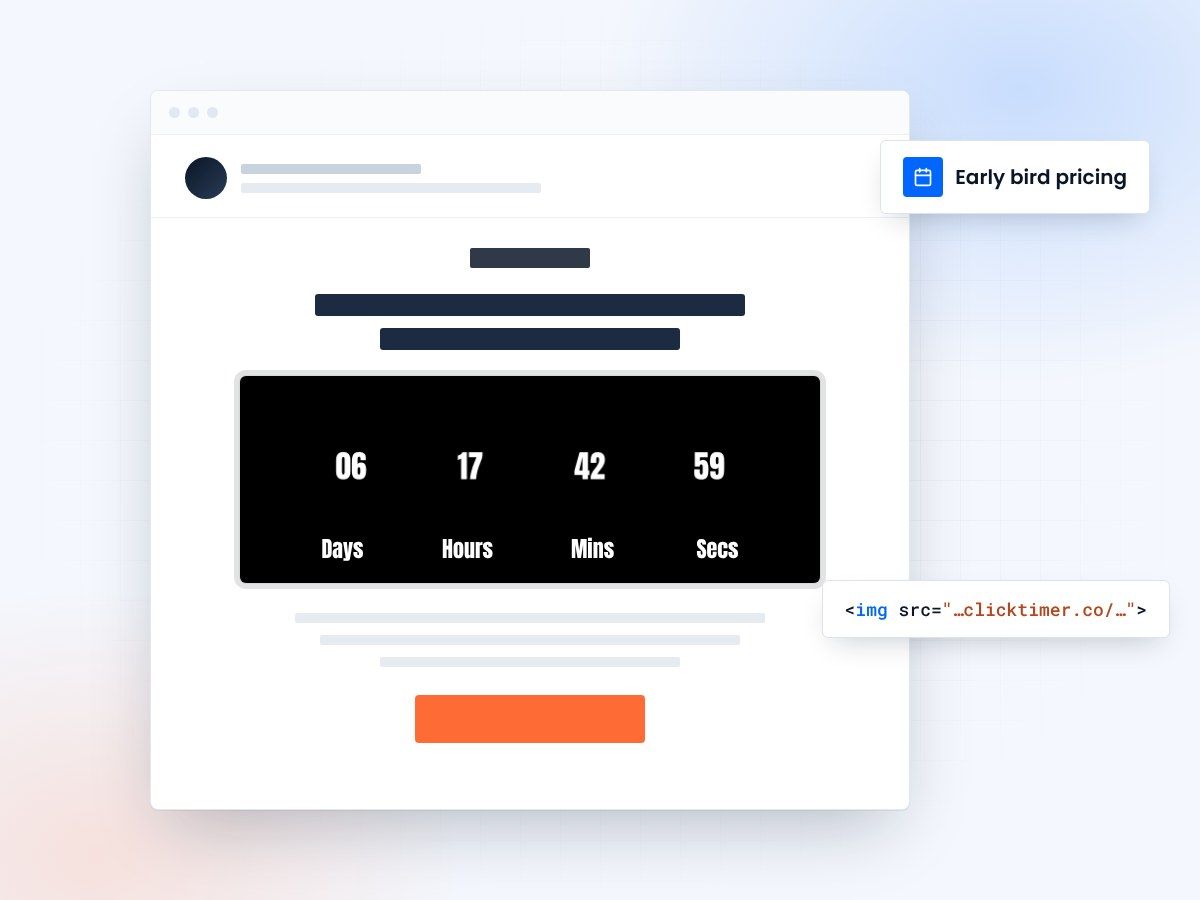
- Tier-based early bird pricing
- A deadline for every price tier
- Works in any email platform
- 10,000 free impressions a month
Why early bird pricing works
Early bird pricing is a proven tactic used by conferences, online courses, membership sites, and event organizers to generate cash flow before an event or program launch. The strategy works because it rewards fast decision-making with a discount, which creates two types of urgency simultaneously: early adopters get a better price, and that price tier has a deadline.
When you combine early bird pricing with countdown timers, the psychological effect is powerful. Customers see both a financial incentive (save $50 or more) and a deadline for that incentive, creating compound urgency. Research shows that early bird campaigns with countdown timers generate 40-60% of their total revenue before the program actually starts, and 70-80% of that comes from the first early bird tier closing.
- Countdown timers increase email engagement by creating urgency
- Visual timers improve click-through rates and conversions
- Time-sensitive messaging drives immediate action
Use a tier structure, not a single deadline
The key to maximizing early bird campaigns is the "tier structure." Rather than having one deadline where early bird pricing ends and regular pricing begins, use 2-3 tiers where each tier has progressively higher pricing and a countdown deadline. This keeps the urgency feeling fresh and gives customers multiple "last chances" to act.
For a course, event, or membership launching 8 weeks out, a three-tier structure works well: Founder tier ($79), Early Bird tier ($129), and Regular tier ($179). Each tier has a deadline, and each closes a week apart to maintain momentum.
Announce the program with founder pricing: "$79—exclusive founding member rate." Send a countdown timer showing "10 days to lock in founder pricing." Make it clear that founder pricing is limited to the first 100 customers or first 2 weeks—whichever comes first. Emphasize founder-only bonuses: "Founding members get lifetime updates at no extra cost" or "Founding members get added to our exclusive Slack community." Email your warmest list (past customers, email list, community members).
Impact metrics
| Metric | Impact | Result |
|---|---|---|
| Email Open Rates | Countdown timers in subject lines | ↑ 25-40% |
| Click-Through Rates | Visual timer elements in content | ↑ 18-35% |
| Conversion Rates | Urgency-driven messaging | ↑ 12-30% |
| Customer Action Speed | Limited-time offers | 3x Faster |
Create your early bird countdown
Set the tier deadline, match your brand, copy the code. 10,000 free impressions a month, no credit card.
Already have an account?
Send Test Email
Enter your email to receive a preview of how this countdown looks in email campaigns.
Best practices
Do
- Use realistic, achievable deadlines
- Make timers visually prominent
- Test countdown copy variations
- Update timers in follow-up emails
Don't
- Use fake countdown timers
- Overuse urgency messaging
- Hide expiration dates
- Forget to honor deadlines
Frequently asked questions
How do countdown timers affect email deliverability?
Countdown timers don't directly impact deliverability. However, ensure your timer code is clean HTML/CSS and avoid heavy JavaScript that could trigger spam filters. Test emails with major providers before sending.
Should I use the same deadline for all recipients?
Segmentation is recommended. Send time-zone adjusted emails with recipient-specific deadlines for maximum relevance. This prevents last-minute send volume spikes.
What's the optimal countdown duration?
24-72 hours is typically ideal for urgency without creating undue pressure. Test different durations with your audience to find the sweet spot.
How do I ensure timer accuracy across clients?
Use server-side rendering or dynamic content blocks that calculate time differences server-side. This ensures consistency across all email clients, from Gmail to Outlook.
Start your early bird countdown today
Create your first countdown timer and start driving urgency-based conversions today.