Flash Sale Email Strategies
Proven strategies for flash sale emails with countdown timers that maximize urgency and revenue.
Create Your Timer — Free 10,000 free impressions a month · No watermark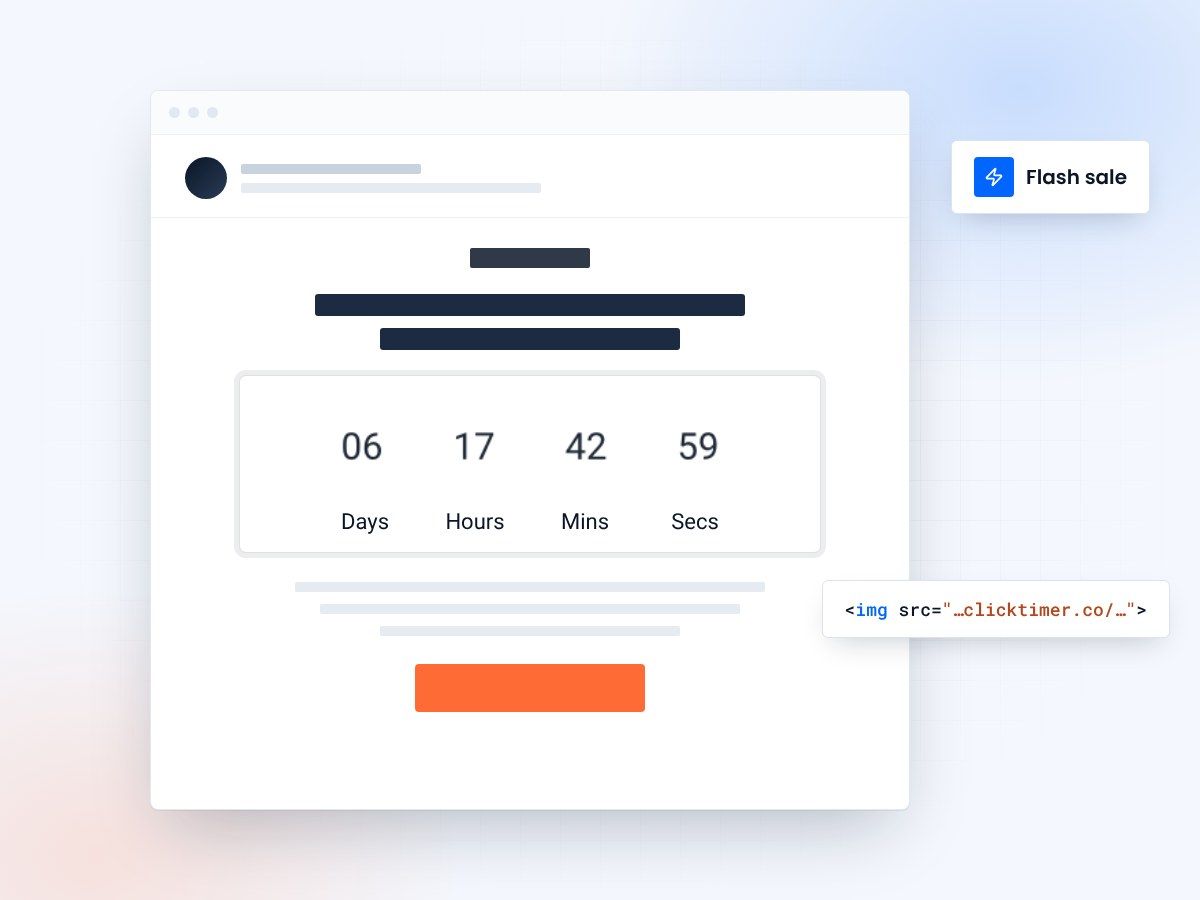
- A five-email sequence over 48 hours
- Works in any email platform
- 10,000 free impressions a month
- No watermark, even on the free plan
Flash sale countdown email strategies
Flash sales are among the highest-converting email campaigns you can run. The combination of limited time, limited inventory, and significant discounts creates maximum urgency. However, execution matters enormously. The difference between a flash sale that generates $50,000 in revenue and one that generates $5,000 often comes down to strategic email sequencing and countdown timer implementation. This guide covers the proven strategies used by e-commerce leaders.
Why flash sales generate revenue
Flash sales work because they compress the decision timeline. Instead of "think about it and decide later," prospects decide immediately. A 48-hour flash sale with 20-40% off creates urgency that removes friction. Combined with countdown timers, flash sales see 3-5x higher conversion rates than regular promotions.
The optimal email sequence
Timing is critical for flash sale success. A single email announcement misses prospects who don't check email immediately. The best approach is a multi-email sequence strategically spaced across the flash sale window:
| Email # | Timing | Goal | Focus |
|---|---|---|---|
| Email 1: Launch | Hour 0 (9 AM) | Announce & capture early buyers | Discount, timer, exclusivity |
| Email 2: Momentum | Hour 12 | Re-engage who missed first email | Social proof, scarcity, countdown |
| Email 3: Urgency | Hour 24 | Push fence-sitters to convert | "24 hours left", inventory warning |
| Email 4: Last Chance | Hour 36 | Final push before closing | "Only 6 hours left", final countdown |
| Email 5: Closing | Hour 46 (2 AM) | Catch last-minute buyers | "2 hours left", extreme urgency |
Five emails, one countdown
What each send should say, with subject lines that work.
Email 1: the launch announcement
The first email sets the tone. Send it immediately when the flash sale goes live. Include the biggest discount percentage prominently, the countdown timer, and a clear CTA. Subject lines that work best:
Capture the most deal-sensitive customers in the first hour. Early revenue creates momentum and social proof for later emails.
Email 2: the momentum email (12 hours in)
Many subscribers miss the first email. Send email 2 at the 12-hour mark to catch afternoon and evening readers. Focus on social proof to FOMO-drive conversions:
Use a slightly different angle than email 1 to avoid looking repetitive. Emphasize what others are buying and inventory limitations.
Email 3: the urgency email (24 hours in)
At the 24-hour mark, flip the messaging to time-based urgency. Use your countdown timer prominently. Subject lines:
Email 3 targets people who were interested but hadn't converted. The shrinking time window creates genuine urgency.
Emails 4 & 5: last chance emails
In the final hours, send increasingly urgent emails. At 36 hours: "Only 12 hours left." At 46 hours: "Only 2 hours left." These final emails are designed to catch the last-minute buyers who needed multiple touches before converting.
Make the countdown timer visually dominant in these final emails. The timer is doing the heavy lifting, so design it to grab attention.
Flash sale design and layout best practices
Hero section
Make it visual and exciting. Big discount percentage, countdown timer, single CTA button. No confusion or secondary options.
Timer placement
Place countdown timer between headline and products. Make it visually distinct with contrasting colors (red or orange). Large enough that it's impossible to miss.
Product grid
Show bestsellers and most-discounted items. Make it obvious which products are on sale. Use progress bars if inventory is limited ("15 of 20 left").
Mobile optimization
60%+ of email opens are mobile. Ensure the countdown timer is readable on small screens. Stack layout vertically. Big, tap-friendly buttons.
Create your flash sale countdown
Set the end of your sale, match your brand, copy the code. 10,000 free impressions a month, no credit card.
Already have an account?
Send Test Email
Enter your email to receive a preview of how this countdown looks in email campaigns.
Advanced strategy: segmentation
The best flash sale programs segment their audience. Don't send the same email to everyone. Consider:
- VIP/Loyal customers: Early access email 2-4 hours before general launch
- Recent browsers: Personalized recommendations based on what they viewed
- Past purchasers: Complementary product recommendations
- Inactive users: Higher discount (e.g., 45% off) to re-engage
Segmentation increases conversion 20-35% because messaging feels more relevant. Loyal customers appreciate early access. Recent browsers get recommendations for items they actually viewed.
Common flash sale questions
How often can I run flash sales without damaging brand perception?
Once per quarter is safe for most brands. Some e-commerce companies run monthly flash sales successfully. The key is authenticity—make sure each flash sale is genuinely limited time and inventory. If you do weekly flash sales, they lose their "special" status and become regular discounts.
What discount percentage works best?
20-40% off typically works well. Lower discounts (10-15%) don't create urgency. Higher discounts (50%+) hurt margins unless strategically used for overstock liquidation. Test what works for your margins and audience. B2B often uses smaller percentages (5-15%) while consumer brands use larger ones.
Should I use countdown timers for every flash sale email?
Yes. Countdown timers should be in all 5 emails, but with varying emphasis. Email 1-3 use standard timers. Emails 4-5 should feature oversized, highly visible timers. The visual countdown reinforces urgency as time runs short.
What's the ideal flash sale duration?
48 hours is optimal. Long enough to reach global audiences across time zones. Short enough to create genuine urgency. 24-hour flash sales create higher urgency but miss some prospects. 72-hour sales lose momentum. Test 48 hours as your baseline.
Try ClickTimer free
Create your first countdown timer in 30 seconds and launch your flash sale campaigns today.