Dynamic Countdown Timers for WooCommerce
Boost sales with real-time countdown timers in your WooCommerce automated emails
Start Free with WooCommerce 10,000 free impressions a month · No watermark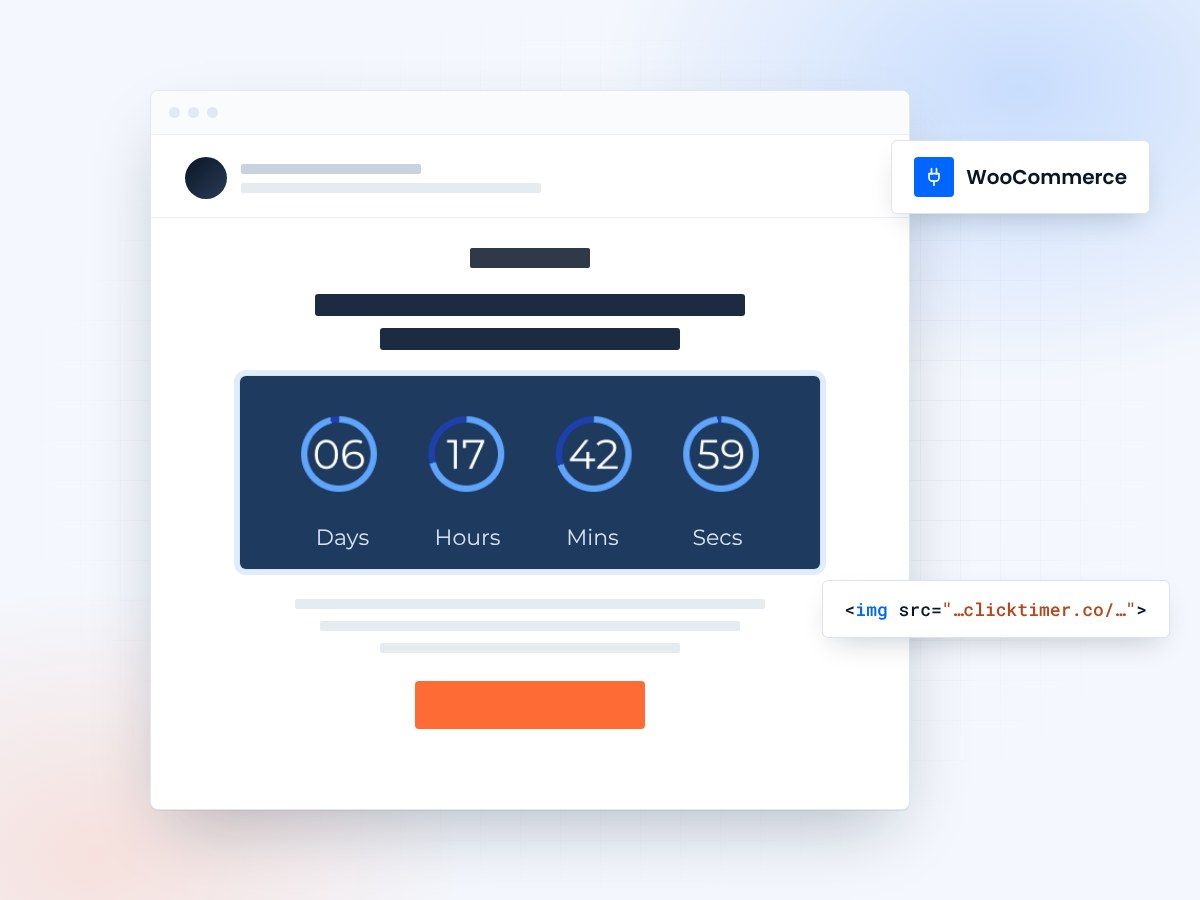
- Every WooCommerce email type
- Edit the timer after sending
- 10,000 free impressions a month
- No watermark, even on the free plan
Live urgency for WooCommerce emails
WooCommerce powers millions of online stores, but default email templates lack the urgency needed to drive immediate action.
ClickTimer adds dynamic countdown timers to your WooCommerce transactional emails and marketing campaigns—perfect for flash sales, abandoned cart recovery, and limited-time offers. Unlike static images, these timers update in real-time for every customer who opens your email.
Why use ClickTimer with WooCommerce?
- Works in all WooCommerce email types — Add timers to order confirmations, cart abandonment emails, customer notes, and marketing campaigns sent via WooCommerce extensions.
- 900+ fonts, full customization — Match your brand. No watermarks even on free tier.
- Pay-as-you-go pricing — 10K free impressions. No subscription, credits never expire.
- Edit after sending — Update timer settings anytime, changes apply instantly.
How to add countdown timers to WooCommerce
1. Create your timer
Use ClickTimer builder. Set date, colors, fonts.
2. Copy the HTML code
Click Get Code to copy your snippet.
3. Add HTML block in WooCommerce
In your WooCommerce email template editor (via Customizer or email plugin), add an HTML block (NOT image block).
4. Paste and send
Timer updates in real-time on every email open.
Create your WooCommerce countdown
Set the end date, match your brand, copy the code. 10,000 free impressions a month, no credit card.
Already have an account?
Send Test Email
Enter your email to receive a preview of how this countdown looks in email campaigns.
Popular timer use cases for WooCommerce
Flash sale announcements
Drive urgency for 24-hour product promotions sent to your customer list
Abandoned cart recovery
Add 2-hour countdown to cart recovery emails to push immediate checkout
Pre-Order deadlines
Show time remaining before pre-order window closes for new products
Coupon expiration reminders
Countdown to when promotional codes expire to boost redemption rates
Seasonal campaign endings
Black Friday, Cyber Monday, holiday sale countdowns in promotional emails
Back-in-Stock alerts
Limited quantity restocks with timer showing how long inventory will last
Frequently asked questions
Can I add timers to WooCommerce transactional emails?
Yes. You can add ClickTimer HTML code to order confirmation emails, shipping notifications, and any WooCommerce email template. Most email customizer plugins (like Kadence WooMail, YayMail) support HTML blocks where you paste the code.
Do I need a WooCommerce email plugin to use timers?
Not necessarily. You can add HTML directly to WooCommerce default email templates via functions.php or the Customizer. However, email designer plugins make it much easier by providing drag-and-drop HTML blocks.
Will the timer work with cart abandonment plugins?
Absolutely. ClickTimer works with popular WooCommerce cart recovery plugins like Retainful, AutomateWoo, and Cartbounty. Just paste the HTML code into their email template editors.
How much does it cost after 10K free impressions?
Pay-as-you-go: €0.23/10K impressions (drops to €0.06/10K at volume). No subscription. Credits never expire. Perfect for WooCommerce stores with unpredictable email volume.
Can I use different timers for different products or campaigns?
Yes. Create unlimited timers in ClickTimer. Each gets unique HTML code. Use different timers for flash sales vs cart recovery vs product launches, all tracked separately.
Ready to boost your WooCommerce conversions?
Create your free timer in 90 seconds. 10K impressions, no credit card.