Dynamic Countdown Timers for Klaviyo
Drive urgency in flows and campaigns. Perfect for flash sales, abandoned cart recovery, and product drops.
Start Free with Klaviyo 10,000 free impressions a month · No watermark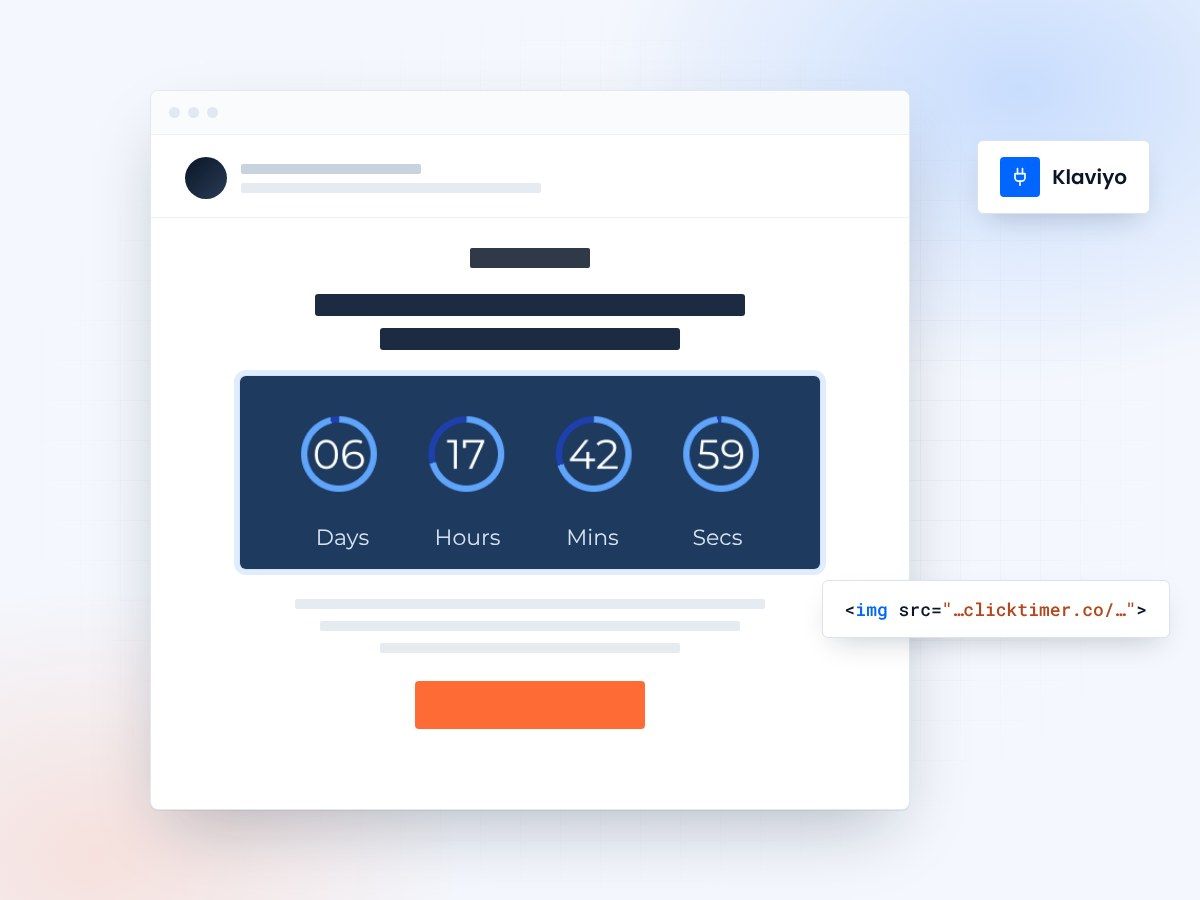
- Works in Klaviyo flows and campaigns
- 900+ fonts, full customization
- Edit after sending
- 10,000 free impressions a month
Why use ClickTimer with Klaviyo?
Klaviyo powers your e-commerce marketing, and ClickTimer makes every email count. Add real-time countdown timers to your flows and campaigns to create urgency that converts browsers into buyers. Perfect for Shopify stores, DTC brands, and any e-commerce business looking to boost revenue through time-sensitive offers.
- Works in flows and campaigns — Add timers to abandoned cart flows, browse abandonment, post-purchase sequences, and one-time campaigns.
- 900+ fonts, full customization — Match your brand. No watermarks even on free tier.
- Pay-as-you-go pricing — 10K free impressions. No subscription, credits never expire.
- Edit after sending — Update timer settings anytime, changes apply instantly.
How to add countdown timers to Klaviyo
- Create your timerUse ClickTimer builder. Set date, colors, fonts.
- Copy the HTML codeClick Get Code to copy your snippet.
- Add HTML block in KlaviyoIn your flow or campaign editor, drag an HTML block (NOT image block) into your template.
- Paste and sendTimer updates in real-time on every email open.
Create your Klaviyo countdown
Set the date, match your brand, copy the HTML. 10,000 free impressions a month, no credit card.
Klaviyo countdown timer examples
Live timers built for Klaviyo. Open one to see the design specs, the copy that goes with it and how to add it.
Already have an account?
Send Test Email
Enter your email to receive a preview of how this countdown looks in email campaigns.
Popular timer use cases for Klaviyo
Flash sale campaigns
Drive urgency for 24-48 hour sales to your entire list or VIP segments.
Abandoned cart flows
Add limited-time discounts to recover carts before they expire.
Product launch countdowns
Build anticipation for new drops and early access windows.
Browse abandonment
Bring shoppers back with time-limited incentives on viewed products.
BFCM and holiday sales
Maximize revenue during peak shopping seasons with urgent messaging.
Back-in-stock alerts
Create urgency when popular items return to inventory.
Frequently asked questions
Do ClickTimer countdown timers work in Klaviyo flows?
Yes. ClickTimer works perfectly in all Klaviyo flows including abandoned cart, browse abandonment, post-purchase, and welcome series. Just add the HTML code to any flow email and the timer will display correctly.
Can I use timers in both campaigns and flows?
Absolutely. ClickTimer works in any Klaviyo email type—one-time campaigns, A/B tests, flows, or segments. The HTML code works identically across all email formats.
Do I need to use an HTML block or image block?
Always use an HTML block (NOT image block). Drag the HTML block into your Klaviyo template, paste your ClickTimer code, and you're done. Image blocks won't work.
How much does it cost?
Start with 10K free impressions (no watermark). Then pay only for what you use: €0.23/10K impressions for light users, down to €0.06/10K for high volume. No subscription, credits never expire.
Will timers work on mobile and desktop?
Yes. ClickTimer timers are responsive and work across all devices and email clients, including Gmail, Apple Mail, Outlook, and mobile apps.
Ready to boost your Klaviyo conversions?
Create your free timer in 90 seconds. 10K impressions, no credit card.