ClickTimer vs NiftyImages: Countdown Timer Showdown
NiftyImages does personalization. ClickTimer does countdown timers. Which approach wins for your email campaigns?
Create Your Timer — Free 10,000 free impressions a month · No watermark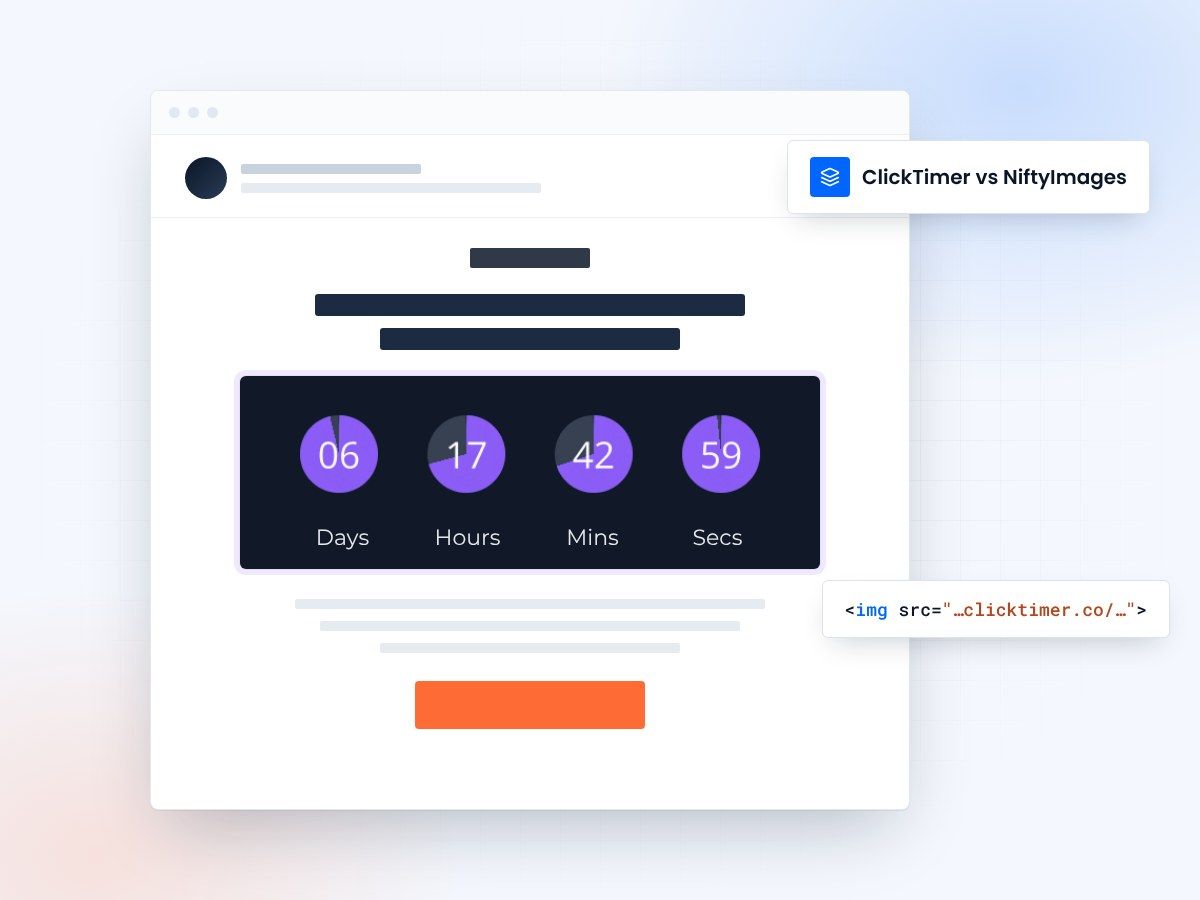
- Built only for countdown timers
- Pay as you go, no subscription
- 10,000 free impressions a month
- No watermark, even on the free plan
ClickTimer vs NiftyImages: different tools, different strengths
NiftyImages is a comprehensive email personalization platform that includes countdown timers as one of many features — alongside personalized images, dynamic content, social proof widgets, and more. ClickTimer is a dedicated countdown timer tool that focuses entirely on creating the best possible timer experience at the lowest possible price.
This comparison matters because if you only need countdown timers, you might be overpaying for features you'll never use. ClickTimer starts at €0.23/10K impressions with pay-as-you-go pricing, while NiftyImages' plans are subscription-based and priced for their full personalization suite.
Side-by-side comparison
| Feature | ClickTimer | NiftyImages |
|---|---|---|
| Primary Focus | Countdown timers | Email personalization suite |
| Free Tier | 10K impressions, no watermark | Free plan available (limited) |
| Pricing Model | Pay-as-you-go | Monthly subscription |
| Timer Cost | €0.23/10K → €0.06/10K at scale | Included in subscription |
| Font Library | 900+ Google Fonts | Selection of fonts |
| Additional Features | Countdown timers only | Personalized images, social proof, dynamic content |
| Setup Speed | 30 seconds | Varies by feature |
Pick the tool that fits the job
When ClickTimer makes more sense
If countdown timers are your primary need — for flash sales, event deadlines, product launches, or urgency-driven campaigns — ClickTimer is significantly more cost-effective. You get a free tier of 10,000 impressions with no watermark, access to 900+ Google Fonts, and pay-as-you-go pricing that scales down as your volume increases.
For ecommerce brands using Klaviyo or Mailchimp, ClickTimer integrates in seconds — just paste the timer HTML code into your email template. No complex setup, no learning curve for a larger platform you only partially need.
When NiftyImages makes more sense
If you need a full personalization suite — merge tags rendered as images, dynamic content blocks, social proof counters, and countdown timers all in one platform — NiftyImages is the broader solution. Their platform is built for marketers who want to personalize every element of their emails, not just add urgency.
Create your first countdown
Pick the end date, match your brand, copy the code. 10,000 free impressions a month, no credit card.
Already have an account?
Send Test Email
Enter your email to receive a preview of how this countdown looks in email campaigns.
Frequently asked questions
Can I use ClickTimer and NiftyImages together?
Yes. Both sit in the same email without conflict. You can use NiftyImages for personalized images and ClickTimer for countdown timers in the same email.
Is ClickTimer enough if I only need countdowns?
Absolutely. ClickTimer is purpose-built for countdown timers with 900+ fonts, instant setup, and the most competitive pricing in the market. No need to pay for a full personalization suite if timers are your focus.
Which has better email client compatibility?
Both use GIF-based rendering, which means universal compatibility across Gmail, Outlook, Apple Mail, Yahoo, and every other major email client. See our ESP integrations page for full details.
Try ClickTimer free
Create your first countdown timer in 30 seconds. No credit card required.