Shopify Email Countdown Timers
Drive Shopify email conversions with professional countdown timers. Complete setup guide inside.
Create Your Timer — Free 10,000 free impressions a month · No watermark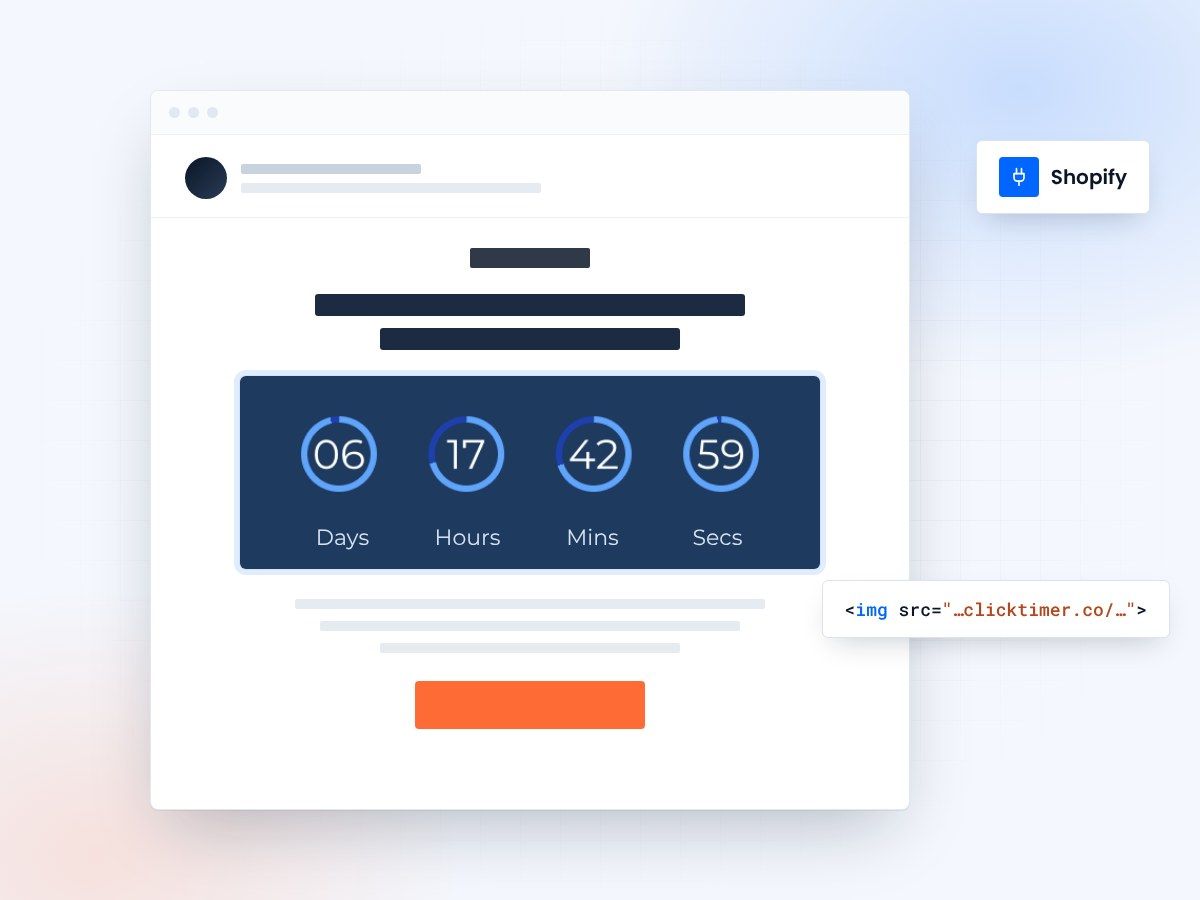
- Built for Shopify emails
- Works in Gmail, Outlook and Apple Mail
- 10,000 free impressions a month
- No watermark, even on the free plan
Why countdown timers matter for Shopify stores
Shopify merchants face intense competition for customer attention. Countdown timers in transactional and promotional emails create visual urgency that drives immediate purchasing decisions. For e-commerce specifically, animated timers have proven to increase conversion rates by 30-50% during flash sales and limited-time offers.
Methods for adding countdown timers to Shopify emails
| Method | Setup difficulty | Best for | Email client support |
|---|---|---|---|
| Third-party timer apps | Easy | Quick integration, minimal effort | Universal via GIF fallback |
| Custom Liquid code | Medium | Advanced customization | Requires development skills |
| Animated GIF uploads | Very easy | Simple visual timers | All email clients |
Step-by-step integration guide
- Generate your timerVisit ClickTimer.co and create a new countdown timer. Configure your deadline (typically 24-48 hours for best results) and customize the design to match your Shopify brand colors and style.
- Copy the timer codeOnce configured, click Get embed code, then Copy code. You'll paste it directly into your Shopify email template.
- Access Shopify Email builderNavigate to Settings → Notifications → Emails (or your specific campaign). Open the email template you want to enhance with the countdown timer.
- Embed the timerIn the email template, place your cursor where the timer should appear. Click the code insertion button and paste your timer HTML code.
- Test and previewSend a test email to yourself across different devices and email clients (Gmail, Outlook, Apple Mail). Verify the timer displays correctly and links to your intended action.
- Deploy and monitorOnce testing is complete, save and activate your email template. Monitor conversion metrics and compare performance against previous campaigns without timers.
Create your Shopify countdown
Set the deadline, match your brand colors, copy the code. 10,000 free impressions a month, no credit card.
Shopify Email countdown timer examples
Live timers built for Shopify Email. Open one to see the design specs, the copy that goes with it and how to add it.
Already have an account?
Send Test Email
Enter your email to receive a preview of how this countdown looks in email campaigns.
Best email campaigns for countdown timers
Abandoned cart recovery
Add a countdown showing when the cart items will be released back to inventory. This creates urgency for customers to complete their purchase.
Flash sales
Use timers for time-limited promotions. A visible countdown significantly increases click-through and purchase rates during sale events.
Seasonal promotions
End-of-season sales, holiday specials, and limited-quantity releases benefit from countdown timers that reinforce scarcity messaging.
Exclusive member access
When you offer early access to loyal customers, a countdown emphasizes the exclusivity window and encourages prompt engagement.
Frequently asked questions
Will countdown timers display correctly in all email clients?
Most timers use animated GIFs or HTML with fallbacks, which display across all email clients. AMP-based timers work in Gmail, Yahoo Mail, and Mail.ru. Test with your typical customer base to ensure compatibility.
Can I use countdown timers in transactional emails?
Yes. Shopify allows timers in transactional emails like abandoned cart reminders and post-purchase follow-ups. Check your email service provider's policies on dynamic content in transactional emails.
How do I track clicks on the countdown timer?
ClickTimer and similar services track clicks and engagement. You can also configure UTM parameters in the timer link to track traffic in Google Analytics or Shopify's own analytics dashboard.
Should different customers see different countdown durations?
Shopify's personalization features allow you to set different countdown durations based on customer segments or when they received the email. This ensures fairness across time zones and maximizes relevance.
Add urgency to your next Shopify email
Create your first countdown timer in 30 seconds.