Holiday Email Countdown Timers
Maximize holiday season sales with countdown timers. Strategies for Black Friday through New Year.
Create Your Timer — Free 10,000 free impressions a month · No watermark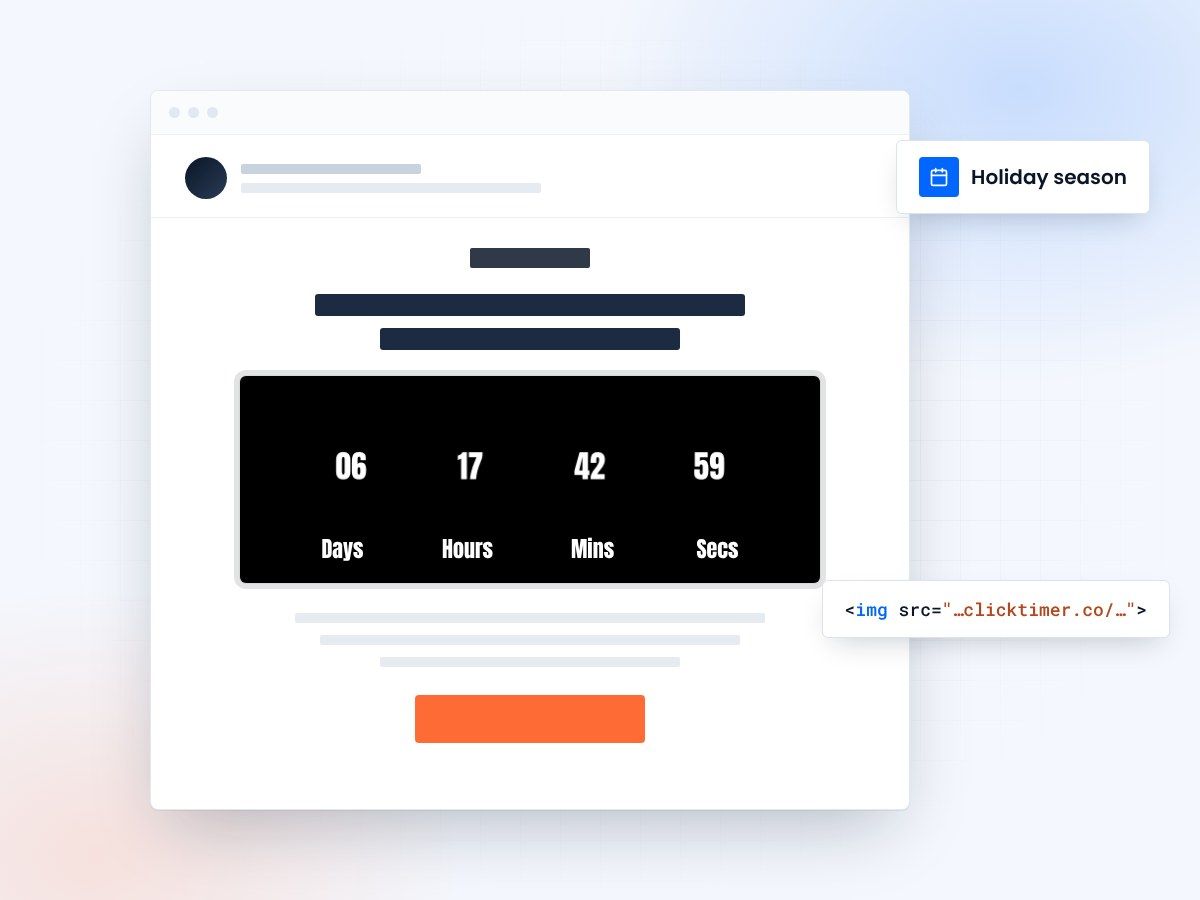
- Built for real holiday deadlines
- Stand out in a crowded inbox
- 10,000 free impressions a month
- No watermark, even on the free plan
Why holiday emails need countdown timers
The holiday shopping season (November-December) is the highest-revenue period for most retailers. Customer behavior changes: people shop more frequently, spend larger amounts, and respond more strongly to urgency and scarcity signals. Countdown timers are essential for maximizing holiday season revenue.
Key Insight
- Countdown timers increase email engagement by creating urgency
- Visual timers improve click-through rates and conversions
- Time-sensitive messaging drives immediate action
Holiday countdown strategy
Stand out in a crowded inbox
During holidays, customers receive unprecedented email volume. Your emails compete with dozens of other promotional emails daily. Countdown timers make your emails stand out by creating visible urgency that captures attention and drives immediate action.
Genuine deadlines
Unlike manufactured urgency, holiday seasons have genuine deadlines: Thanksgiving, Black Friday, Cyber Monday, Christmas Eve delivery cutoff, New Year's resolution fulfillment, etc. These real deadlines create authentic scarcity that pairs perfectly with countdown timers.
Start early in October
Start in October with "Holiday shopping early starts now" campaigns. Offer modest discounts (15-20%) to early shoppers. Use timers showing when regular Black Friday pricing begins: "Get 15% off now—regular Black Friday starts [Date]."
Impact Metrics
| Metric | Impact | Result |
|---|---|---|
| Email Open Rates | Countdown timers in subject lines | ↑ 25-40% |
| Click-Through Rates | Visual timer elements in content | ↑ 18-35% |
| Conversion Rates | Urgency-driven messaging | ↑ 12-30% |
| Customer Action Speed | Limited-time offers | 3x Faster |
Create your holiday countdown
Set the deadline, match your seasonal design, copy the HTML code. 10,000 free impressions a month, no credit card.
Already have an account?
Send Test Email
Enter your email to receive a preview of how this countdown looks in email campaigns.
Best Practices
Do
- Use realistic, achievable deadlines
- Make timers visually prominent
- Test countdown copy variations
- Update timers in follow-up emails
Don't
- Use fake countdown timers
- Overuse urgency messaging
- Hide expiration dates
- Forget to honor deadlines
Frequently Asked Questions
How do countdown timers affect email deliverability?
Countdown timers don't directly impact deliverability. However, ensure your timer code is clean HTML/CSS and avoid heavy JavaScript that could trigger spam filters. Test emails with major providers before sending.
Should I use the same deadline for all recipients?
Segmentation is recommended. Send time-zone adjusted emails with recipient-specific deadlines for maximum relevance. This prevents last-minute send volume spikes.
What's the optimal countdown duration?
24-72 hours is typically ideal for urgency without creating undue pressure. Test different durations with your audience to find the sweet spot.
How do I ensure timer accuracy across clients?
Use server-side rendering or dynamic content blocks that calculate time differences server-side. This ensures consistency across all email clients, from Gmail to Outlook.
Get your holiday countdown ready
Create your first countdown timer in 30 seconds and start driving urgency-based conversions today.