Dynamic Countdown Timers for MailerLite
Drive urgency in your campaigns and automations with real-time countdown timers. Perfect for startups and creators on a budget.
Start Free with MailerLite 10,000 free impressions a month · No watermark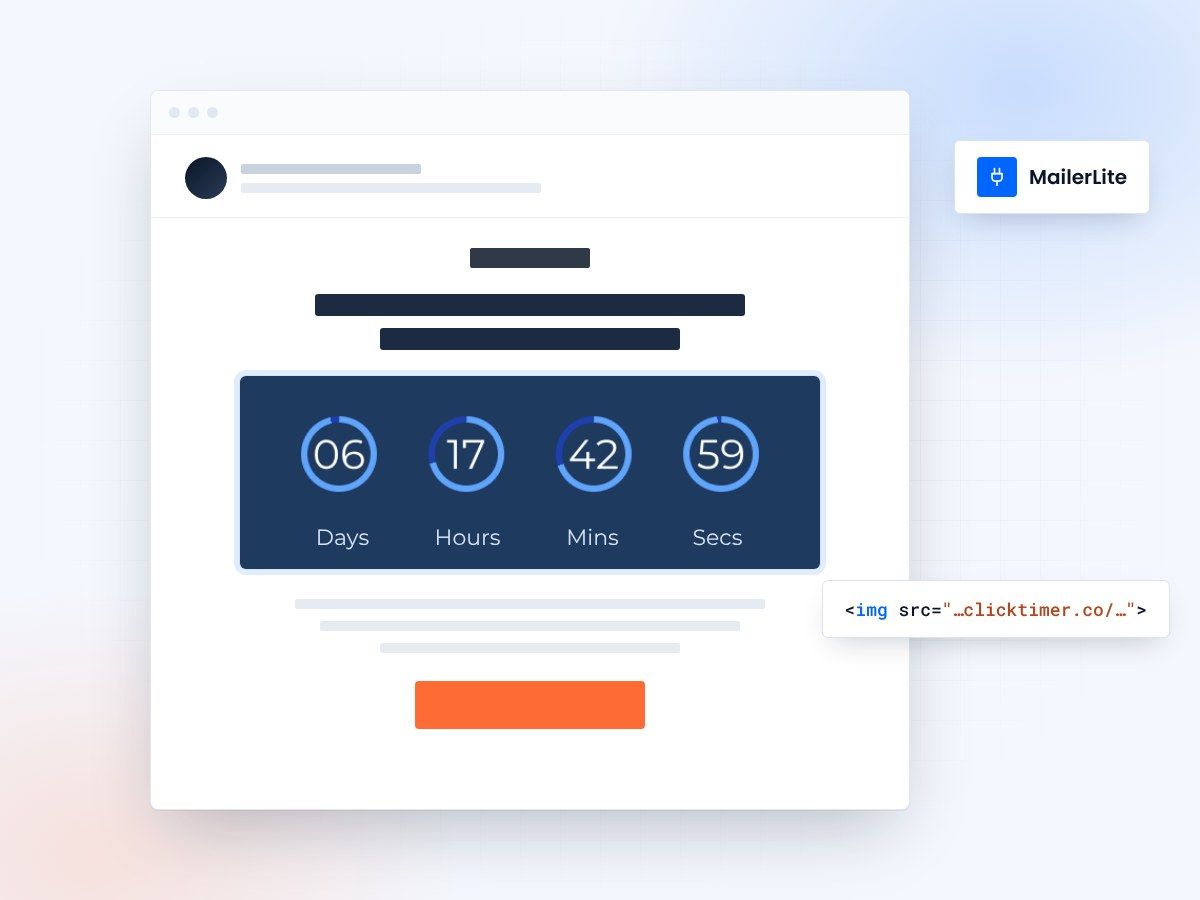
- Campaigns and automation workflows
- 10,000 free impressions
- No watermark, even on free
- Edit the timer after sending
Why use ClickTimer with MailerLite?
MailerLite users love simplicity and affordability—and so do we. Add real-time countdown timers to your campaigns and automation workflows to drive urgency for product launches, course enrollments, and limited-time promotions. No technical skills required, no recurring fees, and 10,000 free impressions to get started.
- Perfect for campaigns and automations — Add timers to welcome series, product launches, and promotional campaigns with one HTML block.
- 900+ fonts, full customization — Match your brand. No watermarks even on free tier.
- Pay-as-you-go pricing — 10K free impressions. No subscription, credits never expire.
- Edit after sending — Update timer settings anytime, changes apply instantly.
How to add countdown timers to MailerLite
- Create your timerUse ClickTimer builder. Set date, colors, fonts.
- Copy the HTML codeClick Get Code to copy your snippet.
- Add HTML block in MailerLiteIn your campaign or automation email, drag an HTML block (NOT image block) into your layout.
- Paste and sendTimer updates in real-time on every email open.
Popular timer use cases for MailerLite
Product drops
Count down to new product drops and early-bird offers
Courses and ebooks
Drive urgency for course enrollments and ebook promotions
Automation workflows
Add limited-time discount timers in automation workflows
Short promotions
Create urgency for 24-hour or weekend promotions
Webinars and workshops
Count down to webinar or workshop deadlines
Win-back offers
Win back inactive subscribers with time-sensitive offers
Create your MailerLite countdown
Set the date, match your brand, copy the HTML code. 10,000 free impressions a month, no credit card.
Already have an account?
Send Test Email
Enter your email to receive a preview of how this countdown looks in email campaigns.
Frequently asked questions
Can I use ClickTimer timers in MailerLite automations?
Yes. Simply add the HTML block to any email in your automation workflow. The timer will display the same countdown for all recipients, perfect for launch sequences or time-limited welcome offers.
Do I need to use an image block or HTML block?
Always use the HTML block in MailerLite. Drag the HTML content block into your email editor and paste your ClickTimer code. Do not use the image block—it will not work.
Is ClickTimer really free to start?
Yes. You get 10,000 free impressions with no watermark, no credit card required. After that, pay only €0.23 per 10K impressions (decreasing with volume). Credits never expire.
Will the timer update in real-time for every subscriber?
Absolutely. Every time a recipient opens your email, the timer recalculates and displays the correct time remaining—even days or weeks after you send the campaign.
Can I edit the timer after sending my MailerLite campaign?
Yes. Change the deadline, colors, or text anytime in your ClickTimer dashboard. The updates apply instantly to all sent emails—no need to resend.
Ready to boost your MailerLite conversions?
Create your free timer in 90 seconds. 10K impressions, no credit card.