ClickTimer vs MailTimers: Full Comparison
Which email countdown timer gives you more value? We compare pricing, features, and ease of use.
Create Your Timer — Free 10,000 free impressions a month · No watermark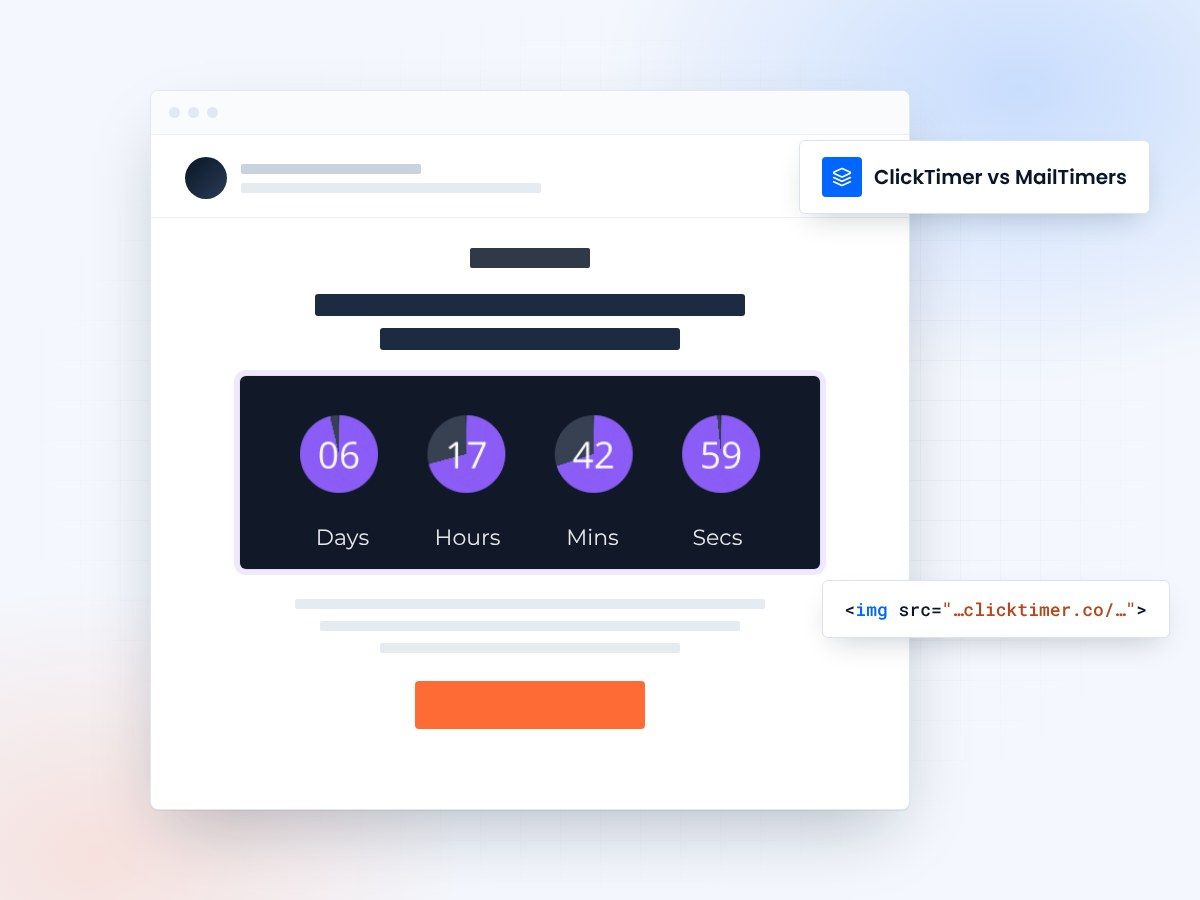
- No subscription, pay as you go
- 10,000 free impressions a month
- No watermark, even on the free plan
- 900+ Google Fonts
ClickTimer vs MailTimers: the quick verdict
If you're choosing between ClickTimer and MailTimers for your email countdown timers, pricing is the biggest differentiator. MailTimers starts at €49/month for up to 1.2 million impressions, while ClickTimer uses a flexible pay-as-you-go model starting at just €0.23 per 10,000 impressions — with a free tier covering up to 10,000 impressions per month with no watermark.
Both platforms create GIF-based countdown timers that work across all email clients. But the similarities end when you look at pricing structure, customization depth, and the commitment required to get started. Let's break it all down.
Pricing comparison
Pricing is where these two platforms diverge most significantly. MailTimers operates on a monthly subscription model, which means you're paying whether you use the timers or not. ClickTimer, on the other hand, lets you buy prepaid credits that never expire — you only pay for what you actually use.
| Feature | ClickTimer | MailTimers |
|---|---|---|
| Free tier | 10,000 impressions/month, no watermark | Limited free plan with watermark |
| Starting price | €0.23/10K impressions | €49/month |
| Billing model | Pay-as-you-go (credits never expire) | Monthly subscription |
| High-volume rate | €0.06/10K (1M+ impressions) | Custom pricing |
| Google Fonts | 900+ | Limited selection |
| Setup time | 30 seconds | A few minutes |
| Email client support | All (GIF-based) | All (GIF-based) |
Free tier: a clear winner
No watermark on free timers
ClickTimer's free tier is genuinely useful for small senders and testing. You get up to 10,000 impressions per month with no watermark — a rarity in the countdown timer space. Most competitors, including tools like Sendtric, add their branding to free timers. MailTimers does offer a free plan, but it comes with limitations that push you toward upgrading quickly.
Design and ease of use compared
Customization and design
Design flexibility matters when your brand has strict guidelines. ClickTimer offers access to over 900 Google Fonts, giving you granular control over how your timer looks inside an email. You can match your brand typography exactly, which is important for maintaining visual consistency across campaigns.
MailTimers provides solid customization options as well, including color and font adjustments. However, their font library is more limited. Both platforms generate GIF-based timers, ensuring universal compatibility across Gmail, Outlook, Apple Mail, and every other major email client.
Ease of use
ClickTimer is built for speed. You can create a fully customized countdown timer in about 30 seconds — set your deadline, pick your style, and grab the embed code. It works with every email service provider, so integration is just a matter of pasting an image tag into your email template.
MailTimers also offers a straightforward setup process with a visual editor. Their interface is clean and well-designed. The main difference is that MailTimers requires you to create an account and choose a plan before you can start, while ClickTimer lets you generate your first timer instantly on their configurator page.
Create your first timer, no account needed
Generate it right here. 10,000 free impressions a month, no credit card.
Already have an account?
Send Test Email
Enter your email to receive a preview of how this countdown looks in email campaigns.
Who should choose what?
Choose ClickTimer if
You want pay-as-you-go pricing with no monthly commitment, need a generous free tier without watermarks, want access to 900+ Google Fonts for brand-perfect timers, or you're a small-to-medium sender who doesn't want to pay for unused capacity. ClickTimer is also ideal for teams using multiple ESPs since it works everywhere.
Choose MailTimers if
You're a high-volume enterprise sender (1M+ impressions/month) who prefers predictable monthly billing, or you need specific advanced features that MailTimers offers in their enterprise tier.
Frequently asked questions
Is ClickTimer really free?
Yes. ClickTimer offers up to 10,000 impressions per month completely free, with no watermark on your timers. You only pay when you exceed the free tier.
Can I switch from MailTimers to ClickTimer?
Absolutely. Since both use GIF-based timers embedded via image tags, switching is as simple as generating a new timer in ClickTimer and pasting its HTML code in place of the old timer in your email templates.
Which is cheaper for 500,000 impressions?
ClickTimer. At the 150K–1M tier, you'd pay approximately €0.15/10K impressions, totaling around €7.50 for 500,000 impressions. MailTimers would cost €49/month regardless of whether you hit that volume.
Try ClickTimer free
Create your first countdown timer in 30 seconds. No credit card required.