Event Registration Countdown Email Strategies
Fill your events faster with real-time countdown timers that drive registrations and ticket sales.
Create Your Timer — Free 10,000 free impressions a month · No watermark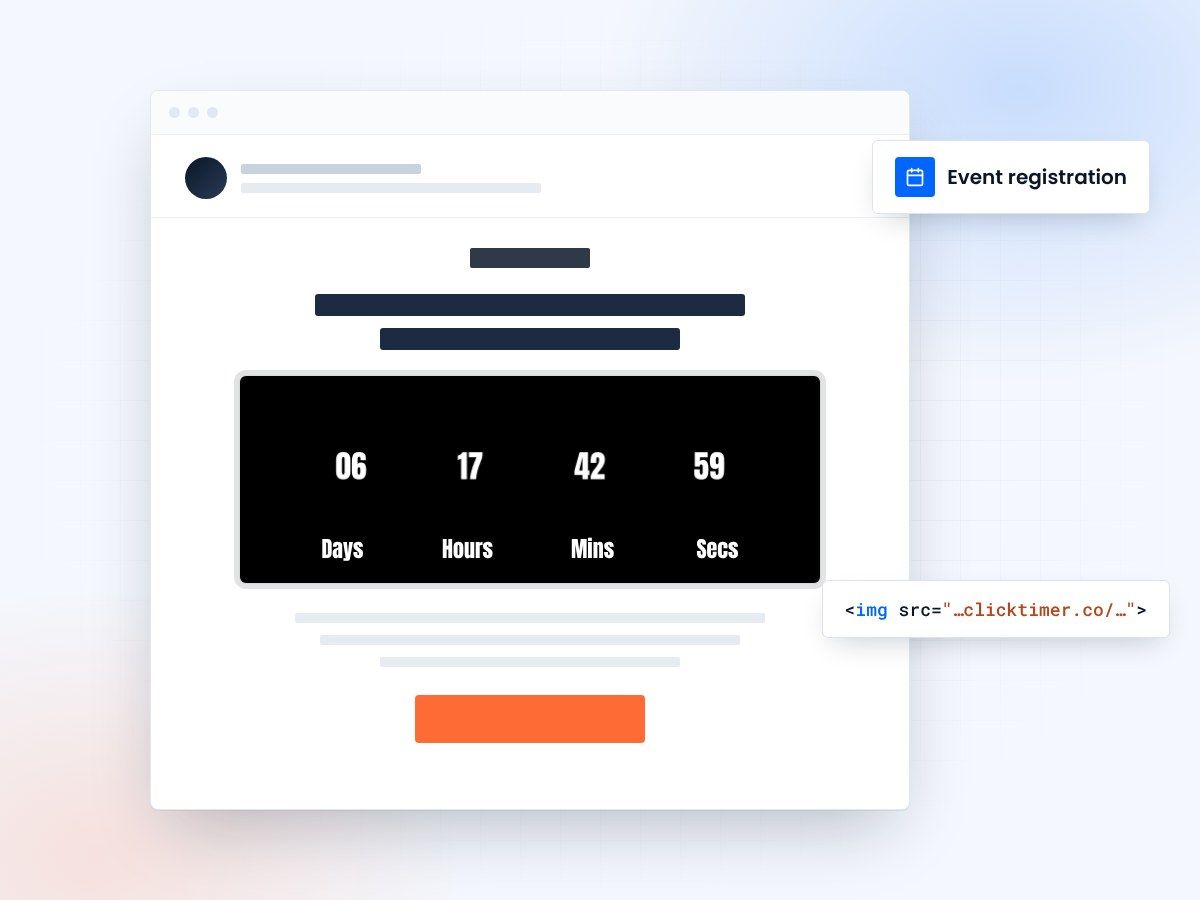
- Early bird, cutoff and event-day timers
- Works with any email platform
- 10,000 free impressions a month
- No watermark, even on the free plan
Why event registration emails need countdown timers
Event marketing lives and dies by deadlines. Early bird pricing, registration cutoffs, limited seating, and day-of reminders all have natural time constraints. Yet most event emails rely on text-based dates that are easy to skim past and forget.
Countdown timers transform passive deadline awareness into active urgency. When a potential attendee opens your email and sees "Early bird pricing ends in 2 days, 6 hours, 14 minutes," the visual impact is immediate. The timer creates a psychological anchor — the attendee can literally watch the opportunity slipping away, which drives action far more effectively than "Register by March 30th."
With ClickTimer, event organizers can add real-time GIF-based countdown timers to any email in 30 seconds — no coding required, compatible with every email client and ESP, and free to start with no watermark.
Event countdown timer strategies that work
Early bird pricing deadlines
This is the single most effective use of countdown timers in event marketing. Early bird pricing creates a genuine price difference (typically 20-40% off), and a countdown timer makes that savings window tangible. Send a series: announcement (2 weeks out), reminder (1 week), urgency push (48 hours), and final call (last day). Each email's timer shows progressively less time, building urgency naturally.
Limited capacity warnings
For events with genuine capacity limits — workshops, intimate conferences, venue-restricted events — pair a countdown timer with remaining spot counts: "Only 23 spots left — registration closes Friday." The combination of scarcity (limited spots) and urgency (countdown) is one of the most powerful conversion drivers in marketing.
Event day countdown
For already-registered attendees, a countdown to the event itself builds anticipation and reduces no-shows. "Your conference starts in 3 days" with a timer, combined with agenda highlights, speaker previews, and logistical details, keeps registrants engaged and excited. This is particularly effective for virtual events where no-show rates tend to be higher.
Flash ticket sales
Release a limited batch of discounted tickets for 24-48 hours. The ultra-short countdown window creates maximum urgency. This strategy works well for music festivals, sporting events, and entertainment shows where demand exceeds supply. The countdown timer turns the email into an event itself — subscribers rush to grab tickets before time runs out.
Speaker and session announcement countdowns
Build anticipation with "Keynote speaker reveal in 24 hours" countdown emails. This keeps your event in subscribers' minds over a longer promotional period and creates social media buzz as attendees speculate. For multi-session conferences, use countdowns to session-specific registration deadlines. For more countdown strategies, explore our ESP integrations page for platform-specific setup guides.
The complete event email countdown sequence
Here's a proven email sequence that maximizes registrations using countdown timers at strategic moments:
| Timing | Timer target | Key message | |
|---|---|---|---|
| Save the Date | 8-12 weeks before | Countdown to event date | Announce event, build anticipation |
| Early Bird Open | 6-8 weeks before | Countdown to early bird deadline | Best price available now |
| Early Bird Reminder | 1 week before EB ends | Countdown to early bird deadline | Last chance for savings |
| Early Bird Final Call | Day of EB deadline | Hours-only countdown | Price increases tonight |
| Speaker Reveals | 3-5 weeks before | Countdown to event | New reasons to attend |
| Last Chance | 1 week before | Countdown to registration close | Spots filling up fast |
| Pre-Event | 1-2 days before | Countdown to event start | Get ready — logistics & agenda |
Setting up event countdown timers
ClickTimer is designed for speed — perfect for event marketers who need to move fast. Setup takes 30 seconds:
- Enter your deadlineOpen ClickTimer's configurator and enter your deadline (early bird cutoff, registration close, event start time).
- Match your brandingStyle the timer to match your event branding. With 900+ Google Fonts and full color customization, you can match any event theme — from corporate conferences to music festivals to charity galas.
- SendSend. The timer updates in real time with every open — attendees always see the accurate remaining time.
Create your event countdown
Set your early bird or event date, match your branding, copy the HTML code. 10,000 free impressions a month, no credit card.
Already have an account?
Send Test Email
Enter your email to receive a preview of how this countdown looks in email campaigns.
Event timer pricing
| Event size | Email list size | ClickTimer cost | Competitor cost |
|---|---|---|---|
| Local meetup | 500-2,000 | Free | €49/mo (MailTimers) |
| Regional conference | 10,000-50,000 | €0–€1.15 | €49/mo (MailTimers) |
| National event | 100,000+ | ~€2.07+ | €49+/mo |
| Multi-event organizer | 500,000+ | ~€7.50+ | Custom/enterprise |
ClickTimer's pricing model is perfect for events because you only pay during your promotional period — no ongoing monthly charges between events. Prepaid credits never expire, so if you run quarterly events, your balance carries over.
Event-specific campaign ideas
Conference super early bird
Offer the lowest price for the first 48 hours after announcement. The ultra-short window combined with a countdown timer creates a frenzy of early registrations that builds social proof for later marketing.
Workshop waitlist release
When a popular session has cancellations, email the waitlist with "3 spots just opened — claim yours in the next 4 hours." The short countdown ensures spots go to the most engaged waitlist members.
Virtual event timezone reminder
For global virtual events, send a final reminder with a countdown to the start time in the recipient's timezone. This solves the perennial problem of timezone confusion for online events.
Group discount deadline
"Register 5+ team members by Wednesday for 25% group discount" — the timer drives bulk registrations, which are the highest-value conversions for B2B events.
Best practices for event countdown emails
Always use genuine deadlines
If your early bird pricing "ends Friday" with a countdown, it should actually end Friday. False urgency destroys trust and your brand reputation. ClickTimer shows real-time countdowns, so the timer itself keeps you honest.
Place timers strategically
For early bird and registration campaigns, put the timer above the fold — it's the primary motivation. For pre-event logistics emails, the timer can be secondary, below the practical information.
Optimize subject lines with time references
"48 hours left: Early bird pricing for [Event Name]" in the subject line combined with an in-email timer creates urgency before and after the open. This one-two punch drives both open rates and click-through rates.
Include social proof alongside the timer
"Join 500+ registered attendees" next to a countdown timer combines urgency with validation. People want to attend events others are attending.
Have a post-deadline plan
Configure your timer's expiry message to redirect interest: "Early bird pricing has ended — standard registration is still available at [price]." Don't let an expired timer become a dead end.
Frequently asked questions
Does ClickTimer work with event management platforms?
Can I use multiple timers in one email?
Technically yes, but we recommend one primary countdown per email for clarity. The exception might be a combined "Early bird ends in X" and "Event starts in Y" layout, where both timers serve different purposes and don't compete for attention.
What if I'm running multiple events simultaneously?
Create separate timers for each event with their respective deadlines. There's no limit on the number of active timers. This is perfect for event management companies promoting several events at once.
Is it free for small events and meetups?
Yes. ClickTimer's free tier covers up to 10,000 impressions with no watermark — more than enough for most community events, local meetups, and small conferences. No credit card required, no subscription.
How do I track if the countdown timer is driving registrations?
A/B test emails with and without countdown timers to measure the impact. Most event organizers see 10-25% higher click-through rates on timer emails. Track the CTA clicks from timer emails through your email platform's analytics and compare against non-timer variants.
Fill your next event faster
Create your first countdown timer in 30 seconds.