Dynamic Countdown Timers for SendGrid
Boost transactional email conversions and API-driven campaigns with live timers that update on every open
Start Free with SendGrid 10,000 free impressions a month · No watermark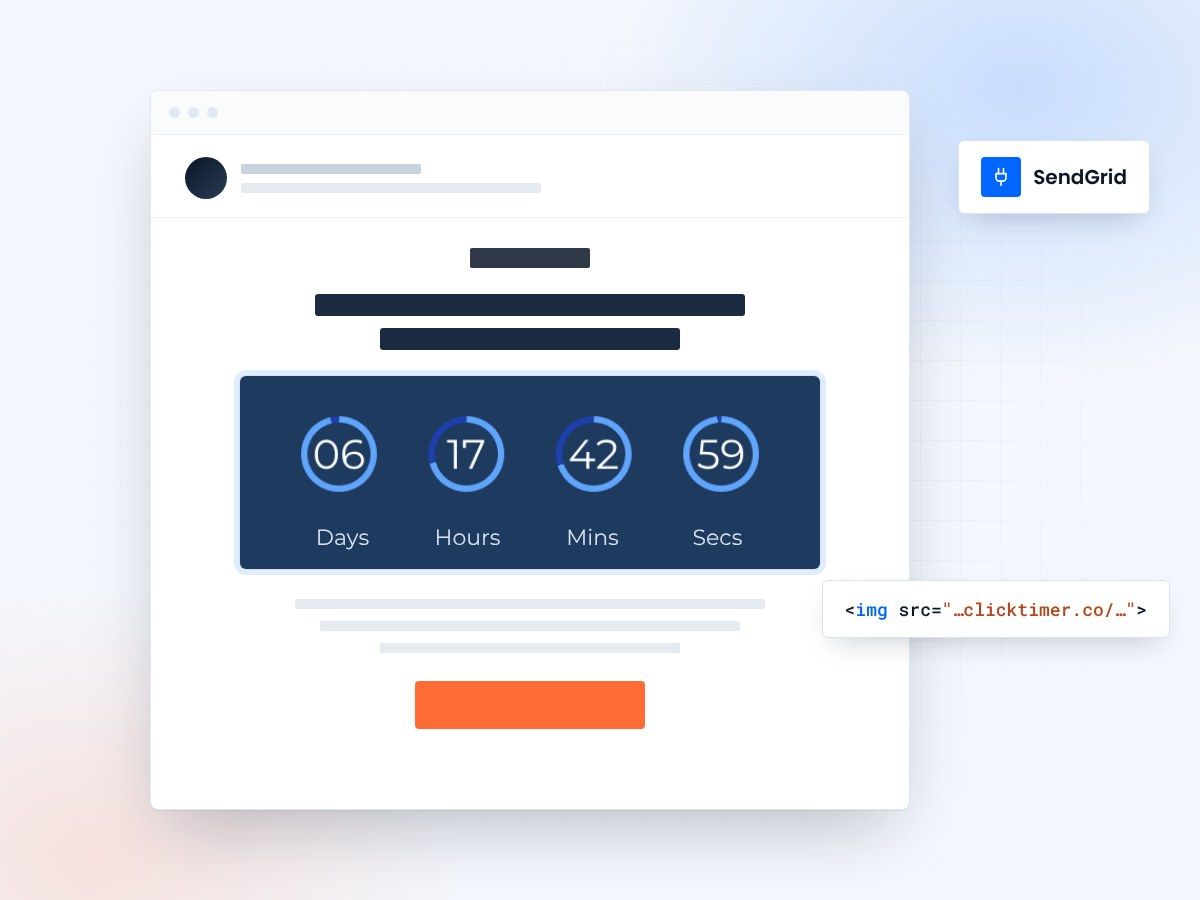
- Marketing Campaigns and API sends
- Works in Dynamic Templates
- 10,000 free impressions a month
- No watermark, even on the free plan
Why use ClickTimer with SendGrid?
SendGrid powers billions of transactional and marketing emails for developers and growth teams. Add ClickTimer's dynamic countdown timers to your API-triggered campaigns, onboarding sequences, and promotional sends to create urgency that converts. Whether you're running trial expirations, flash sales, or event reminders, timers work seamlessly in both Marketing Campaigns and your API-based sends.
- Works in Marketing Campaigns and API sends — Perfect for transactional emails, automated campaigns, and high-volume sends via API
- 900+ fonts, full customization — Match your brand. No watermarks even on free tier.
- Pay-as-you-go pricing — 10K free impressions. No subscription, credits never expire.
- Edit after sending — Update timer settings anytime, changes apply instantly.
How to add countdown timers to SendGrid
1. Create your timer
Use ClickTimer builder. Set date, colors, fonts.
2. Copy the HTML code
Click Get Code to copy your snippet.
3. Add HTML block in SendGrid
In the Design Editor or your email template, add a Code Module (NOT image block).
4. Paste and send
Timer updates in real-time on every email open.
Create your SendGrid countdown
Set the end date, match your brand, copy the code. 10,000 free impressions a month, no credit card.
Already have an account?
Send Test Email
Enter your email to receive a preview of how this countdown looks in email campaigns.
Popular timer use cases for SendGrid
Trial expiration emails
Send API-triggered reminders with timers counting down to subscription deadline
Onboarding sequences
Add urgency to setup steps and feature adoption campaigns
Promotional campaigns
Flash sales and limited offers in Marketing Campaigns
Event registration
Webinar and event reminders with live countdown to start time
Abandoned cart recovery
Time-limited discounts in transactional cart reminders
Account notifications
Payment due dates, renewal deadlines, and access expiration alerts
Frequently asked questions
Can I use ClickTimer with SendGrid API sends?
Yes! Simply include the ClickTimer HTML code in your email template or dynamic template. The timer works perfectly in both Marketing Campaigns and API-triggered transactional emails.
Does it work with SendGrid Dynamic Templates?
Absolutely. Paste the timer HTML code into a Code Module within your dynamic template. The timer will render correctly across all SendGrid email types.
Do I need to use an image block?
No! Use a Code Module or HTML block in the Design Editor. Never use an image block—ClickTimer requires HTML to display live countdowns.
How much does it cost for high-volume sends?
Your first 10K impressions are free with no watermark. After that, pay-as-you-go starts at €0.23/10K impressions, dropping to €0.06/10K at scale. No subscription, credits never expire—perfect for SendGrid's high-volume users.
Can I edit the timer after emails are sent?
Yes! Update your timer's end date, colors, or text anytime from your ClickTimer dashboard. Changes apply instantly to all sent emails when recipients open them.
Ready to boost your SendGrid conversions?
Create your free timer in 90 seconds. 10K impressions, no credit card.