Master Email Countdown Timers
Drive conversions with urgency. A complete guide to implementing countdown timers in your email campaigns.
Create Your Timer — Free 10,000 free impressions a month · No watermark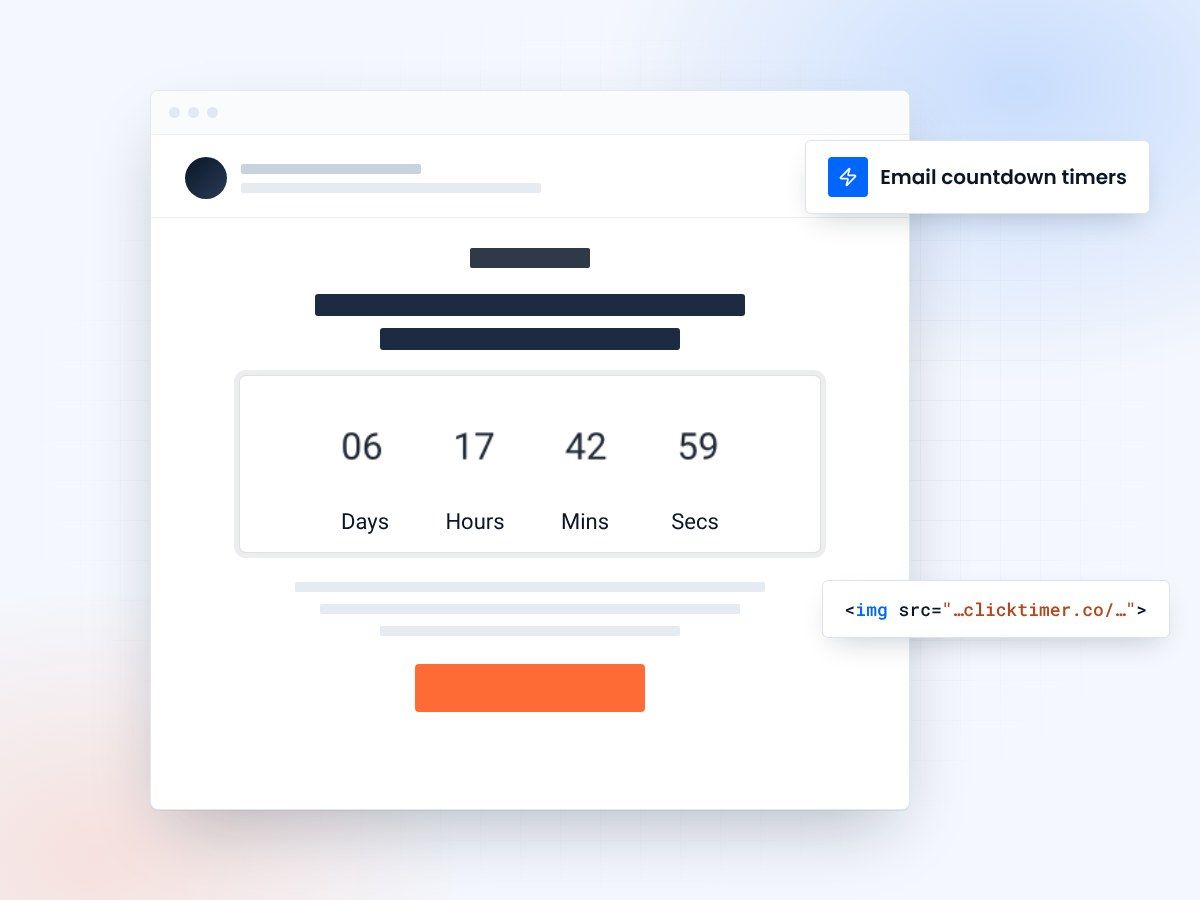
- Works in any email platform
- Set up in about a minute
- 10,000 free impressions a month
- No watermark, even on the free plan
What is an email countdown timer?
An email countdown timer is a dynamic visual element that displays the remaining time until a specific event, offer, or deadline expires. Unlike static images, animated timers create a sense of urgency by showing real-time countdown progression directly within email campaigns.
These timers work by leveraging AMP for Email technology or animated GIFs to create engaging, time-sensitive visuals that motivate subscribers to take action immediately rather than postponing their decision.
Why countdown timers matter in email
Creates urgency
Visible countdowns trigger psychological urgency, pushing subscribers to act faster. The ticking effect subconsciously reminds recipients that time is running out.
Improves engagement
Dynamic content naturally captures attention. Subscribers are drawn to movement and interactive elements, resulting in higher open rates and click-throughs.
Types of email countdown timers
| Timer Type | Best For | Email Client Support |
|---|---|---|
| Animated GIF Timers | Flash sales, limited-time offers, general campaigns | Universal support across all email clients |
| AMP for Email Timers | Real-time, personalized countdowns | Gmail, Yahoo Mail, Mail.ru |
| Fallback HTML Timers | Maximum compatibility with elegance | All email clients via intelligent fallback |
How to implement email countdown timers
- Define your deadline and timer duration
- Choose a timer format (animated GIF, AMP, or HTML)
- Generate or create your timer code
- Embed the timer in your email template
- Test across multiple email clients
- Set up tracking and analytics
Create your email countdown
Set the deadline, match your brand, paste the code into any email. 10,000 free impressions a month, no credit card.
Already have an account?
Send Test Email
Enter your email to receive a preview of how this countdown looks in email campaigns.
Common use cases for countdown timers
E-commerce
Flash sales, limited inventory alerts, seasonal promotions, free shipping deadlines.
SaaS and services
Trial period expiration, pricing launch countdowns, early-bird discounts, webinar registrations.
Events
Ticket sales deadlines, early-bird pricing, event countdown, exclusive access windows.
Nonprofits
Fundraising campaign deadlines, donation matching periods, volunteer signup windows.
Frequently asked questions
Will countdown timers work in all email clients?
Most email clients support countdown timers through animated GIFs or HTML fallbacks. AMP for Email timers work in Gmail, Yahoo Mail, and Mail.ru. Professional timer services like ClickTimer automatically detect client capabilities and serve the best-performing format.
Do countdown timers increase email conversion rates?
Yes, extensively documented studies show conversion increases of 20-45% when countdown timers are used strategically. The psychological urgency effect drives immediate action from subscribers.
How do I track countdown timer performance?
Most email marketing platforms and timer services provide detailed click and engagement tracking. You can monitor how many subscribers clicked the timer link and when they converted.
Can I use countdown timers with automated email sequences?
Absolutely. Countdown timers work seamlessly in automated workflows, promotional sequences, and drip campaigns. Each subscriber sees a timer reflecting their own deadline based on when they received the email.
Try ClickTimer free
Create your first countdown timer in 30 seconds.