Dynamic Countdown Timers for Mailjet
Boost transactional and marketing email performance with real-time urgency
Start Free with Mailjet 10,000 free impressions a month · No watermark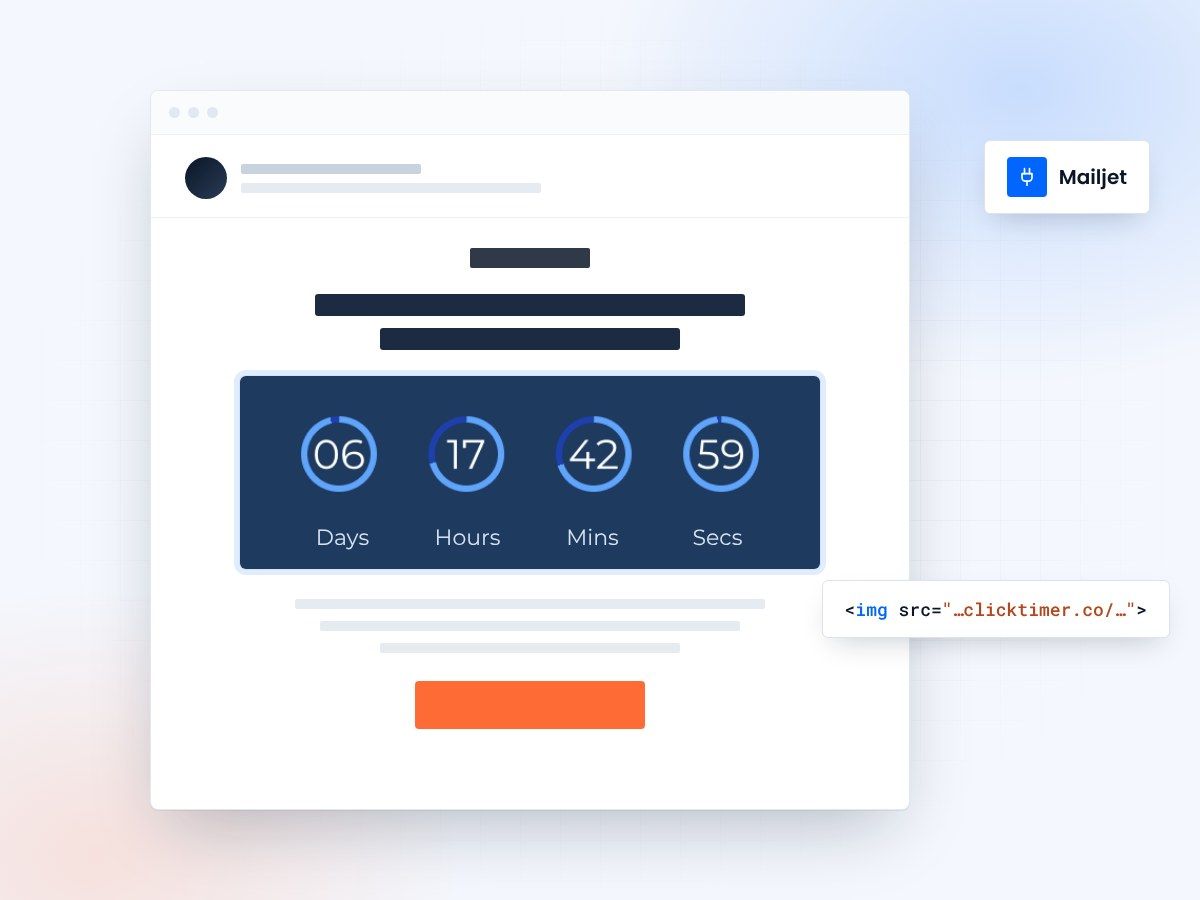
- Campaigns and transactional emails
- Paste into an HTML block
- 10,000 free impressions a month
- No watermark, even on the free plan
Countdown timers for Mailjet emails
Mailjet powers both transactional and marketing emails for businesses worldwide. Add ClickTimer countdown timers to your campaigns and automated messages to create urgency that converts—whether you're sending promotional campaigns, abandoned cart reminders, or time-sensitive notifications. Every timer updates in real-time across all opens.
Why use ClickTimer with Mailjet
Works in campaigns and transactional emails
Add urgency to both marketing campaigns and automated transactional messages via Mailjet's dual API.
900+ fonts, full customization
Match your brand. No watermarks even on free tier.
Pay-as-you-go pricing
10K free impressions. No subscription, credits never expire.
Edit after sending
Update timer settings anytime, changes apply instantly.
How to add countdown timers to Mailjet
- Create your timerUse ClickTimer builder. Set date, colors, fonts.
- Copy the HTML codeClick Get Code to copy your snippet.
- Add HTML block in MailjetIn Mailjet's drag-and-drop editor or Passport template builder, add an HTML block (NOT image block).
- Paste and sendTimer updates in real-time on every email open.
Create your Mailjet countdown
Set the end date, match your brand, copy the HTML. 10,000 free impressions a month, no credit card.
Already have an account?
Send Test Email
Enter your email to receive a preview of how this countdown looks in email campaigns.
Popular timer use cases for Mailjet
Flash sale campaigns
Drive urgency in promotional campaigns with live countdown timers.
Cart abandonment emails
Add time-limited offers to transactional abandoned cart reminders.
Event registration deadlines
Push webinar or event sign-ups with countdown timers to deadline.
Limited stock alerts
Combine with Mailjet's segmentation for VIP flash inventory drops.
Early bird pricing
Countdown to pricing tiers for courses, products, or service packages.
Trial expiration reminders
Trigger transactional emails showing time remaining on free trials.
Frequently asked questions
Can I use countdown timers in Mailjet transactional emails?
Yes. ClickTimer HTML code works in both Mailjet campaign emails and transactional emails sent via the Send API. Just paste the HTML code into your template.
Does ClickTimer work with Mailjet's drag-and-drop editor?
Absolutely. In Mailjet's Passport editor or classic drag-and-drop builder, add an HTML block and paste your ClickTimer code. Avoid using image blocks.
Do timers update in real-time for each recipient?
Yes. Every time a recipient opens your email, ClickTimer generates the current countdown—no static images. Perfect for long campaigns or automated sequences.
What if I need to change the timer after sending?
You can edit timer settings anytime in your ClickTimer dashboard. Changes apply instantly to all emails already sent—no resend needed.
How much does ClickTimer cost?
10,000 free impressions with no watermark. After that, pay-as-you-go starts at €0.23/10K impressions. No subscription, credits never expire.
Add your first countdown to Mailjet
Create your timer in about a minute and paste it into a Mailjet HTML block.