Measuring Countdown Timer Performance
Track, analyze, and optimize your countdown timer campaigns with data.
Create Your Timer — Free 10,000 free impressions a month · No watermark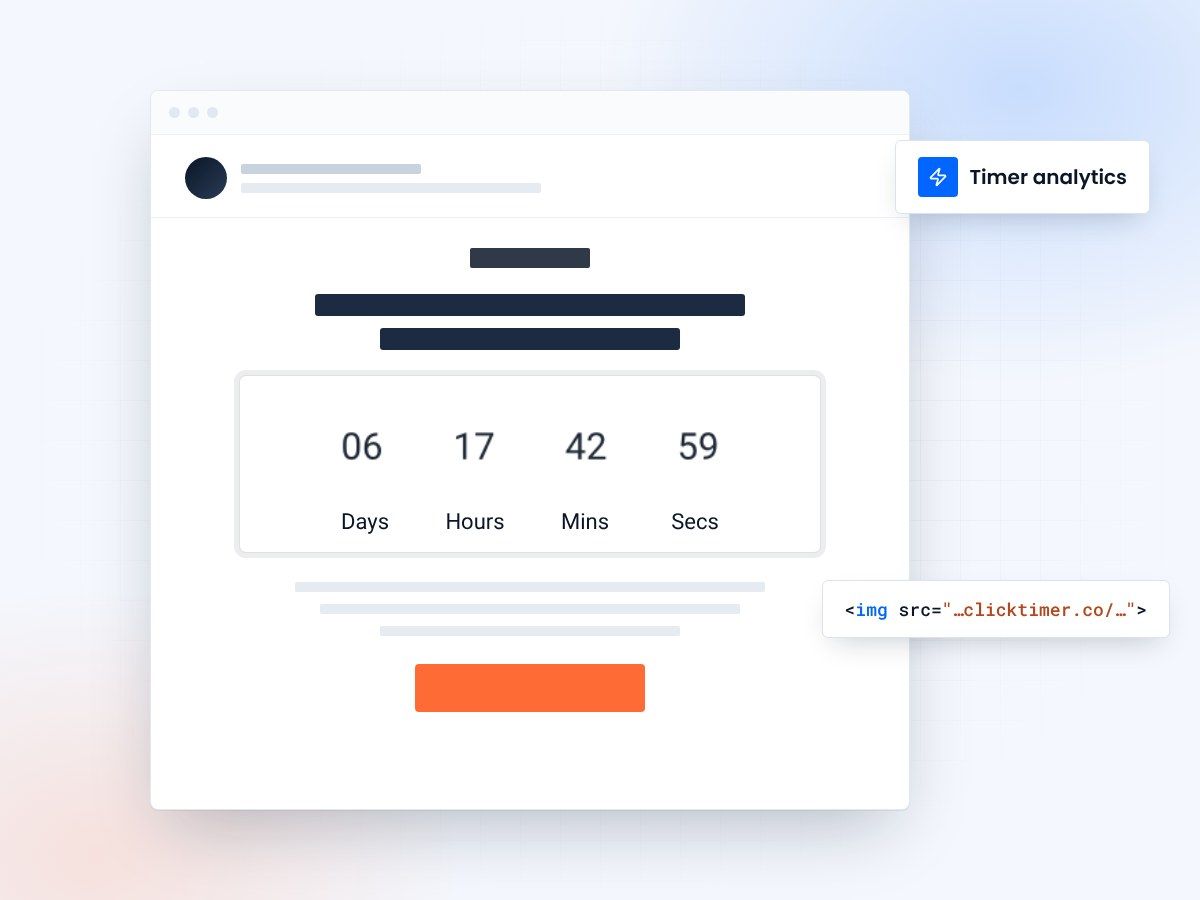
- Track the metrics that matter
- Isolate timer impact with A/B tests
- See re-opens as the deadline nears
- 10,000 free impressions a month
Why measuring timer performance is critical
Adding countdown timers to your emails feels intuitive — of course urgency drives conversions. But feeling isn't knowing.
Without rigorous measurement, you can't tell whether your timers are genuinely lifting performance or just adding visual noise. Worse, you might be optimizing the wrong variables while the real opportunities go unnoticed. Data-driven timer optimization is what separates campaigns that produce modest uplift from those that transform email revenue.
The good news is that countdown timer performance is highly measurable. Because timers are visual elements with clear calls to action, you can isolate their impact through controlled testing. And because dynamic timers like ClickTimer generate server requests on each email open, they provide engagement data beyond what standard email analytics offer.
Key metrics for countdown timer campaigns
Not all metrics matter equally for timer-driven campaigns. Focus on the metrics that directly reflect the timer's influence on subscriber behavior, not vanity metrics that look good in reports but don't connect to revenue.
| Metric | What it measures | Target lift |
|---|---|---|
| Click-through rate (CTR) | Clicks relative to opens — direct timer engagement | +10-30% |
| Conversion rate | Purchases/signups from timer emails vs control | +5-15% |
| Revenue per email (RPE) | Total revenue divided by emails sent | +8-25% |
| Time to conversion | Hours between open and purchase | -20-40% |
| Re-open rate | Subscribers who open the email multiple times | +15-50% |
| Unsubscribe rate | Monitor for urgency fatigue | No increase |
Setting up A/B tests for timer impact
The most reliable way to measure timer impact is a controlled A/B test.
Split the audience
Send the same email to a randomly split audience: version A includes a ClickTimer countdown, version B replaces the timer with a static banner or text-based urgency message. Keep everything else identical — subject line, copy, CTA, send time. The difference in performance between the two versions isolates the timer's contribution.
Run it long enough
Run the test for the full campaign duration (don't stop early on promising results) and ensure your sample size is large enough for statistical significance. A minimum of 1,000 recipients per variant is recommended for click-through rate measurement. For conversion rate measurement, you may need 5,000+ per variant depending on your baseline conversion rate.
Then test variations
Once you've established that timers improve performance, test variations: timer placement (above vs below the fold), timer design (minimal vs bold), countdown duration (24 hours vs 72 hours), and expired state messaging. Each test adds to your knowledge of what resonates with your specific audience.
Create your campaign countdown
Set the end date, match your brand, copy the code. 10,000 free impressions a month, no credit card.
Already have an account?
Send Test Email
Enter your email to receive a preview of how this countdown looks in email campaigns.
Attribution: connecting timers to revenue
The ultimate question is: did the timer generate revenue?
Use a consistent attribution window
Email attribution can be tricky because subscribers interact with multiple touchpoints before purchasing. Use a consistent attribution window — typically 24 hours for flash sales and 72 hours for longer campaigns. Any purchase within that window from a subscriber who clicked the timer email gets attributed to the campaign.
Read the conversion curve
For more sophisticated analysis, compare the conversion curve of timer emails vs non-timer emails. Timer emails typically show a spike in conversions in the final hours before the deadline — a clear signature of urgency-driven behavior. If you see this pattern, your timer is doing its job. If conversions are evenly distributed throughout the campaign, the timer may not be influencing timing decisions.
Calculating timer ROI
Timer ROI is straightforward to calculate once you have A/B test data.
Take the incremental revenue from the timer variant (total revenue minus what the control variant would have generated at the same scale), subtract the cost of the timer service, and divide by the cost. For example, if your timer variant generated $12,000 in revenue versus $9,000 for the control, and ClickTimer costs $29/month, your monthly ROI is ($3,000 - $29) / $29 = over 10,000%.
Frequently asked questions
How long should I run an A/B test?
Run tests for the full campaign duration. For flash sales, that might be 24-48 hours. For longer campaigns, run at least 7 days. Never stop a test early based on preliminary results — wait for statistical significance.
What's a good CTR lift from countdown timers?
A 10-30% CTR lift is typical for well-executed countdown timer campaigns. Some verticals see even higher lifts — ecommerce flash sales can see 40%+ CTR improvement over non-timer versions.
Should I track open rates for timer campaigns?
Open rates reflect subject line effectiveness, not timer effectiveness (since the timer is inside the email). Track open rates separately for subject line optimization, but focus on CTR and conversion rate for timer performance.
How do I measure timer fatigue?
Watch unsubscribe rates and CTR trends over time. If your unsubscribe rate increases or CTR decreases with successive timer campaigns, you're sending too many urgency emails. Reduce frequency and ensure every countdown is tied to a genuine deadline.
Start measuring your next countdown
Create your first countdown timer in 30 seconds.