Countdown Timers for Automotive Email Campaigns
Drive test drive bookings, promote sales events, and move inventory faster with real-time urgency.
Create Your Timer — Free 10,000 free impressions a month · No watermark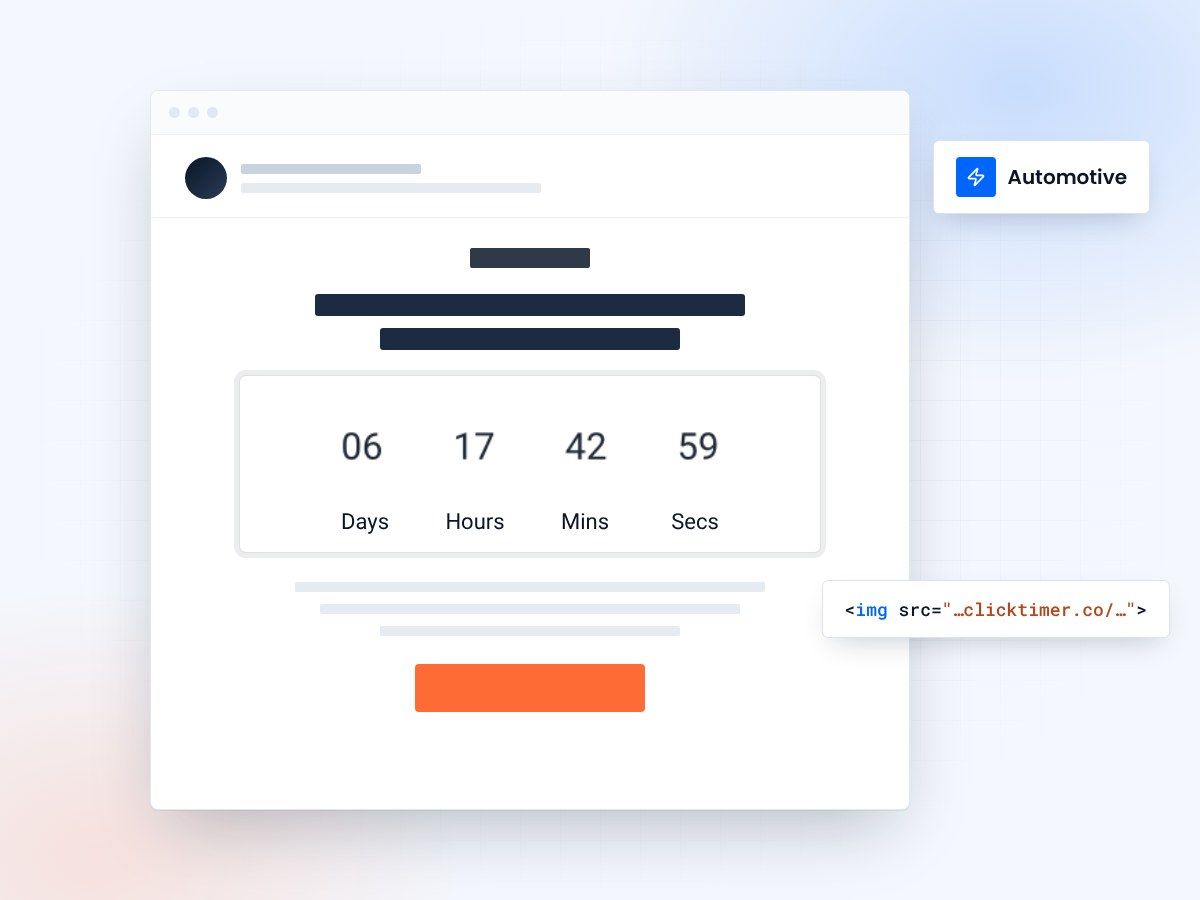
- Built for dealership sales events
- Works in any automotive CRM email
- 10,000 free impressions a month
- No watermark, even on the free plan
Why automotive email marketing needs countdown timers
The automotive industry runs on events — end-of-month clearance sales, model year closeouts, holiday weekend promotions, and seasonal service specials. Every one of these has a natural deadline, making them ideal for countdown timer emails.
Car buying is a high-consideration purchase, and customers often procrastinate. A countdown timer in your email cuts through that inertia. When a prospect sees "Memorial Day Sale ends in 1 day, 8 hours," the visual ticking clock creates a sense of scarcity that text alone cannot match. Dealerships that use urgency-based email marketing consistently report higher email click-through rates and more showroom traffic during promotional events.
ClickTimer's GIF-based countdown timers update in real time every time the email is opened — working across Gmail, Outlook, Apple Mail, and every other client. No technical setup, no JavaScript, just a simple image embed that works everywhere.
Top automotive countdown timer use cases
Sales event promotions
End-of-year clearance, Presidents' Day weekend sales, Black Friday deals — dealership sales events have hard deadlines that countdown timers amplify perfectly. Send a series of emails leading up to the event with decreasing countdowns: 7 days, 3 days, 24 hours, "last chance." Each touchpoint increases urgency progressively.
Model year closeout campaigns
When new model years arrive, remaining current-year inventory needs to move fast. A countdown timer showing "2025 models available at clearance prices for 12 more days" gives price-sensitive buyers the push they need. This works especially well because the scarcity is real — once they're gone, they're gone.
Test drive appointment booking
Running a test drive event or offering a gift card incentive for test drives? A countdown timer adds urgency: "Book your test drive by Saturday — $50 gift card for attendees." The timer makes the deadline tangible and drives more appointment completions.
Service and maintenance specials
Oil change discounts, tire rotation specials, winter prep packages — service department promotions with countdown timers see higher redemption rates. "Get 20% off winter tire installation — offer expires Friday" with a ticking timer is far more compelling than a static coupon email.
Lease expiration follow-ups
When a customer's lease is nearing expiration, a countdown timer showing "Your lease expires in 30 days — explore your upgrade options" creates timely awareness. Pair it with new model highlights and loyalty incentives for maximum impact.
How to add countdown timers to automotive emails
Most dealership marketing teams aren't deeply technical — ClickTimer is built for exactly this. Setup takes 30 seconds:
- Set your sale end dateGo to ClickTimer's timer configurator and set your sale end date/time.
- Customize the designCustomize the design — match your dealership's brand colors, choose a bold font from 900+ Google Fonts options, and set the timer style. A premium auto brand might use sleek dark backgrounds with gold accents; a value-focused dealership might go bold and red.
- SendSend and watch your click-through rates climb. The timer updates live on every open.
Create your dealership countdown
Set the sale end date, match your dealership's colours, copy the image. 10,000 free impressions a month, no credit card.
Already have an account?
Send Test Email
Enter your email to receive a preview of how this countdown looks in email campaigns.
Pricing for automotive dealerships
| Dealership size | Monthly email volume | ClickTimer cost | MailTimers cost |
|---|---|---|---|
| Small single-lot | 5,000 emails | Free (under 10K) | €49/month |
| Mid-size dealership | 50,000 emails | ~€1.15/month | €49/month |
| Multi-location group | 200,000 emails | ~€3.75/month | €49+/month |
| National chain | 1M+ emails | ~€6.00/month | Custom pricing |
ClickTimer's pay-as-you-go model with prepaid credits that never expire means dealerships pay only for what they use — no monthly subscription eating into your marketing budget during slow months. Full pricing breakdown: free for 0–10,000 impressions (no watermark), then €0.23/10K up to 150K, €0.15/10K up to 1M, and €0.06/10K above 1M.
Create different countdown timers for different audience segments. Send a "VIP Early Access — sale starts in 3 days" timer to your best customers before the public sale, then switch to a "Sale ends Sunday" timer for your general list. This rewards loyalty and creates two urgency waves for the same event.
Automotive campaign ideas with timers
End-of-month push
Dealerships know the end-of-month crunch. A countdown to midnight on the last day drives last-minute leads when manufacturer incentives are about to expire.
New model launch
with a countdown to launch day. Builds anticipation and captures early interest from enthusiasts.
Trade-in bonus event
A short 3-day countdown for a trade-in bonus drives showroom visits from people already considering an upgrade.
Service coupon expiry
Countdown timers on service offers drive both redemption and repeat visits to the service department, which is a major profit center for dealerships.
Best practices for automotive countdown emails
Match the urgency to the purchase stage
Sales-ready leads respond to short deadlines (24-72 hours). Early-stage prospects need longer windows (1-2 weeks) to avoid feeling pressured on a major purchase decision.
Combine timers with strong offers
A countdown without a compelling offer is just a clock. Pair timers with real incentives — manufacturer rebates, dealer discounts, complimentary accessories, or financing specials.
Use high-quality vehicle imagery
Automotive emails should feature beautiful vehicle photos alongside the timer. The emotion of the car combined with the urgency of the timer creates a powerful conversion combination.
Include clear next steps
Every timer email should make the next action obvious: "Schedule a Test Drive," "Get Your Trade-In Value," "View Available Inventory." Link directly to your VDP (vehicle detail pages) or scheduling tool.
Don't forget service
Service department emails are often overlooked, but they're a steady revenue stream. Seasonal maintenance countdown campaigns (winter prep, summer road trip check, etc.) keep customers coming back. Explore more ideas in our ESP integrations guides.
Frequently asked questions
Do countdown timers work with automotive CRM platforms?
Can I create different timers for different sales events?
Absolutely. Create as many unique timers as you need — each with its own deadline, style, and branding. There's no limit on the number of timers you can create.
What happens after the sale ends?
You configure an expiry message that appears after the countdown reaches zero. For automotive, something like "This sales event has ended — contact us for current offers" keeps the email useful even after the promotion.
Is it cost-effective for small dealerships?
ClickTimer is free for up to 10,000 impressions with no watermark. Most small dealerships with email lists under 5,000 will never pay a cent. Even at scale, it's dramatically cheaper than subscription-based alternatives like MailTimers (€49/month).
Can I customize the timer to match my dealership brand?
Yes. With 900+ Google Fonts and full color control, you can create timers that match any dealership brand — from luxury to value, import to domestic.
Try ClickTimer free
Create your first countdown timer in 30 seconds.