Dynamic Countdown Timers for BigCommerce
Boost conversions with real-time urgency in every BigCommerce email campaign
Start Free with BigCommerce 10,000 free impressions a month · No watermark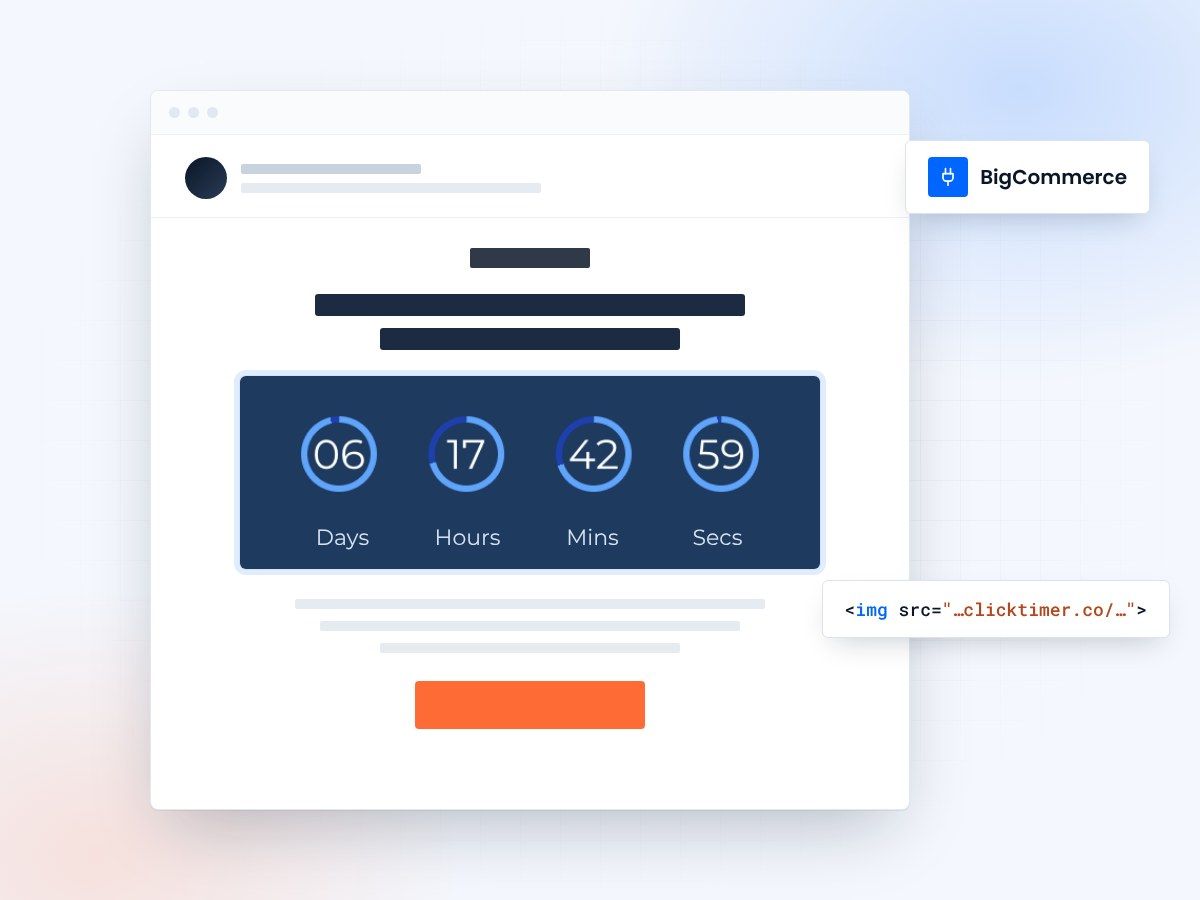
- Works in any BigCommerce email
- No app to install
- 10,000 free impressions a month
- Credits never expire
Countdown timers for BigCommerce emails
BigCommerce merchants use ClickTimer to create urgency that drives sales across flash promotions, cart abandonment flows, and seasonal campaigns. Real-time countdown timers update dynamically in every recipient's inbox, showing accurate time remaining whether they open your email immediately or days later—perfect for scaling your e-commerce email strategy without complex integrations.
Why use ClickTimer with BigCommerce?
Perfect for BigCommerce campaigns & automations
Works in promotional emails, abandoned cart sequences, and customer re-engagement flows.
900+ fonts, full customization
Match your brand. No watermarks even on free tier.
Pay-as-you-go pricing
10K free impressions. No subscription, credits never expire.
Edit after sending
Update timer settings anytime, changes apply instantly.
How to add countdown timers to BigCommerce
1. Create your timer
Use ClickTimer builder. Set date, colors, fonts.
2. Copy the HTML code
Click Get Code to copy your snippet.
3. Add HTML block in BigCommerce
In your BigCommerce email template editor, add an HTML block (NOT image block).
4. Paste and send
Timer updates in real-time on every email open.
Create your BigCommerce countdown
Set the date, colors and fonts, then copy the HTML. 10,000 free impressions a month, no credit card.
Already have an account?
Send Test Email
Enter your email to receive a preview of how this countdown looks in email campaigns.
Popular timer use cases for BigCommerce
Flash sale countdowns
Create urgency for 24-72 hour promotions and limited-time discounts
Abandoned cart recovery
Add 24-hour timers to cart abandonment emails with expiring discount codes
Product launch teasers
Build anticipation with countdown to new product drop dates
Seasonal campaign deadlines
Holiday shipping cutoffs, Black Friday, Cyber Monday end times
VIP early access
Exclusive time-limited offers for loyalty program members
Stock scarcity campaigns
Combine timers with low inventory messages to drive immediate action
Frequently asked questions
Does ClickTimer integrate directly with BigCommerce?
ClickTimer works with BigCommerce emails through simple HTML code—no app installation or API integration needed. Create your timer, copy the HTML snippet, and paste it into any BigCommerce email campaign or automation template using an HTML content block.
Can I use timers in BigCommerce abandoned cart emails?
Yes. ClickTimer works perfectly in BigCommerce abandoned cart automation sequences. Add a 24-hour countdown to create urgency around limited-time discount codes or special cart recovery offers. The timer will show accurate remaining time regardless of when the recipient opens your email.
Do I need to use an image block or HTML block?
Always use an HTML block (or code block), never an image block. ClickTimer generates dynamic HTML that renders the countdown in real-time. Image blocks won't work because they expect static image URLs, not executable code.
Will timers display correctly on mobile devices?
Yes, ClickTimer countdown timers are fully responsive and display perfectly on all devices including iOS Mail, Gmail mobile, Outlook mobile, and other mobile email clients used by your BigCommerce customers.
What happens when the countdown reaches zero?
You control what displays when time expires—show zeros, a custom 'Offer Ended' message, or hide the timer completely. You can also set an evergreen timer that resets based on when each recipient opens the email, perfect for ongoing promotions.
Ready to boost your BigCommerce conversions?
Create your free timer in 90 seconds. 10K impressions, no credit card.