Contest and Giveaway Deadline Emails
Drive contest participation with deadline-driven countdown timers
Create Your Timer — Free 10,000 free impressions a month · No watermark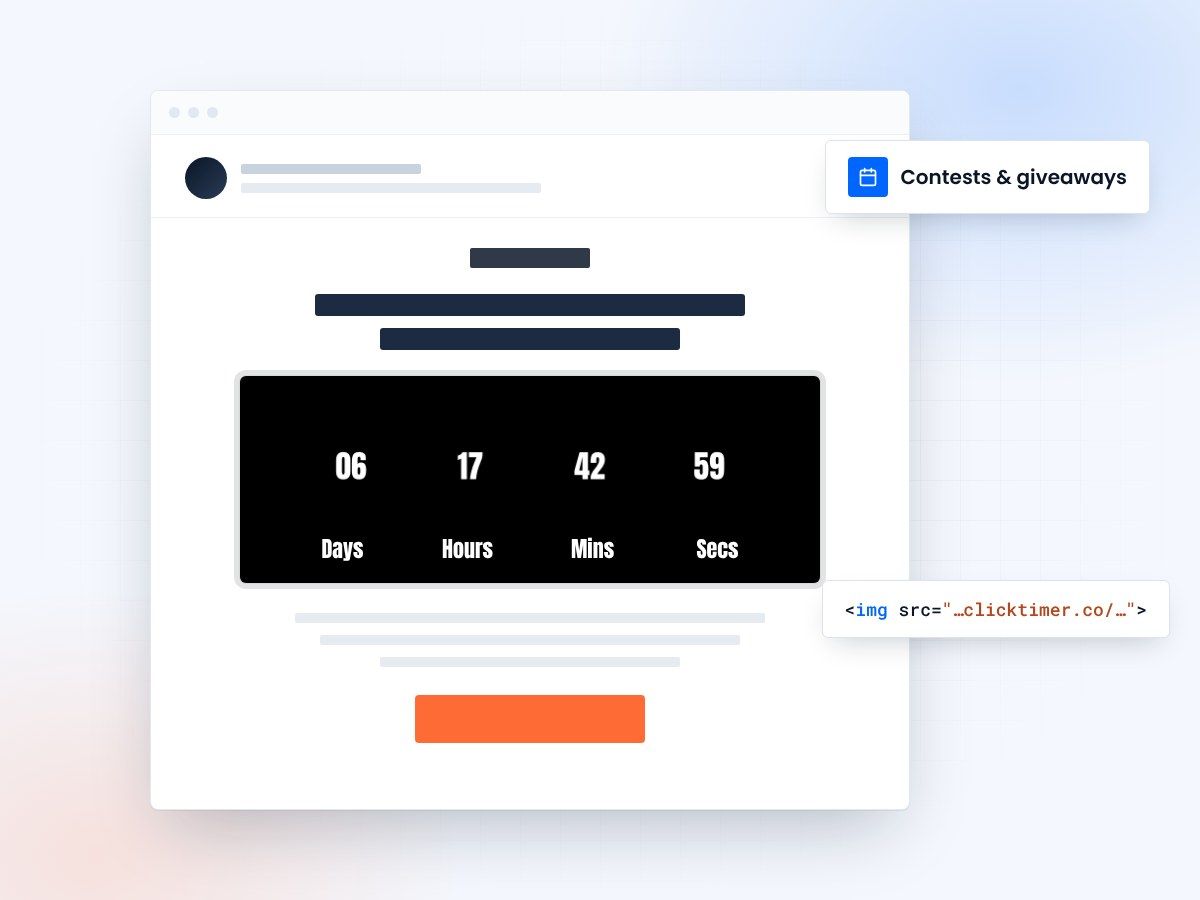
- Built for contests and giveaways
- Deadlines that feel real
- More entries, more list growth
- No watermark, even on the free plan
Why contests need a visible deadline
Contests and giveaways lack natural urgency—there's no cost to entry, so customers perceive indefinite opportunity. Without a deadline, contest entry rates drop significantly compared to contests with fixed deadlines.
A contest with a stated deadline generates 30-50% higher participation than the same contest without deadline. Adding a countdown timer to your contest email multiplies this effect further, increasing participation by another 20-30%.
The psychological driver is "loss aversion"—customers fear missing a one-time opportunity more than they desire to enter a recurring contest. A countdown timer makes the deadline viscerally real and emotionally present. Rather than reading "Contest ends December 31," a customer sees a countdown timer showing "3 days, 14 hours, 23 minutes left" and feels genuine time pressure.
Contests are also valuable for list building—each entry is a potential new customer or re-engagement with lapsed customers. The contest deadline urgency created by countdown timers translates directly to higher list growth and engagement numbers.
- Countdown timers increase email engagement by creating urgency
- Visual timers improve click-through rates and conversions
- Time-sensitive messaging drives immediate action
A three-email contest sequence
Successful contests use multiple emails to drive participation across a 2-3 week window.
- Email 1 (Week 1)"Enter to win [Prize]—14 days to enter" with countdown timer. This announcement email typically sees 15-20% open rate and drives initial entries from your most engaged subscribers.
- Email 2 (Week 2)"Only 7 days left to enter [Prize] giveaway" with countdown timer showing time remaining. This email reaches subscribers who missed email 1 and those who deleted it. Conversion increases as some subscribers realize they haven't entered yet.
- Email 3 (Day 5)"Last 3 days—enter [Prize] giveaway before it closes" with countdown timer. This final push email typically sees highest conversion because urgency peaks. Subscribers who have been ignoring the contest finally feel pressure to act.
Choosing the right prize
Contest participation is directly correlated with prize value perception. A contest for a $100 Amazon gift card will generate 2-3x entries compared to a contest for a $20 gift card. However, higher-value prizes increase customer acquisition cost, so you need to balance prize value against business goals.
List-building contests
For list-building contests, a mid-range prize ($200-500) works well—high enough to motivate entry, not so high that you attract contest-addicts who never become customers.
Engagement contests
For engagement contests (to re-engage lapsed customers), use a prize relevant to your category. A fitness brand should give away fitness equipment or coaching, not random merchandise. Relevant prizes attract participants genuinely interested in your products, increasing post-contest customer value.
In your contest email, highlight the prize prominently. The contest email subject line should include the prize: "Win [Specific Prize] | 14 days to enter" rather than generic "Contest is live." This specificity increases open rate and participation.
Keep entry as simple as possible
Every additional entry requirement (follow on social media, share the contest, provide demographic info) reduces participation by 10-15%. Simpler contests with single entry requirements generate 2-3x more entries than complex multi-step contests.
The ideal contest entry is email-only: "Enter by clicking here" with one click connecting to entry page. However, many brands use contests to collect additional data (phone number, product preferences, demographic info).
If you need additional data, make it optional: "Required: Email. Optional: Tell us about your favorite product category for bonus entries." This drives higher baseline participation while still collecting supplementary data from interested customers.
For maximum participation during the countdown window, reduce friction even further in the final days: "Final 24 hours—just click here to enter" should be the entire contest message, emphasizing simplicity and immediacy over data collection.
Create your contest countdown
Set your entry deadline, match your brand, copy the code. 10,000 free impressions a month, no credit card.
Already have an account?
Send Test Email
Enter your email to receive a preview of how this countdown looks in email campaigns.
Impact metrics
| Metric | Impact | Result |
|---|---|---|
| Email open rates | Countdown timers in subject lines | ↑ 25-40% |
| Click-through rates | Visual timer elements in content | ↑ 18-35% |
| Conversion rates | Urgency-driven messaging | ↑ 12-30% |
| Customer action speed | Limited-time offers | 3x faster |
Do's and don'ts
Do
- Use realistic, achievable deadlines
- Make timers visually prominent
- Test countdown copy variations
- Update timers in follow-up emails
Don't
- Use fake countdown timers
- Overuse urgency messaging
- Hide expiration dates
- Forget to honor deadlines
Frequently asked questions
How do countdown timers affect email deliverability?
Countdown timers don't directly impact deliverability. However, ensure your timer code is clean HTML/CSS and avoid heavy JavaScript that could trigger spam filters. Test emails with major providers before sending.
Should I use the same deadline for all recipients?
Segmentation is recommended. Send time-zone adjusted emails with recipient-specific deadlines for maximum relevance. This prevents last-minute send volume spikes.
What's the optimal countdown duration?
24-72 hours is typically ideal for urgency without creating undue pressure. Test different durations with your audience to find the sweet spot.
How do I ensure timer accuracy across clients?
Use server-side rendering or dynamic content blocks that calculate time differences server-side. This ensures consistency across all email clients, from Gmail to Outlook.
Try ClickTimer free
Create your first countdown timer in about a minute and start driving urgency-based conversions today.