Discount Code Expiration Countdown Emails
Increase coupon redemption with urgency-driven countdown timers
Create Your Timer — Free 10,000 free impressions a month · No watermark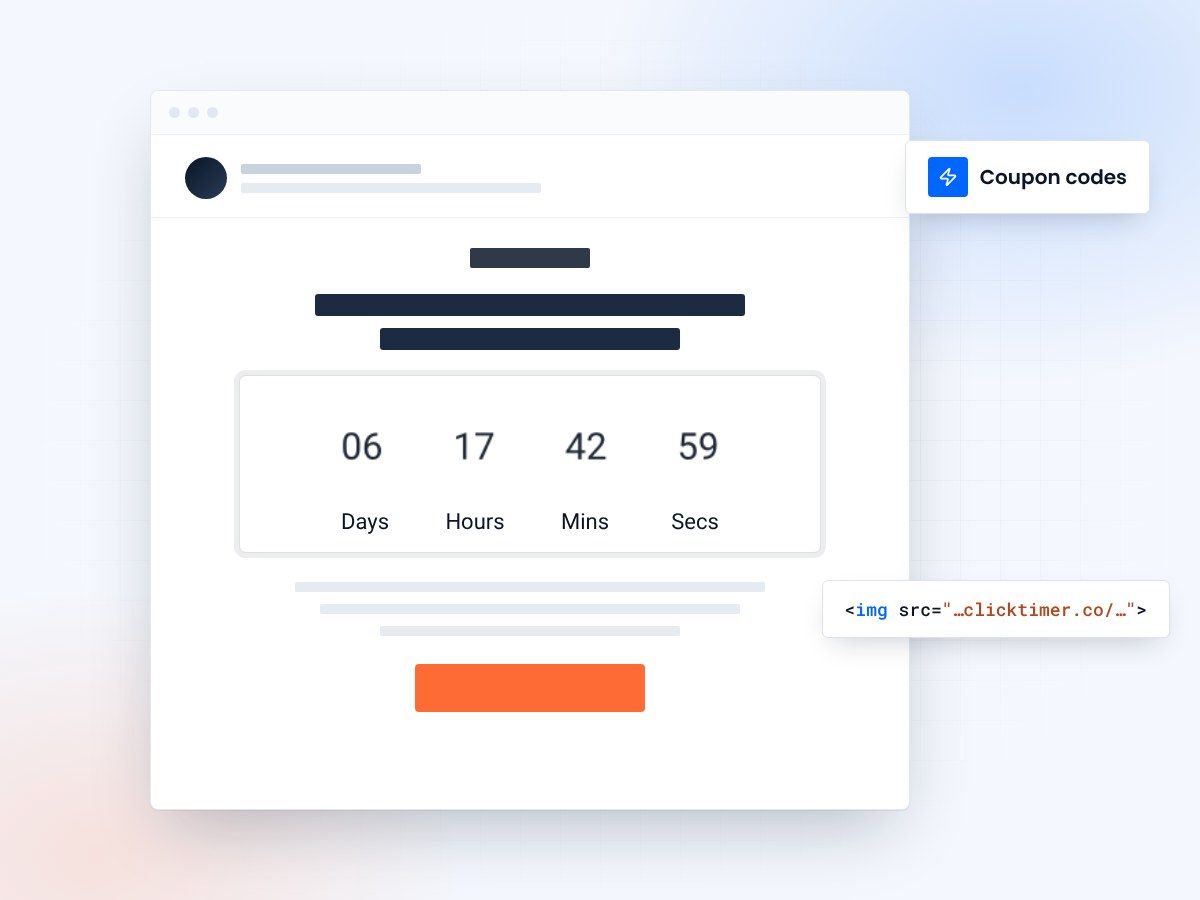
- Coupon codes with a visible deadline
- A live countdown in every email
- 10,000 free impressions a month
- No watermark, even on the free plan
Why discount codes need a visible deadline
Email marketers send discount codes, but not all customers actually use them. Studies show that 40-60% of discount codes sent via email go unredeemed. This is partially because customers receive too many promotional emails and discount overload leads to decision paralysis.
More importantly, without a deadline, customers perceive indefinite validity. They think "I'll use this later" and then forget about it. A countdown timer email changes this psychology. When a discount code has a visible expiration deadline, redemption rates increase by 25-35%.
The countdown timer creates a dual incentive: the financial benefit (save 20%) and the time constraint (expires Friday). Together, these trigger action that neither alone would accomplish. The best coupon strategies combine clear expiration dates with countdown timers that make those dates visually prominent and emotionally impactful.
- Countdown timers increase email engagement by creating urgency
- Visual timers improve click-through rates and conversions
- Time-sensitive messaging drives immediate action
Three ways to turn a coupon into a deadline
Rolling deadlines, escalating tiers and a layout that puts the code next to the clock.
Rolling, per-recipient deadlines
Rather than sending the same coupon to your entire list, create personalized coupons that expire on a rolling basis tied to email send date. This approach uses "evergreen" countdown timers that show the same expiration time for all recipients regardless of when they open the email.
For example, you send an email on March 16 with a coupon valid for 7 days. A customer opening the email on March 16 sees "7 days to use this code." A customer opening the same email on March 18 sees "5 days to use this code." The countdown timer adjusts for each recipient, making the deadline feel personally relevant.
This strategy works because it doesn't require different versions of the email—one email with one coupon code creates personalized urgency for each recipient. The evergreen timer technology ensures that early openers and late openers both perceive scarcity relative to their own situation.
Escalating discount tiers
Create multiple discount tiers with different expiration dates to maximize total redemption. Send Tier 1 (20% off, 3 days) to your engagement-based segment. If customers don't redeem within 3 days, automatically send Tier 2 (25% off, 5 days) to non-converters. If still no redemption, send Tier 3 (30% off, 7 days) as the final push.
Each tier uses a countdown timer showing a new expiration deadline. This approach works because different customer segments respond to different incentive levels. Some customers redeem immediately at 20% off.
Others procrastinate and need a higher discount to motivate action. The final segment might only convert with a substantial discount and a longer window. Track redemption by tier to understand your audience's price sensitivity and timing patterns. This data helps optimize future coupon strategies—you might learn that your audience is price-sensitive and needs 30%+ discounts, or time-sensitive and needs longer windows.
The coupon email layout
The countdown timer in a coupon email should display prominently above the fold. The timer should clearly show the expiration date and remaining time.
Include the coupon code itself above or next to the timer for easy reference. Use a design pattern like: [Coupon Code] | [Countdown Timer] | [CTA Button]. The supporting text should explain what the discount applies to: "Use code SPRING20 for 20% off all accessories." Include the terms clearly: "Valid through [Date]" or "Expires in 3 days." Make the CTA button link directly to a pre-filled shopping cart with the discount applied (if your system allows) or to a landing page with the coupon code pre-filled.
This reduces friction and increases redemption. Make the coupon code large and easily copyable—consider making it clickable to copy to clipboard rather than requiring manual typing.
Impact metrics
| Metric | Impact | Result |
|---|---|---|
| Email Open Rates | Countdown timers in subject lines | ↑ 25-40% |
| Click-Through Rates | Visual timer elements in content | ↑ 18-35% |
| Conversion Rates | Urgency-driven messaging | ↑ 12-30% |
| Customer Action Speed | Limited-time offers | 3x Faster |
Create your coupon expiration countdown
Set the expiry date, match your brand, paste it next to the code. 10,000 free impressions a month, no credit card.
Already have an account?
Send Test Email
Enter your email to receive a preview of how this countdown looks in email campaigns.
Best practices
Do
- Use realistic, achievable deadlines
- Make timers visually prominent
- Test countdown copy variations
- Update timers in follow-up emails
Don’t
- Use fake countdown timers
- Overuse urgency messaging
- Hide expiration dates
- Forget to honor deadlines
Frequently asked questions
How do countdown timers affect email deliverability?
Countdown timers don't directly impact deliverability. However, ensure your timer code is clean HTML/CSS and avoid heavy JavaScript that could trigger spam filters. Test emails with major providers before sending.
Should I use the same deadline for all recipients?
Segmentation is recommended. Send time-zone adjusted emails with recipient-specific deadlines for maximum relevance. This prevents last-minute send volume spikes.
What's the optimal countdown duration?
24-72 hours is typically ideal for urgency without creating undue pressure. Test different durations with your audience to find the sweet spot.
How do I ensure timer accuracy across clients?
Use server-side rendering or dynamic content blocks that calculate time differences server-side. This ensures consistency across all email clients, from Gmail to Outlook.
Try ClickTimer free
Create your first countdown timer in 30 seconds and start driving urgency-based conversions today.