Dynamic vs Static Countdown Timers
Choose the right countdown approach for every campaign.
Create Your Timer — Free 10,000 free impressions a month · No watermark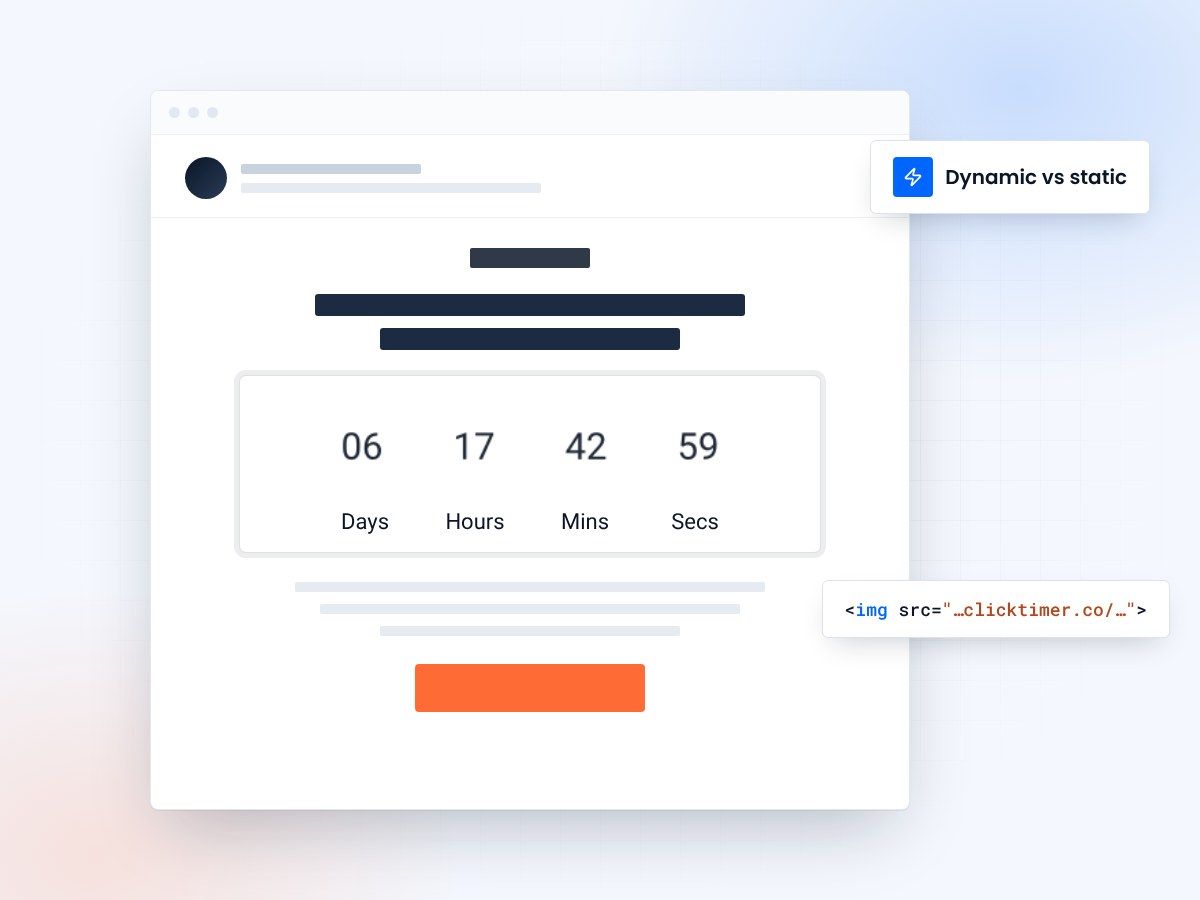
- Updates on every email open
- Shows the real time remaining
- Custom expired state
- 10,000 free impressions a month
Understanding the two types of email countdown timers
When adding urgency to your email campaigns, you have two fundamentally different approaches to countdown timers. Dynamic countdown timers update in real-time each time the email is opened — the subscriber always sees the actual time remaining until the deadline.
Static countdown timers are fixed at send time — they show the same countdown regardless of when the email is opened. Each type serves different strategic purposes, and choosing the right one can significantly impact your campaign performance.
The distinction matters more than most marketers realize. A dynamic timer creates genuine, accurate urgency. A static timer creates a visual impression of urgency that may not match reality. Both have legitimate uses, but misusing them can erode subscriber trust or reduce effectiveness.
The short version
- Dynamic timers update in real time on every open
- Static timers are fixed at send time
- Use dynamic timers for 90% of your campaigns
Two technologies, two behaviours
How dynamic countdown timers work
Dynamic timers are server-rendered images. When a subscriber opens the email, their email client requests the timer image from a server (like ClickTimer), which calculates the remaining time and generates a fresh image showing the current countdown. This means if someone opens your email 3 days after you sent it, they see the real remaining time — not the countdown from send time.
The technology behind this is elegant. The timer URL includes the deadline timestamp as a parameter. Each time the image is requested, the server reads the deadline, computes the difference from the current time, renders the countdown digits, and returns the image. It happens in milliseconds, and the subscriber sees an accurate, live countdown every time they open the email.
After the deadline passes, dynamic timers can display a custom expired state — showing "Offer Ended" or redirecting to a different image entirely. This prevents embarrassing situations where a subscriber sees a countdown to a sale that ended days ago.
How static countdown timers work
Static timers are pre-rendered GIFs or images created at email build time. They show a fixed countdown sequence — for example, a GIF that loops through "3 days, 2 hours, 15 minutes." The animation creates the illusion of a live countdown, but the values never change. Whether someone opens the email 5 minutes or 5 days after delivery, they see the same countdown.
Some marketers use static timers for aesthetic purposes — they want the visual energy of a ticking countdown without needing real-time accuracy. Others use them for evergreen campaigns where the "deadline" is more of a motivational device than a hard cutoff date.
Dynamic vs static at a glance
| Feature | Dynamic timer | Static timer |
|---|---|---|
| Accuracy | Real-time, always current | Fixed at creation time |
| Expired state | Automatically shows expired message | Keeps showing countdown |
| Server dependency | Requires live server | Self-contained file |
| Personalization | Per-subscriber deadlines possible | Same for all recipients |
| File size | Small (generated on request) | Can be large (animated GIF) |
| Best for | Sales, launches, real deadlines | Evergreen, aesthetic, drip |
| Trust impact | High — always honest | Risk of misleading |
Create your dynamic countdown
Set a real deadline and a custom expired state, then copy the HTML code. 10,000 free impressions a month, no credit card.
Already have an account?
Send Test Email
Enter your email to receive a preview of how this countdown looks in email campaigns.
When to use which timer
When to use dynamic timers
Dynamic timers are the right choice whenever you have a real deadline that matters. Flash sales, product launches, early-bird pricing, event registration deadlines, webinar start times — any scenario where the countdown corresponds to a genuine cutoff. Dynamic timers maintain credibility because they always show the truth. A subscriber who opens your email and sees "2 hours left" knows that's real.
They're also essential for abandoned cart recovery and personalized offers. With ClickTimer, you can create per-subscriber deadlines — for example, giving each person 48 hours from cart abandonment. The dynamic timer shows each subscriber their own unique countdown, creating personalized urgency that static timers simply cannot match.
When static timers make sense
Static timers have a narrow but valid use case: when the countdown is decorative rather than functional. A welcome email with a "limited time" offer that actually runs indefinitely, a recurring weekly deal that resets every Monday, or a visual element that adds energy to your design without representing a real deadline. In these cases, a looping animated GIF can work well.
However, be careful with this approach. Savvy subscribers notice when a "24-hour deal" shows the same countdown every time they open the email. This erodes trust and can trigger spam complaints. If you use static timers, make sure the context makes it clear that the countdown is motivational rather than literal.
Performance comparison: dynamic vs static
Industry benchmarks consistently show that dynamic timers outperform static ones in conversion-focused campaigns. The reason is simple: accuracy drives urgency. When a subscriber sees "3 hours, 14 minutes remaining" and knows that's real, the fear of missing out is genuine. Static timers that always show the same countdown lose their psychological power over time, especially with repeat openers.
Dynamic timers also provide better analytics. Because each image request hits the server, you can track open times, re-open rates, and see exactly when subscribers engage with your email relative to the deadline. This data is invaluable for optimizing send times and countdown durations in future campaigns.
Frequently asked questions
Can I switch from static to dynamic timers mid-campaign?
Not within an already-sent email. But you can use dynamic timers in follow-up emails. For future campaigns, simply replace your static GIF with a ClickTimer dynamic timer's HTML code.
Do dynamic timers slow down email load times?
No. ClickTimer generates images in milliseconds and serves them through a global CDN. Load times are comparable to any other hosted image in your email.
What happens when a dynamic timer expires?
ClickTimer shows a customizable expired state. You can display "Offer Ended," a different promotion, or redirect to your main website. The subscriber never sees a negative countdown.
Are static timers cheaper?
Static timers have no ongoing cost since they're self-contained files. Dynamic timers require a service like ClickTimer. However, the conversion lift from dynamic timers typically far exceeds the cost of the service.
Switch to a timer that tells the truth
Create your first countdown timer in 30 seconds.