Dynamic Countdown Timers for Eloqua
Boost conversions in ABM campaigns, webinars, and enterprise nurture programs with real-time urgency
Start Free with Eloqua 10,000 free impressions a month · No watermark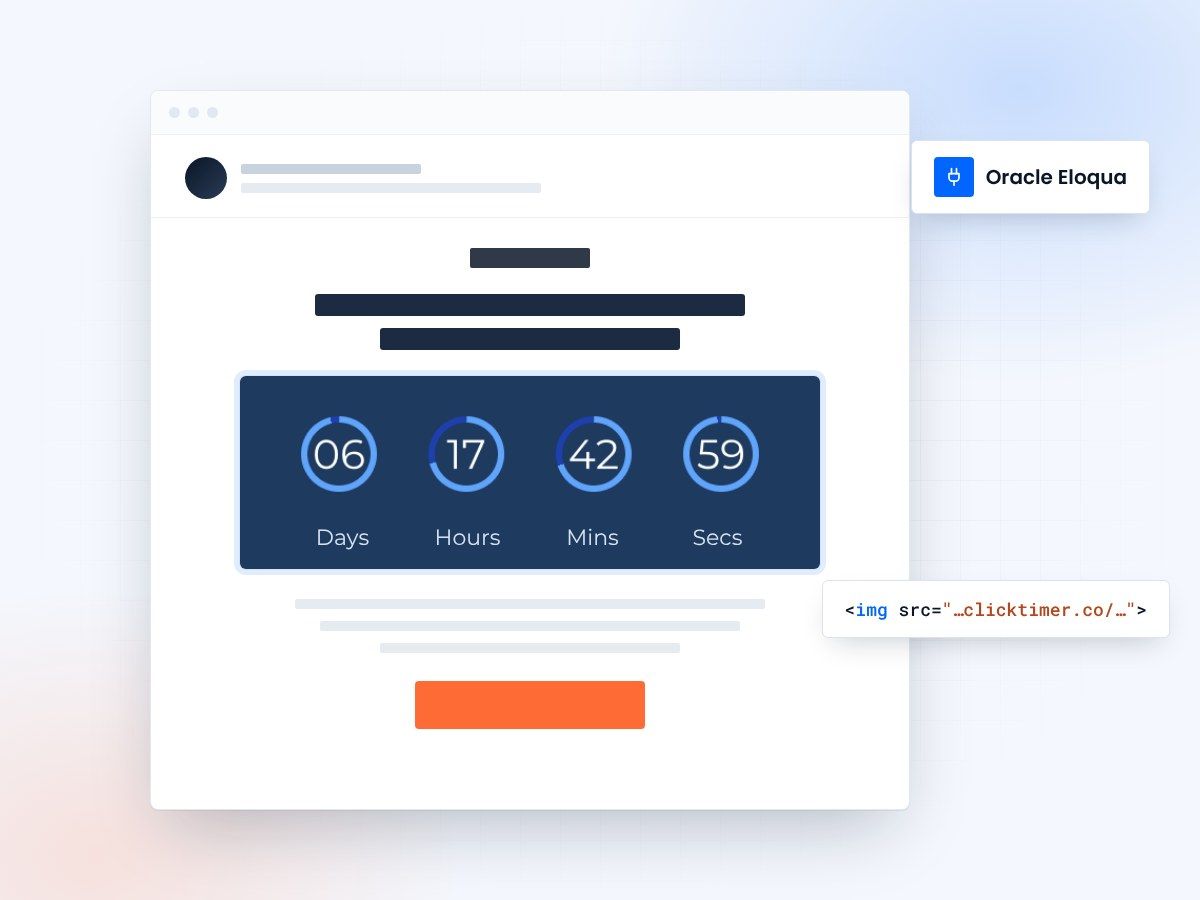
- Works in Campaign Canvas and simple emails
- Paste an HTML block, no IT ticket
- 10,000 free impressions a month
- No watermark, even on the free plan
Countdown timers for Oracle Eloqua
Oracle Eloqua powers sophisticated B2B marketing at scale. ClickTimer adds real-time countdown timers to your campaigns, canvas programs, and simple emails—driving urgency for event registrations, trial expirations, and ABM plays.
Built for enterprise marketers who demand precision, performance, and seamless HTML integration with Eloqua's Campaign Canvas and Email Editor.
Why use ClickTimer with Eloqua?
Built for Campaign Canvas workflows
Embed timers in multi-step nurture programs, wait steps, and segmented ABM campaigns.
900+ fonts, full customization
Match your brand. No watermarks even on free tier.
Pay-as-you-go pricing
10K free impressions. No subscription, credits never expire.
Edit after sending
Update timer settings anytime, changes apply instantly in active campaigns.
How to add countdown timers to Eloqua
- Create your timerUse ClickTimer builder. Set date, colors, fonts.
- Copy the HTML codeClick Get Code to copy your snippet.
- Add HTML block in EloquaIn the Eloqua Email Editor or Design Editor, drag in an HTML block (NOT image block).
- Paste and activateTimer updates in real-time on every email open across your campaigns.
Create your Eloqua countdown
Set the end date, match your brand, copy the HTML. 10,000 free impressions a month, no credit card.
Already have an account?
Send Test Email
Enter your email to receive a preview of how this countdown looks in email campaigns.
Popular timer use cases for Eloqua
Webinar registration deadlines
Drive last-minute signups with live countdown in event invitation campaigns.
Free trial expiration
Nurture leads with urgency before trial ends in automated programs.
ABM campaign deadlines
Personalize urgency for high-value accounts in segmented Canvas workflows.
Early bird pricing
Highlight limited-time offers for conferences, renewals, or upgrades.
Q4 pipeline push
Accelerate deal velocity with end-of-quarter urgency in outreach.
Content gating campaigns
Create FOMO for gated reports, whitepapers, or exclusive research.
Frequently asked questions
Does ClickTimer work with Eloqua Campaign Canvas?
Yes. Add the HTML timer block to any email step in your Campaign Canvas workflows, nurture programs, or simple emails. The timer updates dynamically for every recipient, regardless of when they open.
Can I use timers in Eloqua dynamic content blocks?
Absolutely. Paste ClickTimer HTML into dynamic content sections to personalize urgency by segment, profile, or account data. Perfect for ABM personalization at scale.
Do I need developer help to integrate?
No. Just copy the HTML code and paste into an HTML content block in Eloqua's Email Editor. No custom fields, APIs, or IT tickets required.
What happens after 10K free impressions?
Buy more impressions via pay-as-you-go (€0.23/10K, €0.15/10K, €0.06/10K depending on volume). Credits never expire. No recurring subscription.
Can I A/B test timers in Eloqua campaigns?
Yes. Create multiple timer versions in ClickTimer, then use Eloqua's A/B test functionality to compare email variants with different timer styles or deadlines.
Ready to boost your Eloqua conversions?
Create your free timer in 90 seconds. 10K impressions, no credit card.