Master Email Urgency Marketing
10 proven tips for creating urgency in emails that actually drive conversions and revenue.
Create Your Timer — Free 10,000 free impressions a month · No watermark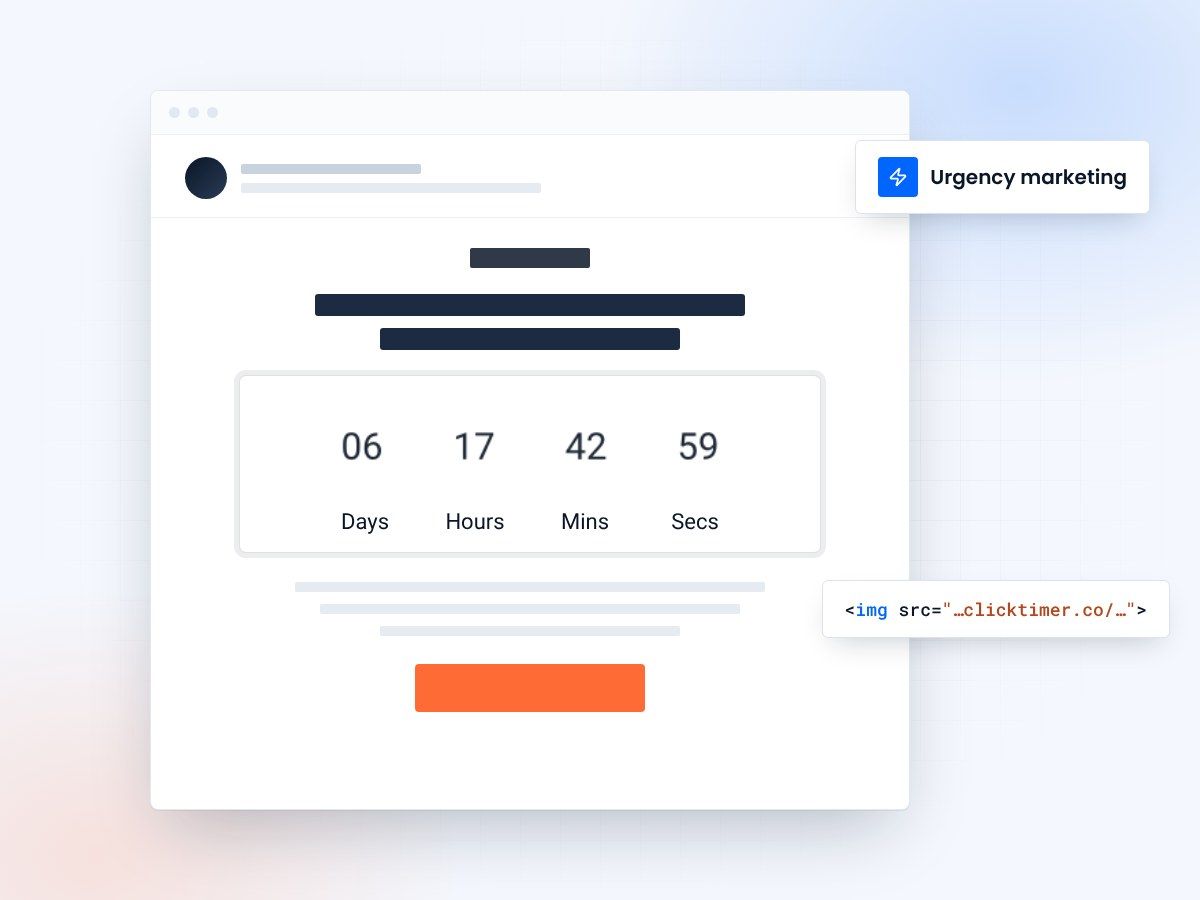
- 10 urgency tactics, ranked
- Authentic urgency, not fake deadlines
- 10,000 free impressions a month
- No watermark, even on the free plan
Email urgency marketing: 10 tips that work
Creating a sense of urgency in your email campaigns is one of the most powerful tactics for driving immediate action. However, urgency must be authentic and strategic.
Overuse of urgency tactics damages trust and leads to unsubscribes. This guide covers 10 proven urgency tactics that actually work—backed by research and real-world results from successful marketing teams.
The psychology of urgency
Urgency works because it triggers FOMO (fear of missing out) and reduces decision-making paralysis. When prospects believe something will be unavailable soon, they're more likely to act immediately rather than postpone the decision indefinitely. The key is making urgency feel real and legitimate.
10 email urgency tactics that drive results
Here are the most effective urgency strategies used by top-performing marketing teams:
| Tactic | Implementation | Effectiveness |
|---|---|---|
| Countdown Timers | Add visual countdown to email | Very high |
| Limited Quantity | "Only 5 spots left" messaging | Very high |
| Deadline Callouts | "Ends Thursday at 5 PM EST" | High |
| Price Increase Notice | "Price goes up Friday" | High |
| Flash Sale Announcement | 24-48 hour sale window | Very high |
| VIP Early Access | "You get early access for 48 hours" | High |
| Waitlist Status | "Join waiting list, only 23 spots remain" | High |
| Social Proof + Urgency | "1,243 others bought today" | Very high |
| Seasonal Deadlines | Holiday/seasonal closing dates | High |
| Bonus Expiration | "Free bonus only if you buy today" | High |
The three tactics in detail
Tactic 1: countdown timers
Visual countdown timers are the single most effective urgency tactic. Email recipients see the timer counting down in real-time, creating visceral urgency. Campaigns with countdown timers see 30-45% higher click-through rates. Place the timer prominently above the fold for maximum impact.
Tactic 2: limited quantity messaging
"Only 8 spots left" or "Last 3 available" creates scarcity-based urgency. This works because it signals real limitation. For products with genuine inventory limits, this is incredibly effective. Make sure the numbers are accurate—false scarcity damages trust permanently.
Tactic 3: specific deadline callouts
Vague deadlines like "ends soon" don't work. Use specific, urgent language: "Ends Thursday at 5 PM EST" or "Closing January 31st at midnight." The specificity makes it feel real. Include a timezone so prospects in different regions understand the exact deadline in their local time.
Create your urgency countdown
Set a real deadline, match your brand, copy the HTML code. 10,000 free impressions a month, no credit card.
Already have an account?
Send Test Email
Enter your email to receive a preview of how this countdown looks in email campaigns.
Best practices for authentic urgency
Do this
- Use real deadlines and limits
- Mix urgency with value
- Test different time windows
- Honor deadlines consistently
- Combine multiple tactics
Avoid this
- Fake deadlines
- "Sale" that never ends
- False scarcity claims
- Urgency in every email
- Overly aggressive messaging
Combining urgency tactics
The most effective campaigns combine multiple urgency signals. For example: countdown timer + limited quantity + social proof = maximum conversion impact. However, don't overload the email. Use 2-3 complementary urgency signals maximum.
Frequently asked questions
How often can I use urgency tactics without annoying subscribers?
Most audiences accept urgency 2-3 times per month. Overuse leads to unsubscribes and brand fatigue. Reserve urgency for genuine sales, launches, and limited offers. Regular content emails shouldn't use artificial urgency.
Does urgency work for B2B email marketing?
Yes, absolutely. B2B buyers are equally affected by FOMO. Urgency works well for limited-time offers, early pricing for new products, and conference registration deadlines. The key is using professional language appropriate for your B2B audience.
What countdown duration works best?
24-48 hours works best for flash sales and promotional offers. 7-14 days suits product launches and webinars. Test different durations with your audience—what works varies by industry and customer type.
How do I maintain trust while using urgency?
Always be authentic. Use real deadlines, real inventory limits, and genuine scarcity. Follow through on your promises. Never extend a deadline secretly or create false urgency. Long-term trust is more valuable than short-term conversions.
Add real urgency to your next campaign
Create your first countdown timer in 30 seconds and add it to your email campaigns today.