Countdown Timers for Fashion Ecommerce Emails
Discover how to leverage countdown timers for fashion ecommerce success.
Create Your Timer — Free 10,000 free impressions a month · No watermark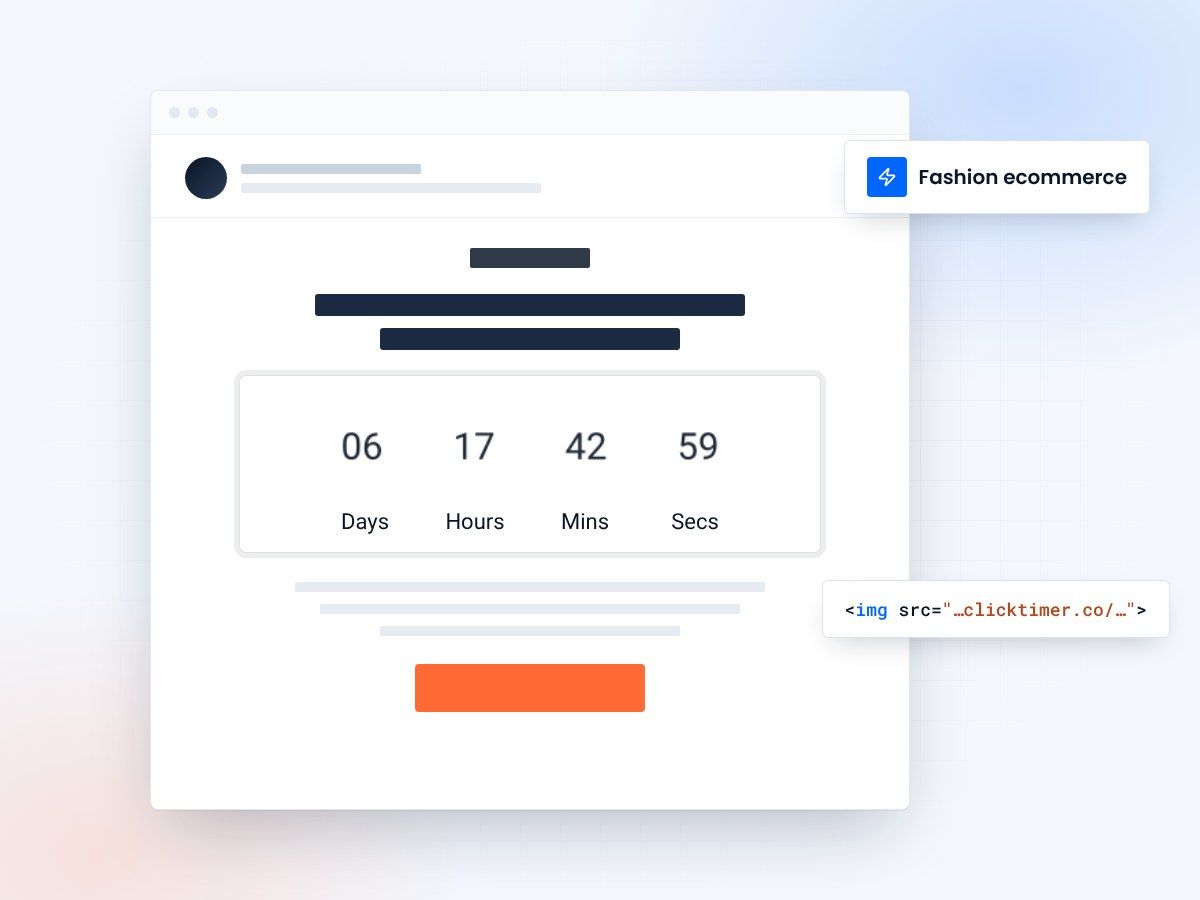
- Flash sales, drops and seasonal sales
- Cart recovery timers
- Fonts and colors that match your brand
- 10,000 free impressions a month
Why fashion ecommerce thrives on urgency
Fashion ecommerce is inherently time-sensitive. Seasons change, trends cycle, inventory is limited, and consumers are conditioned to wait for the next sale. This creates the perfect environment for countdown timers to drive action. Unlike other industries where urgency can feel artificial, fashion has built-in deadlines that make countdown timers feel natural and helpful.
The numbers speak for themselves: fashion ecommerce emails with countdown timers see an average 25-38% higher click-through rate compared to those without, according to data from Litmus and Klaviyo benchmarks. Brands like ASOS, Zara, and Fashion Nova have made countdown-driven email campaigns a cornerstone of their digital marketing strategy.
The fashion consumer's buying psychology is uniquely suited to urgency triggers. Fear of missing out (FOMO) is amplified when the product is a limited-edition dress or a trending sneaker that could sell out. A countdown timer doesn't just tell the customer the sale is ending — it makes them feel the window closing in real time.
Flash sale countdown strategies
Flash sales are the bread and butter of fashion ecommerce email marketing. A well-executed flash sale with countdown timers can generate 30-50% of a brand's monthly email revenue in a single 24-48 hour window. The key is creating a multi-touchpoint countdown experience.
The most effective flash sale email sequence includes three phases: a pre-launch teaser (sent 24 hours before with a countdown to the sale start), the launch announcement (with a countdown to the sale end), and a final hours reminder (with an urgent countdown showing remaining time). Each email amplifies the pressure, and the countdown timer serves as the visual anchor that ties the sequence together.
| Campaign type | Duration | Timer placement | Avg conversion lift | Best for |
|---|---|---|---|---|
| Flash Sale | 4-24 hours | Hero banner | +35-50% | Inventory clearance |
| Seasonal Sale | 3-7 days | Above fold | +20-30% | End-of-season |
| New Collection Drop | Countdown to launch | Center stage | +25-40% | Hype building |
| VIP Early Access | 12-48 hours | Header | +40-55% | Loyalty rewards |
| Cart Recovery | Evergreen 24h | Near CTA | +15-25% | Abandoned carts |
Seasonal campaign countdown playbook
Seasonal cycles
Fashion retail revolves around seasonal cycles: Spring/Summer collections, Fall/Winter launches, Black Friday, holiday gifting, and post-holiday clearance. Each season offers distinct countdown timer opportunities that align with consumer expectations.
Launches and sale events
For Spring/Summer launches, count down to the collection drop date to build anticipation. For end-of-season sales, count down to when current inventory will be replaced. During Black Friday and Cyber Monday, use multi-stage countdowns — first to the sale start, then to each escalating discount tier, and finally to the sale end.
Holiday shipping deadlines
Holiday gifting season requires a shipping-deadline countdown approach. "Order by December 18 for guaranteed Christmas delivery" with a live countdown timer is one of the highest-converting email strategies in fashion ecommerce. Nordstrom and J.Crew have reported that shipping deadline emails with countdown timers generate 3-4x the revenue per email compared to their average promotional sends.
Create your fashion countdown
Pick fonts and colors that fit your brand, set the end date, copy the code. 10,000 free impressions a month, no credit card.
Already have an account?
Send Test Email
Enter your email to receive a preview of how this countdown looks in email campaigns.
Design tips for fashion email timers
Match your brand
In fashion, aesthetics matter as much as function. Your countdown timer should feel like a natural extension of your brand's visual identity, not a generic widget dropped into an otherwise beautiful email. Choose timer fonts and colors that complement your brand palette. A luxury brand like Gucci would use a sleek, minimal timer with serif fonts, while a streetwear brand like Supreme might opt for bold, industrial typography.
Place it near the hero
Place timers strategically within your email layout. For fashion emails, the most effective placement is directly above or below the hero product image — this creates a visual connection between the product desire and the time pressure. Avoid placing timers at the very bottom of the email where scroll depth data shows 40-60% of recipients never reach.
Design for mobile
Mobile optimization is critical for fashion ecommerce emails, where 65-75% of opens occur on mobile devices. Ensure your countdown timer is responsive and remains legible on small screens. ClickTimer's responsive timers automatically adjust to the device, maintaining visual impact across all screen sizes.
Abandoned cart recovery with countdown timers
Fashion has one of the highest cart abandonment rates of any ecommerce category — averaging 78-85% according to Baymard Institute. Countdown timers in abandoned cart emails add a time-sensitive dimension that generic "you left something behind" emails lack.
The most effective approach uses an evergreen countdown timer that starts when the email is opened, creating a personalized deadline. "Your cart is reserved for 24 hours" with a live countdown makes the recovery window feel scarce and personal. This technique has been shown to improve cart recovery rates by 15-25% in fashion ecommerce.
Frequently asked questions
How often should fashion brands use countdown timers in emails?
Use countdown timers in 20-30% of your promotional emails to maintain impact. Overuse leads to timer fatigue where subscribers start ignoring the urgency. Reserve timers for genuine deadlines: sale endings, collection launches, and shipping cutoffs.
What happens when the countdown reaches zero in a fashion email?
Configure your timer to display a "Sale Ended" or "Shop New Arrivals" message after expiry. This maintains credibility and redirects late openers to current offerings rather than leaving a broken or zero-time display.
Should luxury fashion brands use countdown timers?
Yes, but with restraint. Luxury brands should use elegant, minimal timers for exclusive events like private sales, early access, and limited editions. Avoid aggressive colors or large timers — subtlety preserves brand prestige while still driving urgency.
Can I use countdown timers for pre-order campaigns?
Pre-orders are an excellent use case. Count down to the launch date to build excitement, or count down to the pre-order window closing. Both approaches create urgency and have been shown to increase pre-order rates by 20-30% for fashion brands.
Add your first fashion countdown today
Create your timer in about a minute and drop it into your next sale or launch email.