Countdown Timers for Gaming & App Launch Emails
Build hype and drive pre-orders with real-time countdown timers.
Create Your Timer — Free 10,000 free impressions a month · No watermark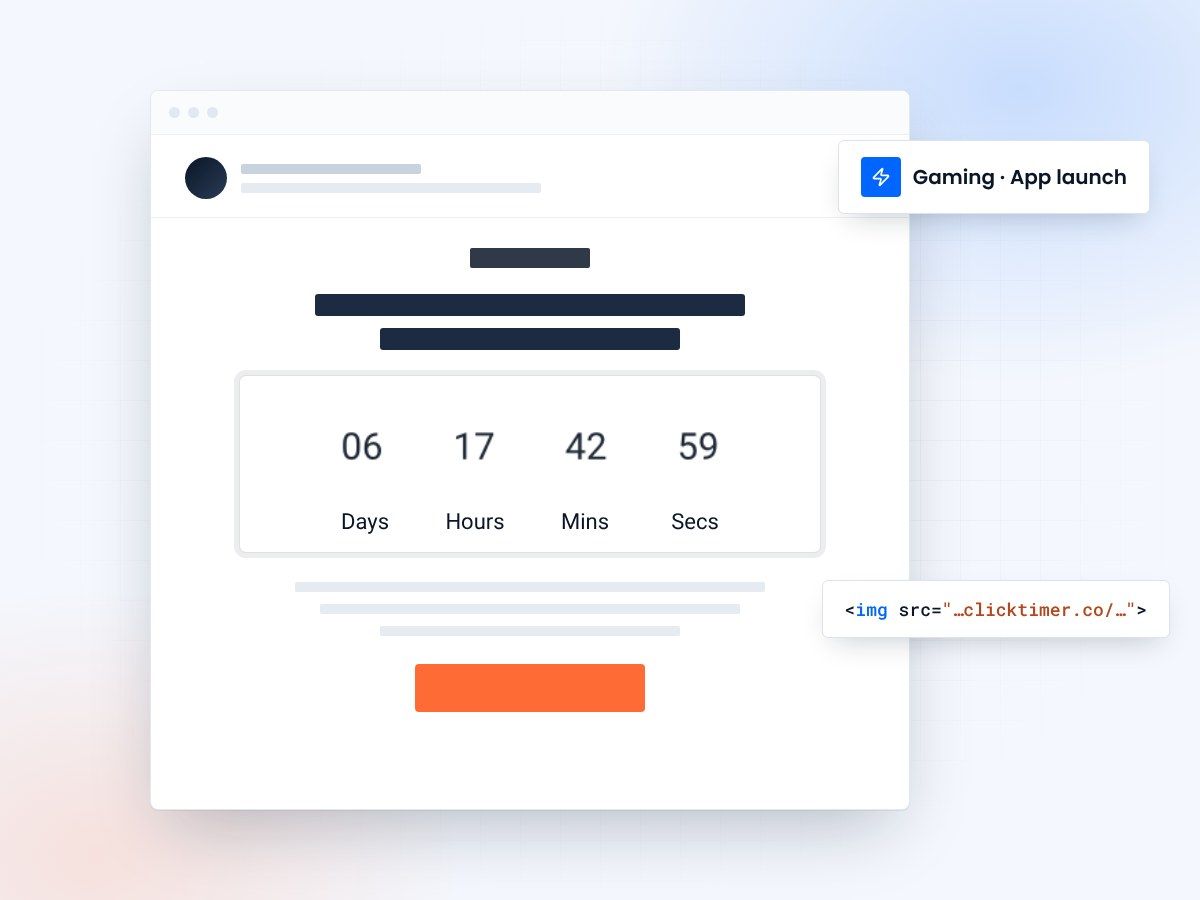
- Built for launch-day hype
- 900+ fonts to match your game
- 10,000 free impressions a month
- No watermark, even on the free plan
Why gaming companies need countdown timers in emails
The gaming industry thrives on anticipation. From the moment a game is announced to launch day, the entire marketing machine is designed to build hype. Countdown timers in emails are a natural fit — they tap into the same excitement that drives gamers to watch E3 reveals, refresh Steam pages, and line up for midnight releases.
Whether you're an indie studio launching on Steam, a mobile developer pushing a new app, or a AAA publisher coordinating a global launch, countdown timers give your email campaigns a dynamic, real-time element that static images simply can't match. Every time a subscriber opens your email, the timer updates — creating fresh urgency with each view.
ClickTimer makes this effortless. Set up a countdown in 30 seconds, customize it with your game's branding using 900+ fonts and custom colors, and embed it in any email platform. The GIF-based timer works universally across all email clients.
Top use cases for gaming email timers
| Use case | Timer goal | Audience |
|---|---|---|
| Game Launch | Count down to release date/time | Wishlist subscribers, pre-order customers |
| Early Access / Beta | Beta registration deadline | Community members, newsletter subscribers |
| In-Game Event | Event start/end countdown | Active players |
| DLC / Season Pass | New content release timer | Existing game owners |
| Sale / Bundle Deal | Discount expiration | Wishlisted but not purchased |
| Tournament / Esports | Registration/match start countdown | Competitive players |
Building hype with a multi-email countdown sequence
The most effective gaming email campaigns don't rely on a single blast. They build momentum through a sequence of emails, each one ratcheting up anticipation as the countdown gets closer to zero.
7 days before launch
Send a "One week to go" email with a countdown timer and a reveal — maybe a new trailer, gameplay screenshot, or feature announcement. The timer creates a visual anchor for the launch date.
3 days before launch
"Almost here" email with the timer showing days and hours. Include pre-load instructions, system requirements, or early-bird bonuses to drive action before launch.
Launch day
"It's live!" email. If there's still a window (like a launch-day discount or exclusive bonus), include a timer for that. Otherwise, switch to a "Play now" CTA.
This sequence works with any email platform. ClickTimer integrates seamlessly with Klaviyo, Mailchimp, SendGrid, and every other ESP — just paste the timer's HTML code into your email template.
Mobile app launch countdown strategies
App launches — whether games or utilities — follow similar principles but with some unique twists. For mobile apps, the countdown typically targets the moment the app goes live on the App Store or Google Play.
Pre-registration campaigns
Use a countdown to the pre-registration deadline. Google Play's pre-registration feature auto-installs apps on launch day — a countdown timer drives more users to sign up before the window closes.
Soft launch to global launch
If your app is soft-launching in select regions before going global, use a countdown to the worldwide release. This creates anticipation among your broader community.
In-app event notifications
For live service games and apps, send email countdowns for limited-time events, new seasons, or special promotions. Games like Fortnite and Genshin Impact have shown how effective time-limited events are for re-engaging lapsed players.
How to create your gaming countdown timer
Setting up a countdown timer for your gaming emails is straightforward:
- Set your launch timeGo to ClickTimer's configurator and set your launch date and time (with timezone support).
- Customize the lookCustomize the look — pick a font that matches your game's identity, set colors to match your brand palette, and choose your preferred size.
- Add it to your emailCopy the HTML code and paste it into an HTML block in your email. It works with every email service provider.
The timer automatically updates every time the email is opened, showing a real-time countdown. No JavaScript required — it's a simple GIF image that works in every email client.
Create your launch countdown
Set the release date, match your game's look, copy the code. 10,000 free impressions a month, no credit card.
Already have an account?
Send Test Email
Enter your email to receive a preview of how this countdown looks in email campaigns.
Cost-effective for studios of all sizes
Whether you're an indie developer with a 5,000-person mailing list or a publisher with millions of subscribers, ClickTimer's pricing scales with you. The free tier covers up to 10,000 impressions with zero watermarks — perfect for indie studios.
Beyond that, pay-as-you-go pricing starts at just €0.23 per 10K impressions, dropping to €0.06 per 10K at scale (1M+ impressions). Credits never expire.
This is a fraction of what competitors charge. MailTimers costs €49/month regardless of usage, and Deadline Funnel starts at $49/month. For a studio sending a few launch emails per year, ClickTimer's model makes far more financial sense.
Frequently asked questions
Can I customize the timer to match my game's art style?
Yes. ClickTimer offers 900+ fonts, custom colors, and adjustable sizing so you can match your game's visual identity.
Does the timer work in mobile email clients?
Absolutely. ClickTimer generates GIF-based timers that display correctly in all email clients, including iOS Mail, Gmail for Android, and Samsung Email.
Can I set the countdown to a specific timezone?
Yes. When configuring your timer, you specify the exact date, time, and timezone for your countdown endpoint.
Is there a free plan for indie developers?
Yes — ClickTimer's free tier includes 10,000 impressions with no watermark. That's typically enough for several email campaigns for indie studios.
Start the countdown to your launch
Create your timer in about a minute and drop it into any launch email.