Countdown Timers for Healthcare Email Campaigns
Reduce no-shows, drive enrollment, and engage patients with real-time countdown urgency.
Create Your Timer — Free 10,000 free impressions a month · No watermark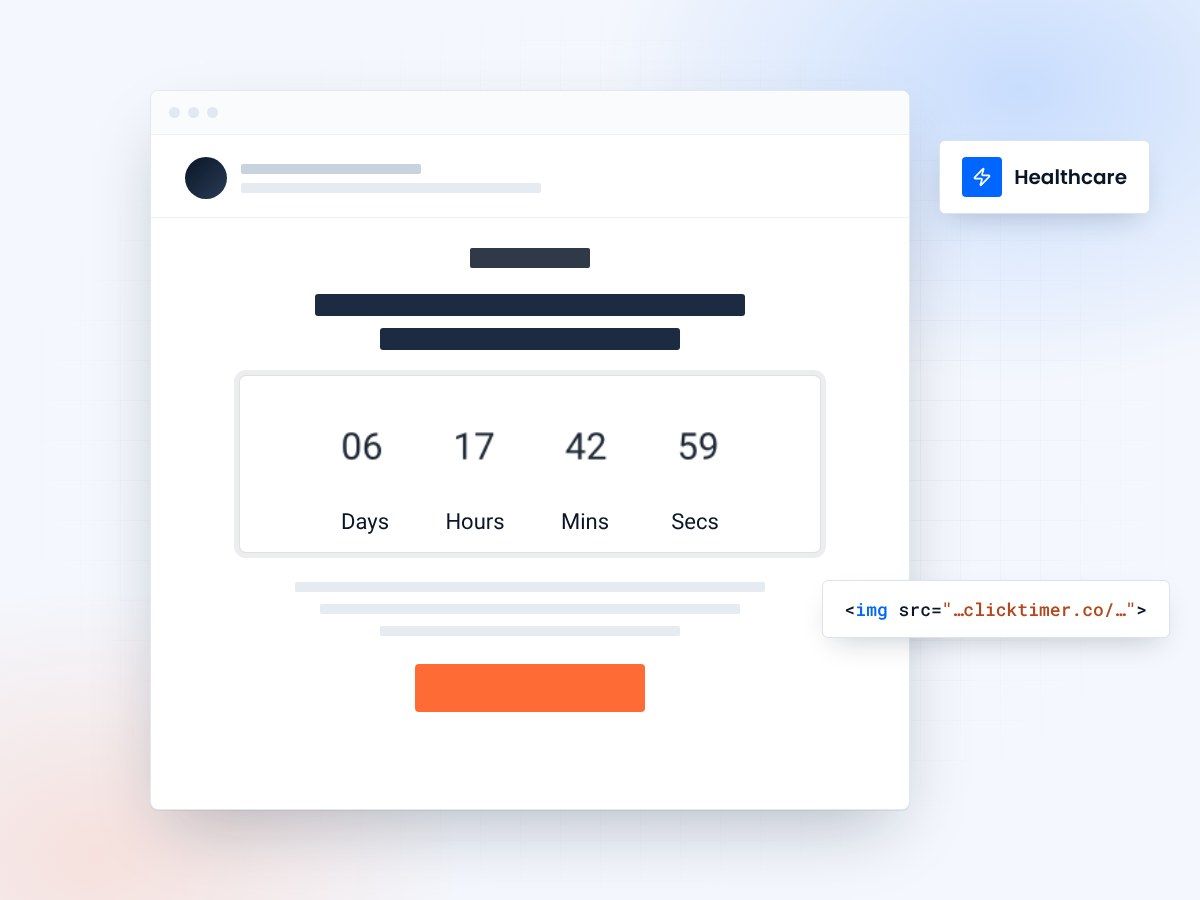
- Appointments, enrollment and screening deadlines
- No patient data in the timer
- 10,000 free impressions a month
- No watermark, even on the free plan
Why healthcare email marketing needs countdown timers
Healthcare organizations face a unique challenge: their emails need to drive action on time-sensitive matters — appointment confirmations, enrollment deadlines, vaccination windows, and screening reminders — while maintaining a professional, trustworthy tone. Countdown timers solve this perfectly.
A real-time countdown timer in a healthcare email creates visual urgency without sounding pushy. Instead of writing "Enroll by Friday" in text that patients might skim past, a ticking timer showing "2 days, 14 hours, 32 minutes" communicates the deadline instantly and viscerally. For healthcare organizations, this translates directly to reduced no-show rates, higher enrollment completions, and better patient outcomes.
With ClickTimer, healthcare marketers can embed GIF-based countdown timers that update in real time on every email open — compatible with all email clients, requiring no technical implementation beyond pasting an HTML code.
Key use cases for healthcare countdown timers
Appointment reminders and no-show reduction
No-shows cost the US healthcare system an estimated $150 billion annually. A countdown timer showing "Your appointment is in 23 hours, 15 minutes" is far more effective than a plain text reminder. The visual countdown creates a sense of commitment and makes the appointment feel imminent. Clinics that use visual reminders report no-show reductions of up to 30%.
Open enrollment deadlines
Whether it's Medicare open enrollment, employer health plan selection, or ACA marketplace deadlines, enrollment periods have hard cutoffs. A countdown timer in enrollment reminder emails makes the deadline impossible to ignore. This is especially effective for the final 72-hour push when most enrollments happen.
Vaccination and screening windows
Flu season campaigns, annual wellness check reminders, and time-sensitive vaccination schedules all benefit from countdown timers. "Schedule your flu shot — clinic slots available for 5 more days" paired with a timer drives immediate action on preventive care.
Health event and webinar registration
Health systems regularly host community wellness events, virtual health seminars, and patient education webinars. Countdown timers in promotional emails create urgency around registration deadlines and attendance, boosting participation rates significantly.
Payment and billing deadlines
Patient billing communications with countdown timers for payment deadlines or early-pay discount windows can improve collection rates. A timer showing "Pay within 48 hours for 10% early payment discount" creates a clear, visual incentive to resolve balances quickly.
Setup guide: adding timers to healthcare emails
ClickTimer is designed for simplicity — no IT department involvement needed. Here's how healthcare marketers set it up:
- Set your deadlineVisit ClickTimer's configurator and set your deadline (enrollment close date, appointment time, event start).
- Match your brandStyle the timer to match your organization's brand. Choose from 900+ Google Fonts, set your brand colors, and select a professional, clean design appropriate for healthcare communications.
- Paste the HTML codeCopy the HTML code and paste it into an HTML block in your email platform. ClickTimer works with Mailchimp, HubSpot, Salesforce Marketing Cloud, and every other ESP — including HIPAA-compliant email platforms. The timer itself contains no patient data; it's simply a GIF image URL.
- SendSend your campaign. The GIF updates in real time on every open across all email clients.
Create your healthcare countdown
Set the end date, match your brand, copy the HTML code. 10,000 free impressions a month, no credit card.
Already have an account?
Send Test Email
Enter your email to receive a preview of how this countdown looks in email campaigns.
Healthcare timer pricing comparison
| Tool | Free tier | Paid pricing | Best for |
|---|---|---|---|
| ClickTimer | 10K impressions free, no watermark | €0.23/10K (pay-as-you-go) | Clinics to enterprise health systems |
| MailTimers | Limited trial | From €49/month | Enterprise with high volume |
| Sendtric | Free with watermark | Paid to remove branding | Very small lists only |
| CountdownMail | Free with branding | From $9/month | Small practices |
Campaign templates for healthcare
Appointment reminder (24h before)
Timer counting down to appointment time, with reschedule link and location/prep details.
Open enrollment final push
Timer counting to enrollment deadline, clear enrollment CTA, summary of plan options.
Annual wellness check
Timer to end-of-month deadline, online scheduling link, benefits reminder.
Flu shot campaign
Timer to last available clinic date, walk-in hours and locations, insurance coverage note.
Best practices for healthcare countdown emails
Keep the tone professional
Healthcare communications demand trust. Use clean, professional timer styling — avoid flashy colors or aggressive "HURRY!" messaging. A calm, clear countdown is more appropriate and equally effective.
Include action-specific CTAs
Every countdown email should have one clear call to action: "Confirm Appointment," "Enroll Now," "Schedule Your Screening." Don't dilute the urgency with multiple competing actions.
Segment by patient journey stage
New patients, active patients, and lapsed patients respond to different urgency triggers. Customize your timer campaigns accordingly. Check our ESP integrations page for platform-specific segmentation guides.
Test send times carefully
Healthcare emails sent during business hours (especially Tuesday-Thursday mornings) typically see the highest engagement. The countdown timer amplifies this effect by showing patients exactly how much time remains to act.
Frequently asked questions
Are countdown timers HIPAA compliant?
ClickTimer's countdown timers are GIF images that display only time information. They do not contain, transmit, or store any protected health information (PHI). The timer is safe to embed in any healthcare email. However, the email content itself (appointment details, patient information) should be handled according to your organization's HIPAA compliance policies.
Which healthcare email platforms support countdown timers?
ClickTimer works with all email service providers, including healthcare-specific platforms. Since it's a simple HTML code, it works anywhere you can paste HTML — Salesforce Health Cloud, HubSpot, Mailchimp, and dedicated patient communication platforms.
Can I use timers for patient appointment reminders at scale?
Yes. ClickTimer's pay-as-you-go model scales with your volume. At 1M+ impressions, you pay just €0.06 per 10,000 — making it cost-effective even for large health systems sending millions of appointment reminders. Credits never expire, so you only pay for what you use.
What shows after the timer expires?
You can configure a custom expiry message, such as "This enrollment period has closed" or "Your appointment has passed — contact us to reschedule." This ensures patients who open the email after the deadline get clear, helpful information.
Is ClickTimer free for small clinics?
Yes. The free tier covers up to 10,000 impressions per month with no watermark — perfect for small practices and clinics. There's no credit card required and no subscription commitment.
Add a calm, clear countdown to your next patient email
Set the deadline, match your brand and paste the HTML code into any email platform.