Countdown Timers for Home & Furniture Emails
Boost furniture and home decor sales with time-sensitive email campaigns.
Create Your Timer — Free 10,000 free impressions a month · No watermark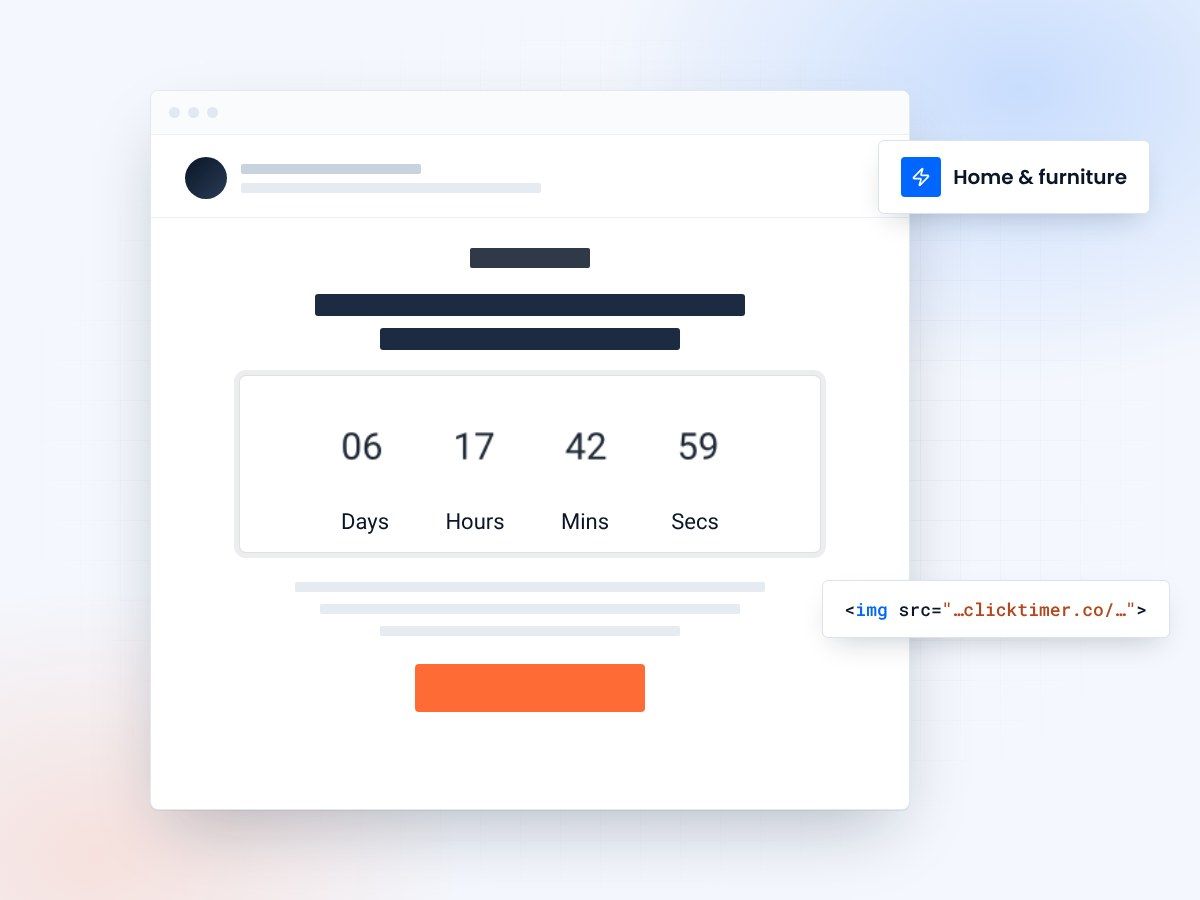
- Built for home & furniture brands
- 900+ Google Fonts
- No watermark, even on the free plan
- Prepaid credits that never expire
Why home & furniture brands need email countdown timers
Home decor and furniture purchases are considered purchases — customers browse, compare, and often delay buying. This is precisely why countdown timers are so effective in this industry. A well-placed timer transforms "I'll think about it" into "I need to act now before this deal expires."
The home and furniture market is highly seasonal, with major sales events throughout the year — Presidents' Day, Memorial Day, Labor Day, Black Friday, and end-of-year clearances. Each of these represents a perfect opportunity for countdown timer emails that drive urgency and conversions.
ClickTimer lets home brands create elegant, on-brand countdown timers in seconds. With 900+ Google Fonts, custom colors, and no watermarks on the free tier, your timer will feel like a natural part of your design-focused brand experience.
High-impact campaign types for home brands
| Campaign type | Timer strategy | Why it works |
|---|---|---|
| Seasonal Sale (Memorial Day, Labor Day) | Countdown to sale end | Creates deadline for high-consideration purchases |
| Clearance / Floor Model Sale | 48-hour flash countdown | Urgency on limited-stock items |
| New Collection Launch | Countdown to availability | Builds anticipation for new designs |
| Free Shipping Window | Time-limited free delivery offer | Removes the #1 purchase barrier |
| Interior Design Consultation | Booking deadline for free consultations | Drives high-value lead generation |
| Warehouse / Sample Sale | Event countdown + end time | Drives foot traffic and online urgency |
Overcoming the "I'll think about it" problem
Furniture and home decor have notoriously long consideration cycles. A sofa purchase might take weeks of research. This makes countdown timers even more valuable — they give the indecisive shopper a reason to commit today rather than next month.
The abandoned browse sequence
When someone browses your sectional sofas but doesn't buy, send a follow-up email with a 48-hour exclusive discount and a countdown timer. The visual urgency of a ticking clock often tips the balance for customers already considering a purchase.
Price protection windows
Furniture prices fluctuate with material costs. Offer a "lock in today's price" window with a countdown — this is especially effective for custom furniture orders where pricing genuinely changes.
Free delivery deadlines
Shipping costs on furniture are substantial — often $100-$500+. A "free delivery ends in..." countdown addresses the biggest barrier to online furniture purchases.
Seasonal email calendar for home brands
Home and furniture brands should plan countdown timer campaigns around these key dates:
| Season | Campaign focus |
|---|---|
| January – New Year refresh | "New year, new space" campaigns with timers for post-holiday clearance and new collection pre-orders. |
| Spring – Outdoor season | Patio furniture, garden decor, and outdoor living launches. Countdown to first-day-of-spring specials. |
| Summer – Mid-year sales | Memorial Day and July 4th sales are massive for furniture. Summer sale countdown emails drive significant revenue. |
| Fall – Cozy season | Bedding, rugs, and indoor comfort pieces. Labor Day sales plus "fall refresh" campaigns. |
| Holiday – Gift & entertaining | Black Friday and Cyber Monday are critical. Plus holiday entertaining prep — tableware, lighting, decor. |
Getting started with ClickTimer
Creating a countdown timer for your home brand emails takes under 30 seconds:
- Pick your end dateOpen ClickTimer's configurator and choose your sale end date.
- Match your brandSelect a sophisticated font from 900+ options and set your brand colors. Serif fonts like Lora or Playfair Display work beautifully for home decor brands.
- Paste it into your emailCopy the HTML code and paste it into your email. ClickTimer works with Klaviyo, Mailchimp, and every other email service provider.
Create your home decor countdown
Set the end date, match your brand, copy the code. 10,000 free impressions a month, no credit card.
Already have an account?
Send Test Email
Enter your email to receive a preview of how this countdown looks in email campaigns.
Pricing that makes sense
ClickTimer's pay-as-you-go model is perfect for home brands that run campaigns seasonally rather than daily. The free tier handles 10,000 impressions with no watermark.
Beyond that, it's €0.23 per 10K impressions up to 150K, €0.15 per 10K from 150K to 1M, and just €0.06 per 10K at 1M+. Credits are prepaid and never expire.
This means you only pay when you actually run campaigns — unlike MailTimers (€49/month) or Deadline Funnel ($49/month), where you pay even in quiet months.
Frequently asked questions
Can I use an elegant, design-focused font for my timer?
Yes. ClickTimer offers 900+ Google Fonts including serif, display, and handwritten styles that complement home decor branding beautifully.
Will the timer work with my Shopify store's email campaigns?
Absolutely. ClickTimer generates a simple HTML code that works in Shopify Email, Klaviyo, Omnisend, and any other platform you use with your Shopify store.
Is there a watermark on the free plan?
No. ClickTimer's free tier (up to 10,000 impressions) has zero watermarks — unlike competitors like Sendtric.
Can I run different timers for different product categories?
Yes. Create as many timers as you need — each with its own deadline, design, and colors. There's no limit on the number of timers.
Try ClickTimer free
Create your first countdown timer in about a minute and paste it into your next sale email.