How to Add Countdown Timers to Email
Step-by-step guide to embedding countdown timers in your email campaigns
Create Your Timer — Free 10,000 free impressions a month · No watermark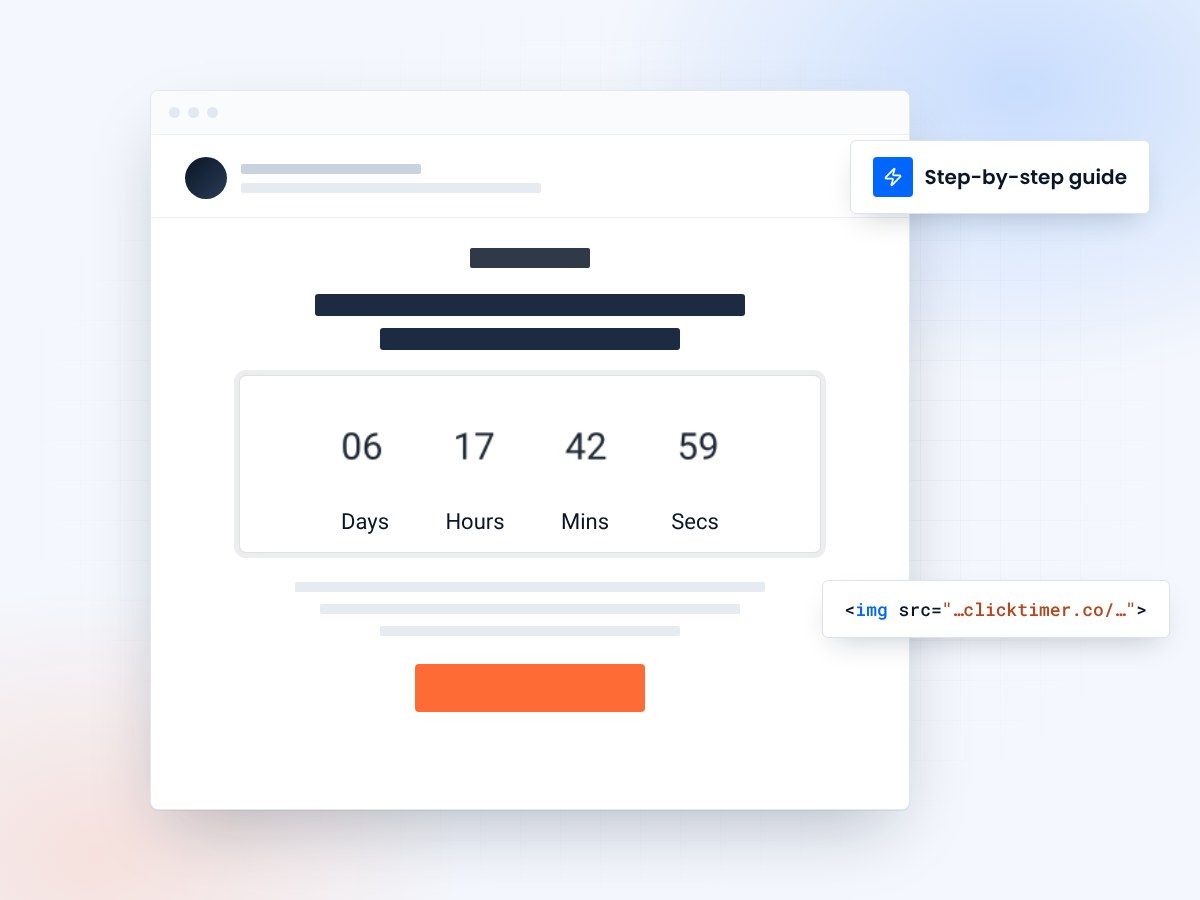
- Works in any email platform
- Setup takes about a minute
- 10,000 free impressions a month
- No watermark, even on the free plan
What makes a countdown email work
Understanding the core principles behind effective countdown timer usage is essential for maximizing engagement and conversions. The most successful campaigns combine psychological triggers with strategic implementation.
Best practice
Use real countdown timers that reflect actual time constraints. This builds trust and ensures compliance with marketing regulations.
Common pitfall
Avoid fake urgency or countdown timers that reset daily. These tactics damage credibility and violate consumer trust principles.
Implementation framework
| Component | Strategy | Impact |
|---|---|---|
| Placement | Above the fold, center aligned | ↑ 35% visibility |
| Urgency text | Action-oriented messaging | ↑ 28% CTR |
| Visual design | High contrast, animated | ↑ 42% engagement |
| Frequency | 1-2 times per week maximum | ↓ Unsubscribe rate |
The combination of visual urgency (the countdown) and psychological scarcity (real constraints) creates the highest conversion rates while maintaining ethical marketing practices.
Create your email countdown
Set the end date, match your brand, paste the image into any email. 10,000 free impressions a month, no credit card.
Already have an account?
Send Test Email
Enter your email to receive a preview of how this countdown looks in email campaigns.
Key takeaways
Authenticity first
Only use countdown timers for genuine time-limited offers.
Strategic placement
Position timers above the fold for maximum visibility and impact.
Test and measure
A/B test different durations, placements, and messaging to optimize.
Respect your audience
Avoid overuse and maintain trust through ethical marketing practices.
Frequently asked questions
Are countdown timers ethical?
Yes, when used truthfully. Countdown timers that accurately represent real time constraints and genuine offers are not just ethical—they're expected in modern marketing. The key is transparency and honesty about what the countdown represents.
What's the optimal countdown duration?
The best duration depends on your offer. Flash sales benefit from short 1-6 hour windows, while promotions can run 24-72 hours. Test different timeframes with your audience to find the sweet spot for your specific use case.
How often should I use countdown timers?
Limit countdown timers to 1-2 campaigns per week. Overuse leads to urgency fatigue and decreased effectiveness. Reserve them for genuine offers and time-sensitive promotions to maintain their psychological impact.
Do countdown timers work on mobile?
Absolutely. Mobile users often experience even greater urgency when they see countdown timers, as the compact format makes the timer more prominent. Ensure your countdown design is fully responsive and readable on small screens.
Add your first countdown to an email
Create your first countdown timer in 30 seconds.