Countdown Timers for Insurance Email Marketing
Drive renewals, boost enrollment, and reduce policy lapses with real-time countdown urgency.
Create Your Timer — Free 10,000 free impressions a month · No watermark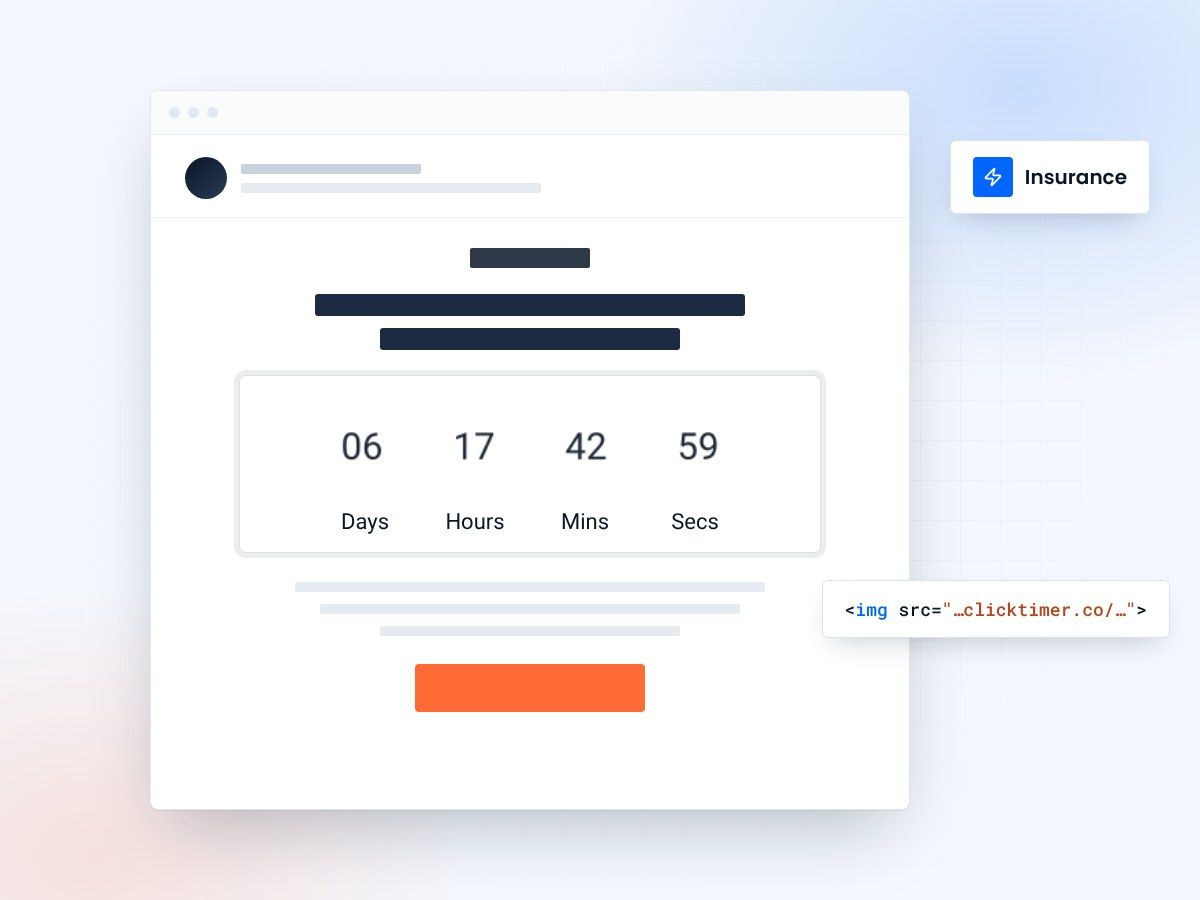
- Built for renewals and enrollment
- Works with every ESP
- 10,000 free impressions a month
- No watermark, even on the free plan
Why insurance email marketing needs countdown timers
Insurance is an industry built on deadlines. Policy renewal dates, open enrollment windows, quote expiration periods, and coverage start dates all have time constraints that customers need to act on. Yet most insurance emails communicate these deadlines with easily-ignored text: "Your policy expires on April 15th."
A countdown timer transforms that static date into a living, breathing visual. When a policyholder opens an email and sees "Your coverage expires in 4 days, 7 hours, 23 minutes," the urgency is immediate and personal. This visual approach to deadline communication has been shown to significantly increase action rates on time-sensitive insurance communications.
ClickTimer makes it simple for insurance marketers to add real-time GIF-based countdowns to any email — compatible with all email clients, all ESPs, and requiring zero technical implementation beyond pasting an HTML code.
Key use cases for insurance countdown timers
Policy renewal reminders
Policy lapse prevention is critical for insurance retention. A series of renewal reminder emails with countdown timers — 30 days, 14 days, 7 days, 48 hours — creates escalating urgency. The visual countdown is especially effective for the final-push emails when a lapse is imminent. Insurance carriers that implement visual urgency in renewal campaigns typically see measurable improvements in on-time renewal rates.
Open enrollment campaigns
Open enrollment for health insurance, Medicare, and group benefits has strict, unmovable deadlines. A countdown timer in enrollment reminder emails makes the deadline visceral. This is particularly effective in the final week of enrollment, when a large percentage of sign-ups typically occur. The timer helps capture procrastinators who might otherwise miss the window entirely.
Quote expiration urgency
Insurance quotes are typically valid for 30 days. A follow-up email with a countdown to quote expiration — "Your quote for $127/month expires in 5 days" — motivates prospects to finalize their purchase before needing to re-quote (and potentially at a higher rate). This is especially powerful for auto and home insurance where rates can fluctuate.
Limited-time discount windows
Multi-policy discounts, new customer promotions, and seasonal specials all have natural deadlines. "Bundle home + auto by March 31st for an extra 15% off" with a countdown timer creates clear urgency around savings that have a genuine expiration.
Claims and documentation deadlines
When policyholders need to submit documentation by a certain date — claim forms, proof of loss, medical records — a countdown timer in the reminder email helps prevent missed deadlines that could jeopardize their coverage or claim. For more strategies on time-sensitive email communications, see our ESP integrations guide.
Setting up countdown timers for insurance emails
ClickTimer requires no IT involvement and integrates with any email platform. Here's the simple process:
- Set your deadlineVisit ClickTimer's configurator and set your deadline (renewal date, enrollment close, quote expiry).
- Match your brandStyle the timer to match your insurance brand. Choose from 900+ Google Fonts and set your brand colors. Insurance brands typically opt for professional, clean designs — navy and white for trust, or green and white for health insurance.
- DeployDeploy. The timer updates in real time on every email open, showing each policyholder exactly how much time remains.
Create your insurance countdown
Set the renewal or enrollment deadline, match your brand, copy the code. 10,000 free impressions a month, no credit card.
Already have an account?
Send Test Email
Enter your email to receive a preview of how this countdown looks in email campaigns.
Insurance timer pricing comparison
| Tool | Free tier | 100K emails/month | 1M emails/month |
|---|---|---|---|
| ClickTimer | 10K free, no watermark | ~€2.07 | ~€19.70 |
| MailTimers | Limited trial | €49+/month | Custom |
| CountdownMail | Free with branding | $29+/month | $99+/month |
| Sendtric | Free with watermark | Paid plans | Paid plans |
ClickTimer's pay-as-you-go pricing is built for insurance's variable sending patterns. You might send 200K renewal emails in Q4 but only 50K in Q1. With ClickTimer, you pay only for what you use — no monthly subscription waste. Credits never expire, so your prepaid balance carries forward indefinitely.
- Pricing tiers: free up to 10K, €0.23/10K for 10K–150K, €0.15/10K for 150K–1M, €0.06/10K above 1M.
Campaign templates for insurance
Renewal countdown series
Email 1 (30 days): informational, no timer. Email 2 (14 days): "Two weeks until renewal" with timer. Email 3 (7 days): "One week left" with prominent timer. Email 4 (48 hours): "Final reminder" with large timer above fold.
Open enrollment blitz
Last-week push with daily emails featuring a countdown to the enrollment deadline. Subject lines that include the remaining time ("3 days left to enroll") combined with in-email timers create a multi-layered urgency effect.
Quote follow-up
Sent 7 days after a quote is generated. "Your $X/month rate expires in 23 days" with countdown, one-click "Activate Policy" CTA, and comparison showing what the rate might be if they re-quote later.
Bundle promotion
"Add renters insurance by Friday for 20% multi-policy discount" — short-window countdown targeting existing policyholders for cross-sell opportunities.
Best practices for insurance countdown emails
Maintain regulatory compliance
Insurance email marketing is regulated. Ensure your countdown emails include required disclosures, are CAN-SPAM compliant, and don't make misleading urgency claims. The deadline in your timer should match real deadlines — never create false scarcity.
Segment by policy type and lifecycle
A renewal email for a 10-year loyal customer should feel different from a win-back email for a lapsed policyholder. Customize your timer style and messaging for each segment.
Make the CTA crystal clear
"Renew Now," "Complete Enrollment," "Lock In Your Rate" — one action per email, prominently placed near the countdown timer.
Include consequences of inaction
Insurance deadlines have real consequences — coverage gaps, rate increases, loss of benefits. Briefly and honestly communicating what happens if the deadline passes adds weight to the countdown without being fear-mongering.
Mobile-optimize everything
Over 60% of insurance emails are opened on mobile. ClickTimer's GIF-based timers render perfectly on all mobile email clients, but ensure your overall email design is responsive too.
Frequently asked questions
Can I personalize timers for individual policy renewal dates?
Yes. You can create unique timers for different deadlines. For automated renewal campaigns, generate a timer for each renewal date cohort (e.g., all April 15 renewals get the same timer). For more advanced setups, ClickTimer can be integrated via URL parameters to dynamically set deadlines.
Does ClickTimer work with insurance-specific platforms?
ClickTimer works with any platform that supports HTML in emails — including Salesforce Marketing Cloud, HubSpot, Applied Epic, EZLynx, and all standard ESPs. It's a simple HTML code you paste in, so there's no integration or API setup needed.
What happens when the timer reaches zero?
You set a custom expiry message — for example, "This enrollment period has closed" or "Your renewal deadline has passed — contact your agent." This ensures policyholders who open late get helpful, accurate information instead of a zeroed-out timer.
Is it compliant with insurance email regulations?
ClickTimer is a visual display tool — it shows a countdown GIF. The compliance of your email campaign depends on your content, disclosures, and sending practices, which should follow your compliance team's guidelines. The timer itself contains no policyholder data and doesn't affect regulatory compliance.
How cost-effective is it for large insurance carriers?
Very. At 1M+ impressions, ClickTimer costs just €0.06 per 10,000 — that's €6 per million emails. Compare that to MailTimers' monthly subscription model, and the savings are substantial, especially for carriers with variable sending volumes throughout the year.
Put a live deadline in your next renewal email
Set it up in about a minute and paste it into any email platform that accepts HTML.