Dynamic Countdown Timers for Iterable
Drive urgency in lifecycle campaigns, triggered workflows, and personalized journeys
Start Free with Iterable 10,000 free impressions a month · No watermark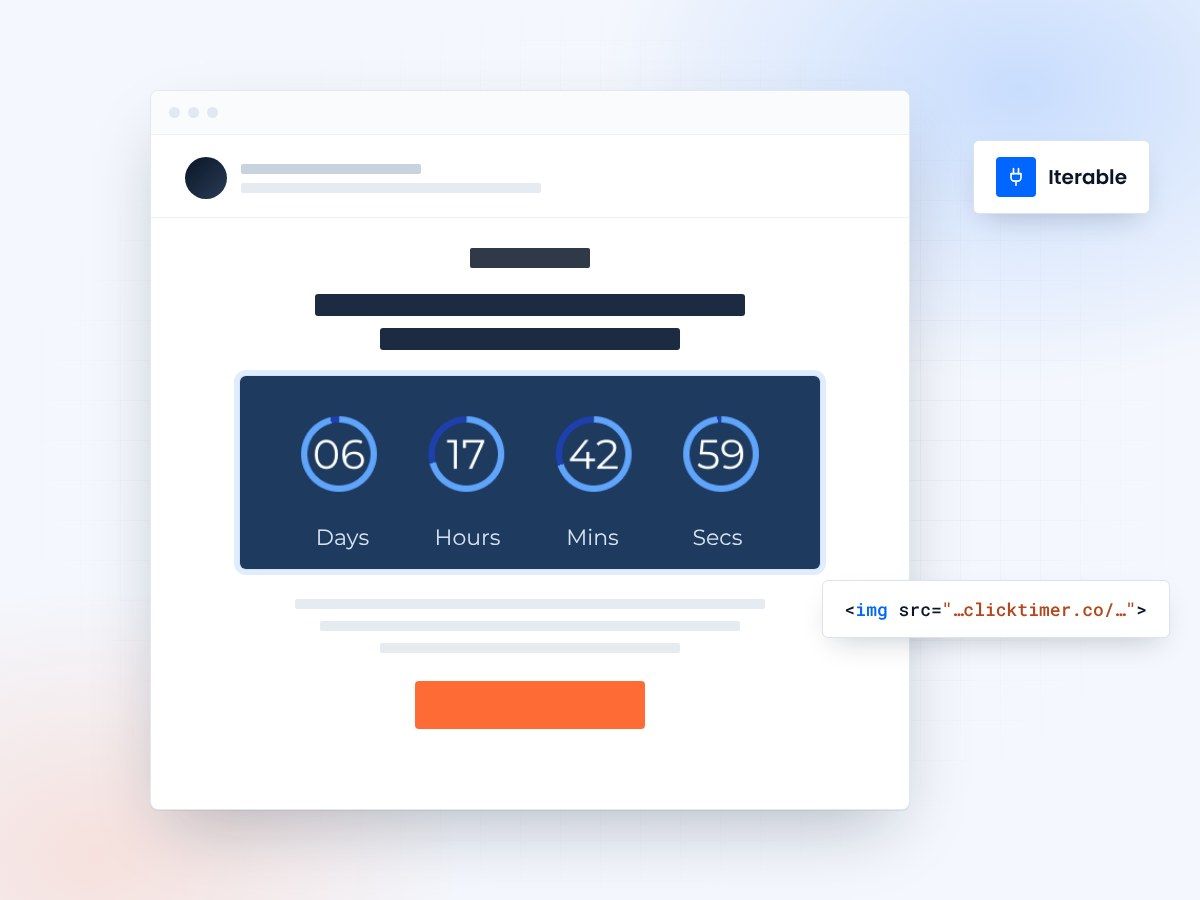
- Works in campaigns, workflows and journeys
- Live time left at every open
- 10,000 free impressions a month
- No watermark, even on the free plan
Why use ClickTimer with Iterable?
Iterable powers sophisticated cross-channel marketing for growth-focused brands. Add real-time countdown timers to your campaigns and workflows to amplify urgency across every customer touchpoint—from onboarding sequences to re-engagement journeys. Drive faster conversions with timers that update dynamically on every email open.
- Perfect for lifecycle workflows — Add urgency to Iterable campaigns, triggered workflows, and Studio journeys without complex merge tags.
- 900+ fonts, full customization — Match your brand. No watermarks even on free tier.
- Pay-as-you-go pricing — 10K free impressions. No subscription, credits never expire.
- Edit after sending — Update timer settings anytime, changes apply instantly.
How to add countdown timers to Iterable
- Create your timerUse ClickTimer builder. Set date, colors, fonts.
- Copy the HTML codeClick Get Code to copy your snippet.
- Add HTML block in IterableIn your campaign or workflow template, add an HTML block (NOT image block).
- Paste and sendTimer updates in real-time on every email open.
Popular timer use cases for Iterable
Limited-Time Promotions
Drive urgency in blast campaigns and seasonal offers
Cart Abandonment Workflows
Add ticking timers to triggered recovery sequences
Onboarding Journeys
Countdown to trial expiration or welcome offer end
Re-engagement Campaigns
Time-limited incentives to win back dormant users
Event & Webinar Reminders
Countdown to registration deadlines or live starts
Product Launch Sequences
Build anticipation in multi-step Studio workflows
Create your Iterable countdown
Set the date, match your brand, copy the code. 10,000 free impressions a month, no credit card.
Already have an account?
Send Test Email
Enter your email to receive a preview of how this countdown looks in email campaigns.
Frequently asked questions
Do countdown timers work in Iterable workflows and campaigns?
Yes. ClickTimer works in all Iterable message types—blast campaigns, triggered workflows, and Studio journeys. Just paste the HTML code into an HTML block in your template.
Can I use dynamic data or merge tags with ClickTimer in Iterable?
ClickTimer timers use fixed deadlines you set in the builder. For user-specific countdown (e.g., 24h from send), you would need to generate unique timer codes per user. Most brands use fixed campaign deadlines for simplicity and higher conversions.
Does the timer update in real-time when recipients open the email?
Yes. Every time a recipient opens your Iterable email, the timer displays the current remaining time. It is not a static image—it is a live countdown generated on every open.
How much does ClickTimer cost for Iterable users?
You get 10,000 free impressions (timer views) with no watermark. After that, pay-as-you-go starts at €0.23 per 10K impressions. No subscription, credits never expire.
Can I edit the timer after I have sent the Iterable campaign?
Yes. You can change colors, fonts, date, or any other setting in ClickTimer dashboard. Changes apply instantly to all sent emails without resending.
Ready to boost your Iterable conversions?
Create your free timer in 90 seconds. 10K impressions, no credit card.