Dynamic Countdown Timers for Magento
Boost conversions in your Magento store emails with live countdown timers that update in real-time
Start Free with Magento 10,000 free impressions a month · No watermark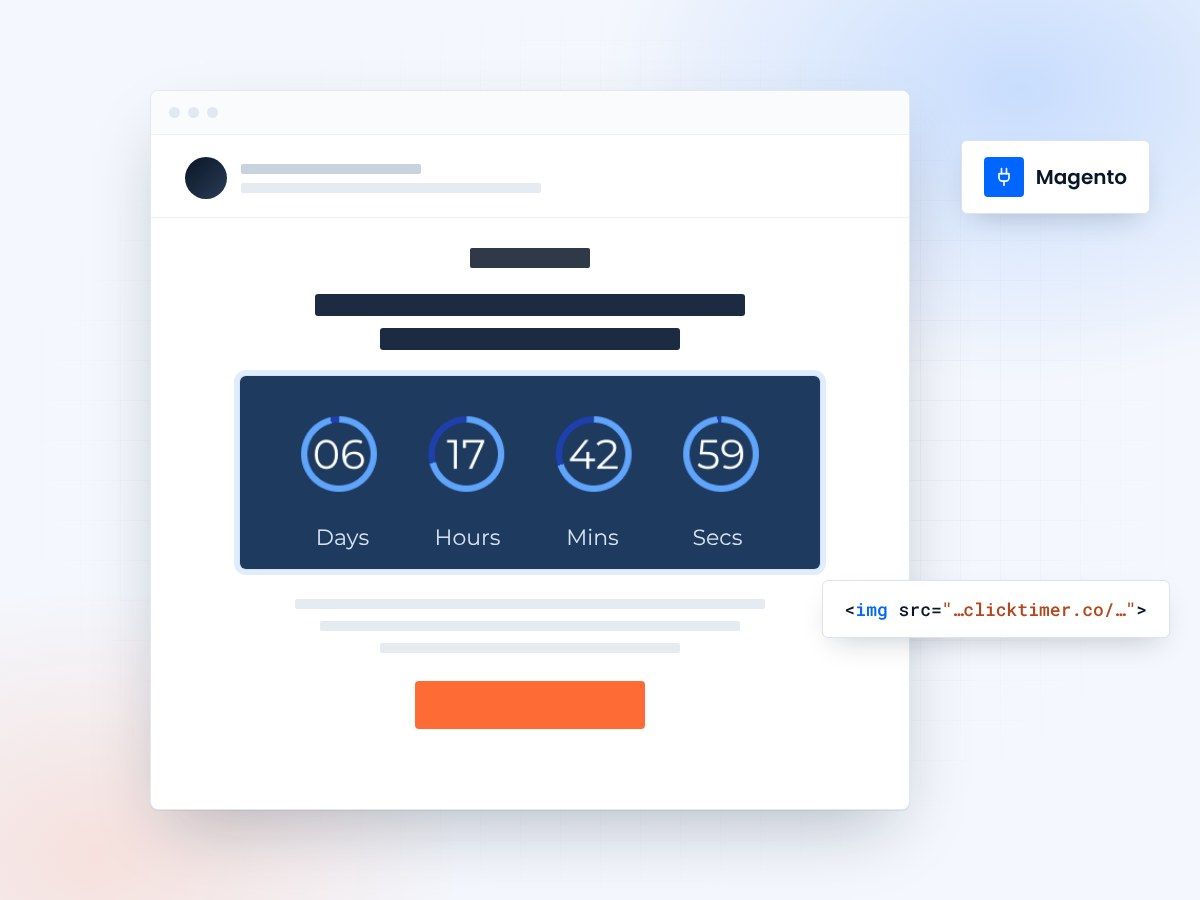
- Works in Magento email templates
- 900+ fonts to match your brand
- 10,000 free impressions a month
- Edit live after sending
Real-time urgency for every Magento email
Magento powers enterprise and mid-market e-commerce stores that need every conversion advantage. ClickTimer brings real-time countdown timers to your Magento transactional emails, abandoned cart sequences, and promotional campaigns—driving urgency that converts browsers into buyers and recovers revenue at scale.
Why use ClickTimer with Magento?
Seamless integration with Magento email templates
Works in transactional emails, newsletter campaigns, and third-party ESP integrations like Klaviyo or Mailchimp connected to Magento.
900+ fonts, full customization
Match your brand. No watermarks even on free tier.
Pay-as-you-go pricing
10K free impressions. No subscription, credits never expire.
Edit after sending
Update timer settings anytime, changes apply instantly.
How to add countdown timers to Magento
1. Create your timer
Use ClickTimer builder. Set date, colors, fonts.
2. Copy the HTML code
Click Get Code to copy your snippet.
3. Add HTML block in Magento email template
In your Magento email template editor or connected ESP, add an HTML block (NOT image block).
4. Paste and send
Timer updates in real-time on every email open.
Create your Magento countdown
Set the end date, match your brand, copy the code. 10,000 free impressions a month, no credit card.
Already have an account?
Send Test Email
Enter your email to receive a preview of how this countdown looks in email campaigns.
Popular timer use cases for Magento
Abandoned cart recovery
Add urgency to cart abandonment sequences with timers counting down to coupon expiration
Flash sale announcements
Drive urgency in promotional campaigns for limited-time offers and seasonal sales
New product launches
Countdown to exclusive launch events and pre-order deadlines for new arrivals
Free shipping deadlines
Show time remaining for free shipping thresholds or holiday delivery cutoffs
Low stock alerts
Combine inventory scarcity with time-limited offers in back-in-stock notifications
VIP early access
Reward loyalty program members with exclusive countdown timers for early access sales
Frequently asked questions
Does ClickTimer work with native Magento transactional emails?
Yes. You can add ClickTimer HTML code directly to Magento email templates in Marketing > Email Templates. It works in order confirmation, shipping notifications, abandoned cart emails, and custom transactional templates.
Can I use ClickTimer with Klaviyo, Mailchimp, or other ESPs connected to Magento?
Absolutely. If you use an external email service provider integrated with Magento (via API or extension), simply paste the ClickTimer HTML code into an HTML block in your campaigns or flows. Works with all major ESPs.
Do I need to paste the code as an HTML block?
Yes. Always use an HTML content block, NOT an image block. The timer is rendered as dynamic HTML, not a static image, so it updates in real-time when recipients open your email.
How much does it cost for a high-volume Magento store?
Start with 10,000 free impressions. After that, pay-as-you-go starts at €0.23 per 10K impressions (drops to €0.06/10K at scale). No monthly subscription—credits never expire. Perfect for seasonal spikes and enterprise volume.
Can I edit the timer after I've sent the email?
Yes. Update your timer deadline, design, or messaging anytime in the ClickTimer dashboard. Changes apply instantly to all emails already sent—no need to resend campaigns.
Ready to boost your Magento conversions?
Create your free timer in 90 seconds. 10K impressions, no credit card.