Dynamic Countdown Timers for Marketo
Drive webinar registrations, trial conversions, and event attendance with real-time urgency in your email programs and engagement streams
Start Free with Marketo 10,000 free impressions a month · No watermark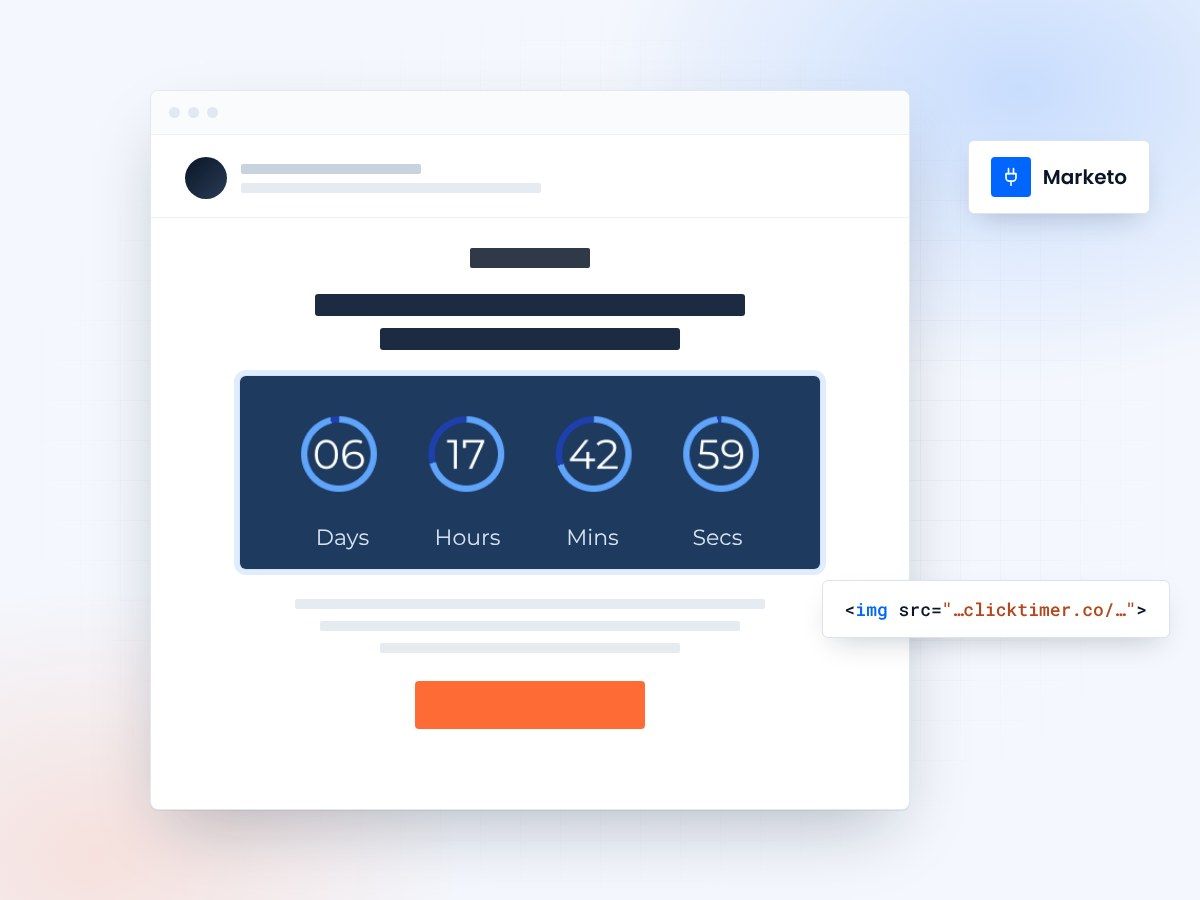
- One HTML snippet per email
- Works in engagement programs
- 10,000 free impressions a month
- No watermark, even on the free plan
Why use ClickTimer with Marketo?
Marketo powers enterprise demand generation campaigns that need precision timing. Add live countdown timers to your email programs, nurture streams, and engagement campaigns to create urgency for webinar registrations, product demos, and limited-time offers. Every timer updates in real-time across all recipient inboxes—no manual updates, no broken images.
- Works in email programs and engagement streams Add timers to nurture campaigns, event invites, and batch sends with one HTML snippet.
- 900+ fonts, full customization Match your brand guidelines. No watermarks even on free tier.
- Pay-as-you-go pricing 10K free impressions. No subscription, credits never expire.
- Edit after sending Update timer settings anytime, changes apply instantly across all sent emails.
How to add countdown timers to Marketo
- Create your timerUse ClickTimer builder. Set date, colors, fonts.
- Copy the HTML codeClick Get Code to copy your snippet.
- Add HTML block in MarketoIn your email editor, drag an HTML block (NOT image block) into your template.
- Paste and sendTimer updates in real-time on every email open.
Create your Marketo countdown
Set the date, colors and fonts, then copy the HTML. 10,000 free impressions a month, no credit card.
Already have an account?
Send Test Email
Enter your email to receive a preview of how this countdown looks in email campaigns.
Popular timer use cases for Marketo
Webinar registration deadlines
Countdown to registration cutoff in engagement programs
Free trial expiration
Nurture streams with trial end urgency
Event attendance reminders
Count down to conference or trade show booth visits
Product launch campaigns
Build anticipation across email programs
Demo booking promotions
Limited-time incentives in demand gen campaigns
Contract renewal urgency
Customer retention campaigns with clear deadlines
Frequently asked questions
Can I use ClickTimer in Marketo engagement programs?
Yes. Add the HTML code to any email in your engagement stream. The timer works the same in nurture programs, email programs, and triggered campaigns.
Do timers work with Marketo tokens?
ClickTimer generates standalone HTML that does not require tokens. You paste the code once, and it works across all sends. For recipient-specific timers, you can create separate timer codes.
Will the timer display correctly in Outlook and Gmail?
Yes. ClickTimer uses real-time image generation compatible with all major email clients, including Outlook, Gmail, Apple Mail, and mobile apps.
How are impressions counted?
One impression = one email open. Your first 10K impressions are free with no watermark. After that, pay only €0.23 per 10K (volume discounts available).
Can I A/B test timers in Marketo email programs?
Yes. Create separate timer variants in ClickTimer and paste each code into your A/B test variants. Track performance through Marketo analytics and ClickTimer impression data.
Ready to boost your Marketo conversions?
Create your free timer in 90 seconds. 10K impressions, no credit card.