Dynamic Countdown Timers for Moosend
Drive urgency in your campaigns and automations with real-time countdown timers that update on every email open
Start Free with Moosend 10,000 free impressions a month · No watermark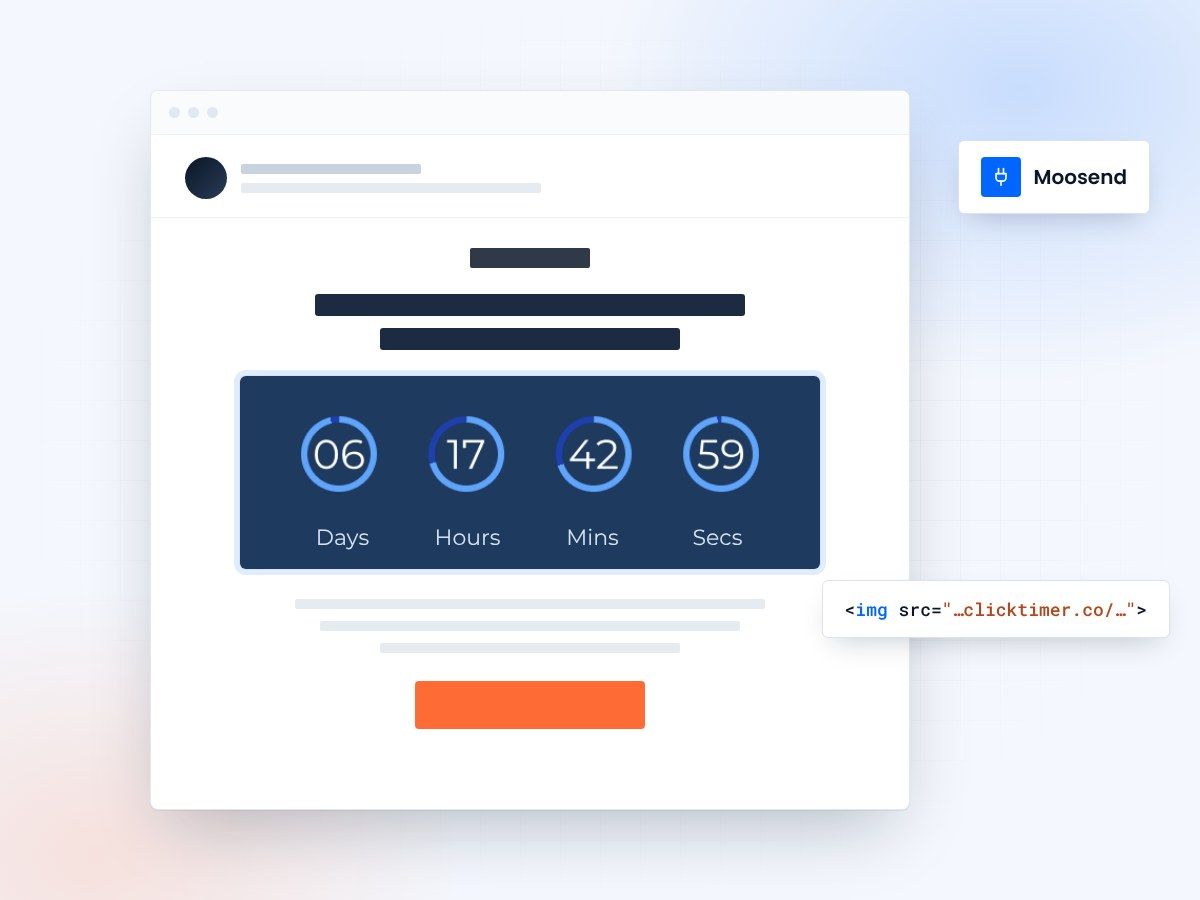
- Works in Moosend campaigns and automations
- 900+ fonts, full customization
- 10,000 free impressions a month
- No watermark, even on the free plan
Countdown timers for Moosend emails
Moosend users choose ClickTimer to add urgency to flash sales, product launches, and limited-time offers. Whether you're running budget-conscious campaigns or sophisticated automation workflows, our real-time countdown timers drive opens and conversions without breaking the bank.
Why use ClickTimer with Moosend
Perfect for Moosend campaigns and automations
Works seamlessly in both one-time campaigns and automated workflows with real-time accuracy.
900+ fonts, full customization
Match your brand. No watermarks even on free tier.
Pay-as-you-go pricing
10K free impressions. No subscription, credits never expire.
Edit after sending
Update timer settings anytime, changes apply instantly.
How to add countdown timers to Moosend
- Create your timerUse ClickTimer builder. Set date, colors, fonts.
- Copy the HTML codeClick Get Code to copy your snippet.
- Add HTML block in MoosendIn your campaign editor, drag an HTML block (NOT image block) into your template.
- Paste and sendTimer updates in real-time on every email open.
Create your Moosend countdown
Set the date, match your brand, copy the HTML for Moosend. 10,000 free impressions a month, no credit card.
Already have an account?
Send Test Email
Enter your email to receive a preview of how this countdown looks in email campaigns.
Popular timer use cases for Moosend
Flash Sale Campaigns
Drive urgency in promotional campaigns with deadline countdowns
Automated Welcome Series
Add limited-time discounts to welcome automation workflows
Abandoned Cart Recovery
Create urgency in cart abandonment automations
Product Launch Teasers
Build anticipation with countdown timers before launch day
Seasonal Promotions
Highlight Black Friday, Cyber Monday, and holiday deadlines
Re-engagement Campaigns
Win back inactive subscribers with time-sensitive offers
Frequently asked questions
Do countdown timers work in Moosend automations?
Yes. ClickTimer works perfectly in both Moosend campaigns and automation workflows. The timer updates in real-time whenever the email is opened, making it ideal for evergreen automations.
How do I add the timer to my Moosend campaign?
In the Moosend campaign editor, drag an HTML block (not an image block) into your email template. Paste the ClickTimer HTML code into the block. The timer will display immediately.
Is ClickTimer really free?
Yes. You get 10,000 free impressions with no watermark, no credit card required. After that, pay only €0.23 per 10K impressions with volume discounts. Credits never expire.
Can I customize the timer design?
Absolutely. Choose from 900+ fonts, customize colors, sizes, labels, and styling to match your brand perfectly. All customization is available on the free tier.
What if I need to change the timer after sending?
No problem. Edit your timer settings anytime in your ClickTimer dashboard. Changes apply instantly to all emails already sent—no need to resend.
Ready to boost your Moosend conversions?
Create your free timer in 90 seconds. 10K impressions, no credit card.