Nonprofit Fundraising Countdown Emails
Discover how to leverage countdown timers for nonprofit countdown success.
Create Your Timer — Free 10,000 free impressions a month · No watermark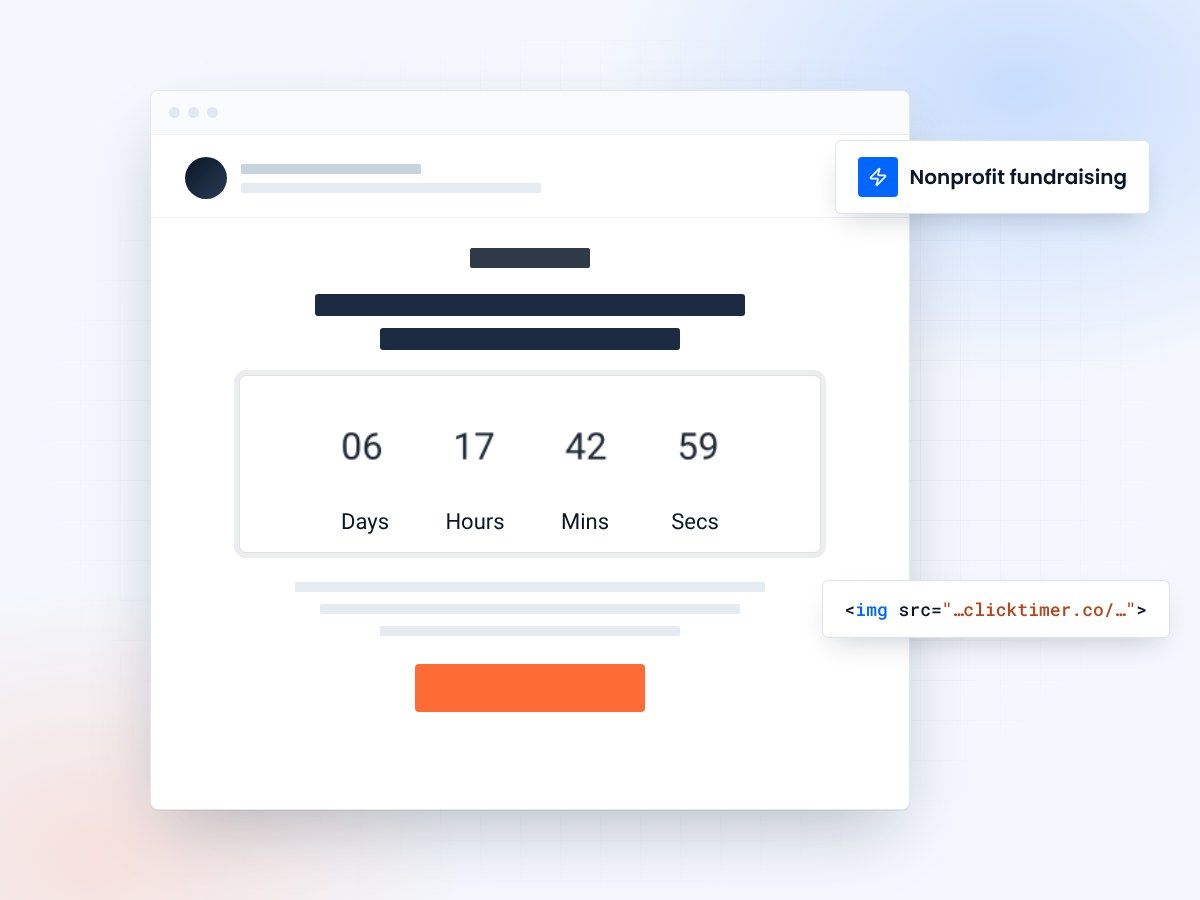
- Matching gifts, Giving Tuesday, year-end
- Works in any email platform
- 10,000 free impressions a month
- No watermark, even on the free plan
Why nonprofits need countdown timers in fundraising emails
Nonprofit fundraising is one of the most natural applications for email countdown timers. Fundraising campaigns have built-in deadlines — Giving Tuesday windows, matching gift periods, year-end tax-deduction cutoffs, and campaign goals with target dates. These genuine time constraints make countdown timers feel appropriate and helpful rather than manipulative.
The data supports the approach: nonprofits using countdown timers in their fundraising emails see 25-40% higher donation rates compared to emails without timers, according to benchmarks from M+R's annual Nonprofit Benchmarks Study and Classy's fundraising platform data. Organizations like charity: water, Red Cross, and World Wildlife Fund have pioneered countdown-driven email campaigns that generate millions in time-sensitive donations.
Countdown timers tap into a powerful psychological truth in nonprofit giving: donors want to feel that their contribution matters and that the moment to act is now. A live countdown creates a sense of collective momentum — the feeling that "this is happening right now, and I can be part of it" — that static deadlines simply cannot replicate.
Matching gift countdown campaigns
Matching gift campaigns are arguably the single most powerful fundraising email strategy for nonprofits, and countdown timers supercharge their effectiveness. When a major donor or corporate sponsor agrees to match all donations within a specific window, the countdown timer communicates both the urgency (time is running out) and the amplified impact (your dollar becomes two dollars).
The ideal matching gift countdown email sequence follows a three-part structure: the announcement email reveals the match and starts the countdown, the midpoint email reminds donors of the remaining time and shows progress toward the match limit, and the final hours email creates peak urgency with the countdown timer as the hero element.
| Campaign type | Typical duration | Emails to send | Timer placement | Avg donation lift |
|---|---|---|---|---|
| Matching Gift | 24-72 hours | 3-5 emails | Above donate button | +45-65% |
| Giving Tuesday | 24 hours | 3-4 emails | Hero section | +35-50% |
| Year-end campaign | 2-4 weeks | 6-10 emails | Header bar | +20-35% |
| Emergency response | 48-72 hours | 2-3 emails | Prominent, urgent | +30-45% |
| Peer-to-peer fundraiser | 1-4 weeks | Weekly + final push | Progress + timer | +25-35% |
Giving Tuesday: the ultimate countdown day
Giving Tuesday is the nonprofit world's Black Friday — and countdown timers are essential for maximizing donations on this single high-stakes day. In 2024, Giving Tuesday generated over $3.1 billion in donations in the US alone, with email being the primary driver for most organizations.
The optimal Giving Tuesday email strategy starts before the day itself. Send a preview email 2-3 days before with a countdown to Giving Tuesday. On the day, send an early morning launch email with a 24-hour countdown, an afternoon progress update showing the timer and funds raised, and a final evening push with the timer in its last hours creating maximum urgency.
Create your fundraising countdown
Count down to your match or campaign deadline. 10,000 free impressions a month, no credit card.
Already have an account?
Send Test Email
Enter your email to receive a preview of how this countdown looks in email campaigns.
Email design best practices for nonprofit timers
Emotional register
Nonprofit emails have a different emotional register than commercial marketing. Donors give because they care about a cause, not because they're getting a deal. Your countdown timer design should reflect this emotional depth. Use warm, hopeful colors (not aggressive reds and oranges). Pair the timer with impactful imagery of the people or cause being helped. Frame the countdown around the impact ("48 hours to double your impact for clean water") not just the deadline.
Next to the donate button
Position the countdown timer near the donation call-to-action, creating a visual pathway from urgency to action. The timer creates the "why now" and the donate button provides the "how." This proximity is crucial — timers placed far from the CTA lose 30-40% of their conversion impact according to email heat map studies.
Accessibility
For accessibility, ensure your countdown timer includes alt text describing the deadline for screen reader users. Nonprofit audiences skew older and have higher rates of visual impairment. ClickTimer's timers include configurable alt text to ensure no donor is excluded from your urgency messaging.
Recurring donor engagement with timers
Don't overlook countdown timers for engaging existing recurring donors. Use countdown timers for annual giving anniversaries ("Your one-year giving anniversary is in 3 days — see your impact report"), upgrade campaigns ("Double your monthly impact — special match ends Friday"), and exclusive donor events ("Donor Appreciation Dinner — RSVP deadline in 5 days"). These touchpoints strengthen donor retention, which is critical given that the average nonprofit donor retention rate is only 43-45%.
Frequently asked questions
Is using countdown timers ethical for nonprofit fundraising?
Yes, when tied to genuine deadlines. Matching gift periods end, tax years close, and campaign goals have real target dates. Countdown timers simply make these authentic deadlines more visible. The ethical line is creating fake deadlines — never manufacture urgency that doesn't genuinely exist.
How do countdown timers perform with older donor demographics?
Very well. Older donors (55+) are often more responsive to deadline-driven communication because they're accustomed to time-based financial planning (tax deadlines, investment windows). Ensure the timer is large, high-contrast, and clearly labeled. Testing shows that older demographics respond best to timers with day/hour granularity rather than minutes/seconds.
Can small nonprofits use countdown timers effectively?
Absolutely. Countdown timers are budget-friendly (ClickTimer offers free options) and work regardless of list size. In fact, smaller nonprofits often see higher percentage lifts because their donors feel a closer connection to the organization and respond more strongly to time-sensitive appeals.
Should I combine countdown timers with donation amount suggestions?
Yes — this combination is powerful. Show the countdown timer above specific donation amount buttons ($25, $50, $100, $250) with impact messaging ("$50 provides clean water for one family for a month"). The timer creates urgency while the amount options reduce decision friction. This combination typically increases average donation size by 15-20%.
Launch your next fundraising countdown
Create your first countdown timer in 30 seconds.