Dynamic Countdown Timers for Pardot
Accelerate pipeline with urgency-driven B2B campaigns in Salesforce Pardot
Start Free with Pardot 10,000 free impressions a month · No watermark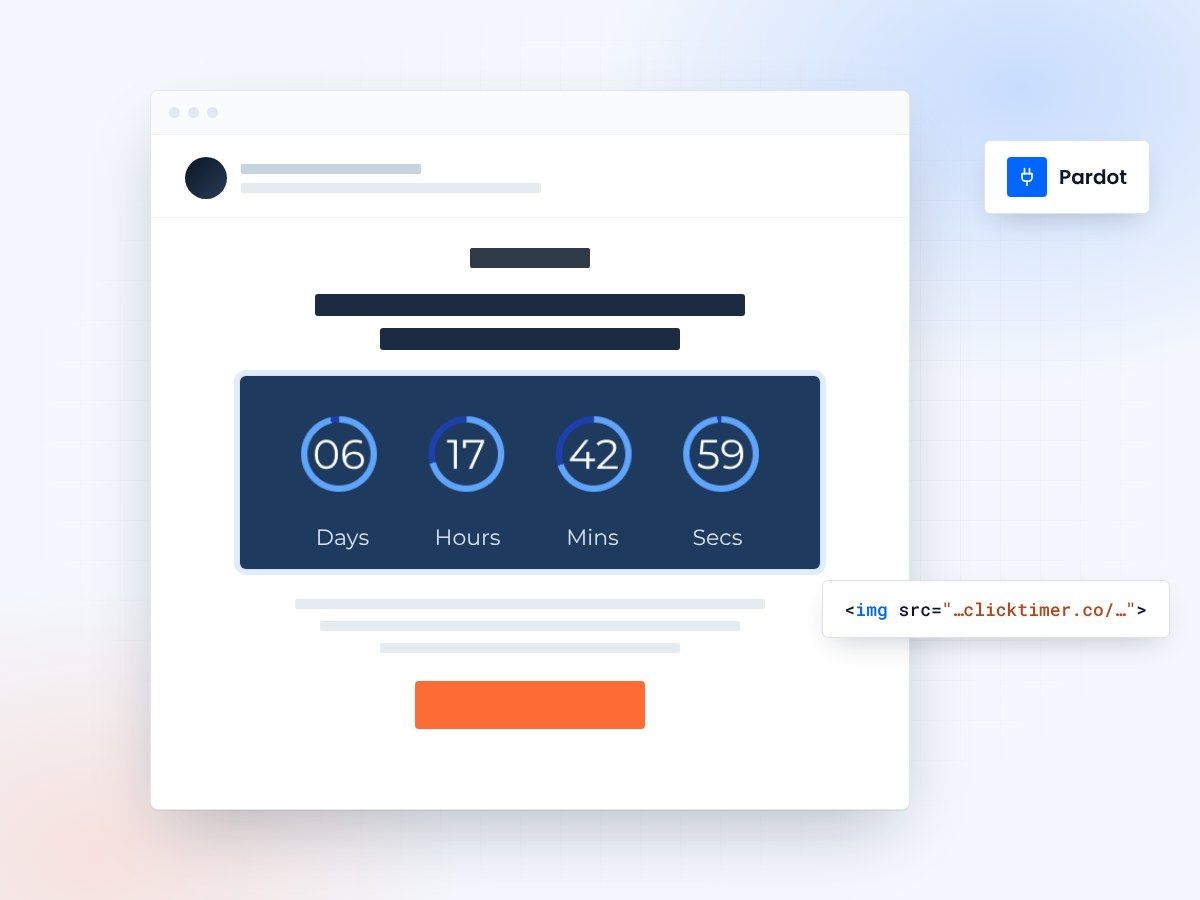
- Works in Engagement Studio
- No watermark, even on the free plan
- 10,000 free impressions a month
- Edit live after sending
Countdown timers for Pardot emails
Pardot marketers need to accelerate deal velocity and drive qualified leads through the funnel. ClickTimer lets you add real-time countdown timers to engagement studio programs, list emails, and automated drips—creating urgency around webinar registrations, limited-time offers, and trial expirations. Increase demo bookings and pipeline conversion with timers that update dynamically in every prospect's inbox.
Why use ClickTimer with Pardot?
Perfect for Engagement Studio programs
Add timers to nurture tracks, event sequences, and trial conversion campaigns to accelerate prospect action.
900+ fonts, full customization
Match your brand. No watermarks even on free tier.
Pay-as-you-go pricing
10K free impressions. No subscription, credits never expire.
Edit after sending
Update timer settings anytime, changes apply instantly.
How to add countdown timers to Pardot
1. Create your timer
Use ClickTimer builder. Set date, colors, fonts.
2. Copy the HTML code
Click Get Code to copy your snippet.
3. Add HTML block in Pardot
In your email template or Engagement Studio email, drag an HTML block (NOT image block) into your layout.
4. Paste and send
Timer updates in real-time on every email open.
Create your Pardot countdown
Set the end date, match your brand, copy the code. 10,000 free impressions a month, no credit card.
Already have an account?
Send Test Email
Enter your email to receive a preview of how this countdown looks in email campaigns.
Popular timer use cases for Pardot
Webinar registration deadlines
Countdown to webinar start time in promotional emails and reminder sequences
Trial expiration reminders
Drive conversions with timers showing days left in free trial periods
Event & conference promos
Create urgency for early bird pricing and registration cutoffs
Limited-time offers
Promote special pricing, discounts, or package deals with end dates
Demo booking windows
Add urgency to schedule demo calls before slots fill up
Engagement Studio nurtures
Enhance drip campaigns with timers for content offers and gated assets
Frequently asked questions
Does ClickTimer work with Pardot Engagement Studio?
Yes. Add the HTML code to any email step in your Engagement Studio programs. The timer will update dynamically regardless of when prospects enter the program or open the email.
Can I use timers in Pardot list emails and one-to-one emails?
Absolutely. ClickTimer works in all Pardot email types—list emails, automated emails, Engagement Studio, and completion actions. Just paste the HTML code into an HTML block in your template.
Do I need to use an image block?
No—use an HTML block, not an image block. Drag the HTML content block into your email builder, then paste your ClickTimer code. This ensures the timer renders correctly and updates in real-time.
How much does ClickTimer cost?
10,000 impressions free with no watermark. After that, pay-as-you-go from €0.23/10K impressions. No subscription, credits never expire. Perfect for B2B campaigns with targeted send volumes.
Can I edit the timer after sending my Pardot campaign?
Yes. Update your timer settings anytime in ClickTimer—colors, end date, fonts—and changes apply instantly to all emails already sent. No need to resend or recreate campaigns.
Ready to boost your Pardot conversions?
Create your free timer in 90 seconds. 10K impressions, no credit card.