Restock Countdown Emails
Convert waitlist customers with limited-time inventory alerts
Create Your Timer — Free 10,000 free impressions a month · No watermark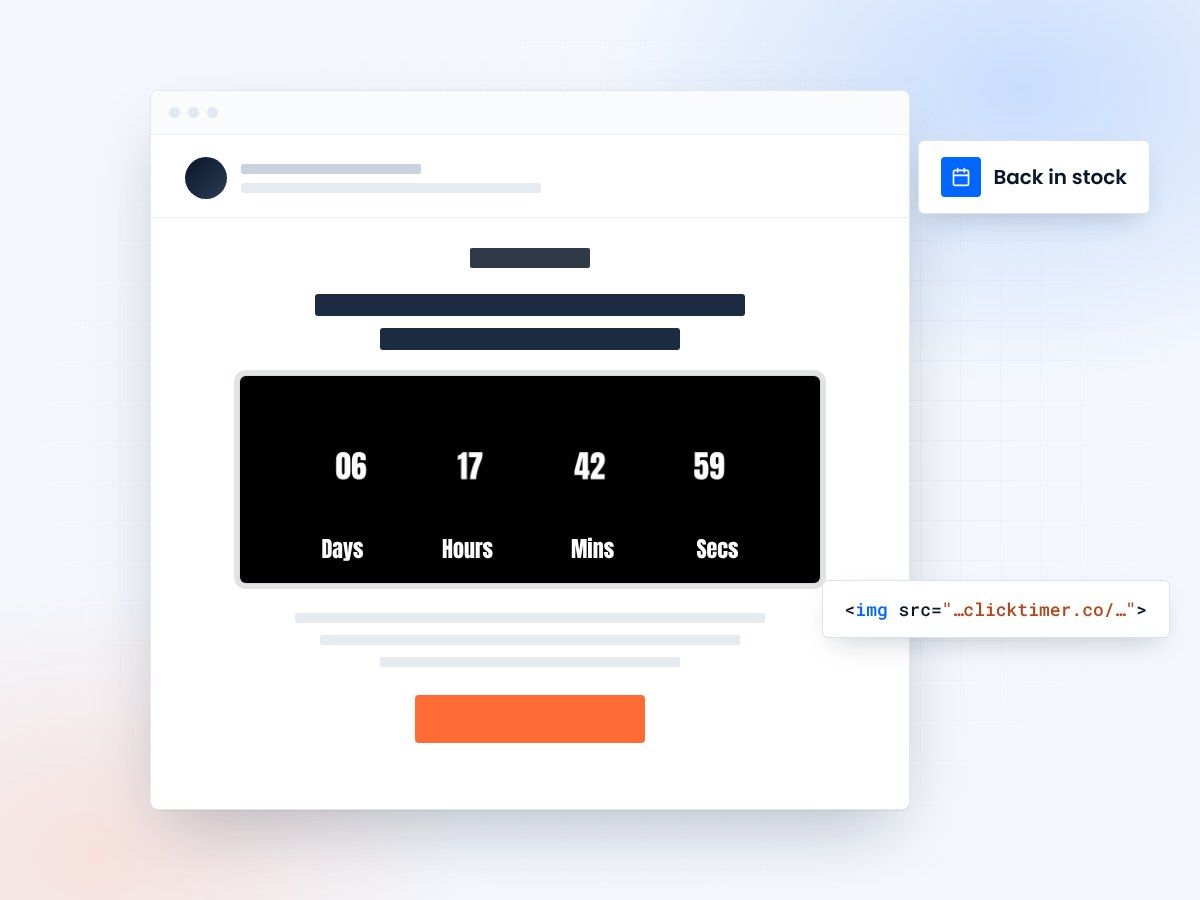
- Built for back-in-stock alerts
- Convert high-intent waitlists
- 10,000 free impressions a month
- No watermark, even on the free plan
Why restock emails need a countdown
When a product sells out, many ecommerce businesses miss a critical opportunity: the waitlist email. Customers who joined the waitlist are already interested—they've self-selected as buyers. When the product restocks, these high-intent prospects should receive an immediate notification.
But standard "product is back in stock" emails don't create enough urgency to drive immediate purchases. Limited inventory often restocks in small batches that sell out quickly, so the real opportunity is the first 24-48 hours after restock when inventory is freshest.
A countdown timer email transforms a standard restock notification into an urgency-driven conversion machine. You're not creating artificial scarcity—the scarcity is real. You're simply making it visible and time-bound with a countdown timer showing how long limited inventory will last. This approach drives waitlist conversion rates of 20-40%, compared to 5-10% for standard restock emails without timers.
- Countdown timers increase email engagement by creating urgency
- Visual timers improve click-through rates and conversions
- Time-sensitive messaging drives immediate action
Match the countdown to your restock
Know your restock rhythm
Different product categories have different restock patterns. Fashion and luxury goods often restock in limited quantities. Electronics restock irregularly when supply chains catch up. Subscription products don't restock (inventory is continuous), but they benefit from "reserved for 24 hours" timers when customers add items to their wishlist. Understanding your restock rhythm helps you craft the right countdown messaging.
Send fast
The timing of your restock email is critical—send it within 15 minutes of the product becoming available for optimal results. Every hour of delay reduces conversion because some of your waitlist customers will buy elsewhere or the inventory will partially sell out to other channels.
Two restock scenarios
Genuinely limited (fewer than 20 units)
When inventory is genuinely limited (fewer than 20 units), send a high-urgency email to your entire waitlist immediately. Subject line: "Back in stock (while supplies last)" or "[Product] just restocked—only X units available." The email should be short, punchy, and dominated by the countdown timer.
Include a message explaining the scarcity: "We received 15 units of [Product] in the restock. At current demand, these typically sell out in 18-24 hours." Include a countdown timer showing "18 hours until likely sellout" or "12 hours remaining at current pace." The supporting text is critical—it explains why there's urgency (real scarcity) rather than making the urgency feel artificial.
Include a prominent CTA button linking directly to the product page. For extremely limited inventory (under 10 units), consider adding inventory counter: "9 units remaining" that updates in real-time if your system allows. This creates visual scarcity that increases conversion.
Moderate inventory (20-100 units)
When inventory is moderate (20-100 units), the scarcity is less immediate. Your countdown timer should focus on a time-limited offer rather than pure inventory scarcity. For example: "Back in stock this week—Get 20% off restocked items through Friday." The countdown timer shows "4 days to claim your discount." This creates urgency through a time limit rather than inventory depletion.
Include supporting messaging: "Restocked items are limited and may not be replenished—order while available." This approach works well for products that restock regularly but in limited quantities. Customers know the product will restock again eventually, but this specific batch has limited availability.
The discount here serves two purposes: it creates an incentive to buy beyond just the scarcity angle, and it makes the offer feel generous and valuable rather than manipulative.
Create your restock countdown
Set the window, match your brand, paste the image into your back-in-stock email. 10,000 free impressions a month, no credit card.
Already have an account?
Send Test Email
Enter your email to receive a preview of how this countdown looks in email campaigns.
Impact metrics
| Metric | Impact | Result |
|---|---|---|
| Email open rates | Countdown timers in subject lines | ↑ 25-40% |
| Click-through rates | Visual timer elements in content | ↑ 18-35% |
| Conversion rates | Urgency-driven messaging | ↑ 12-30% |
| Customer action speed | Limited-time offers | 3x faster |
Do and don't
Do
- Use realistic, achievable deadlines
- Make timers visually prominent
- Test countdown copy variations
- Update timers in follow-up emails
Don't
- Use fake countdown timers
- Overuse urgency messaging
- Hide expiration dates
- Forget to honor deadlines
Frequently asked questions
How do countdown timers affect email deliverability?
Countdown timers don't directly impact deliverability. However, ensure your timer code is clean HTML/CSS and avoid heavy JavaScript that could trigger spam filters. Test emails with major providers before sending.
Should I use the same deadline for all recipients?
Segmentation is recommended. Send time-zone adjusted emails with recipient-specific deadlines for maximum relevance. This prevents last-minute send volume spikes.
What's the optimal countdown duration?
24-72 hours is typically ideal for urgency without creating undue pressure. Test different durations with your audience to find the sweet spot.
How do I ensure timer accuracy across clients?
Use server-side rendering or dynamic content blocks that calculate time differences server-side. This ensures consistency across all email clients, from Gmail to Outlook.
Start driving urgency-based conversions today
Create your first countdown timer in 30 seconds and start driving urgency-based conversions today.