SaaS Free Trial Countdown Email Strategies
Discover how to leverage countdown timers for saas trial success.
Create Your Timer — Free 10,000 free impressions a month · No watermark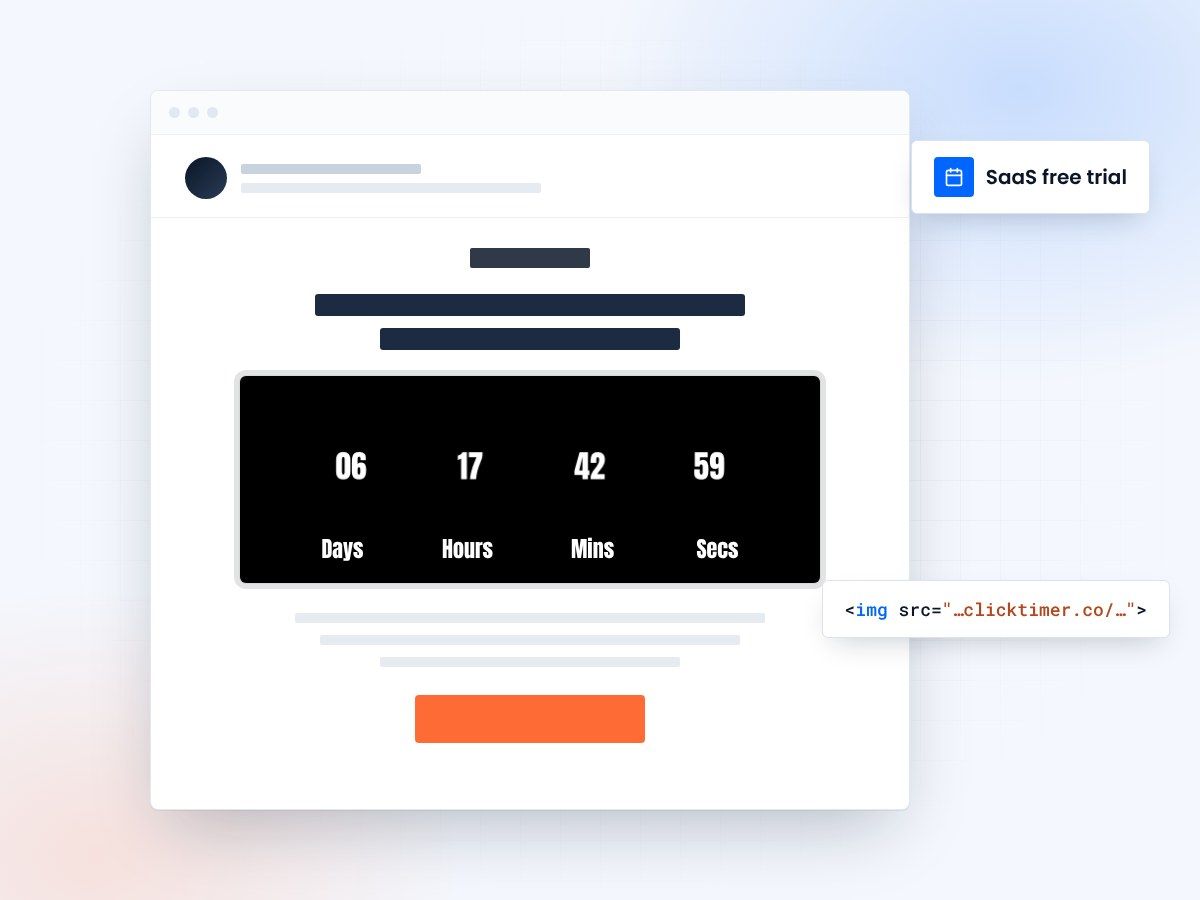
- A real deadline for every trial user
- Works with any email platform
- 10,000 free impressions a month
- No watermark, even on the free plan
Why SaaS free trials need countdown timers
Free trials are the lifeblood of SaaS growth. But here's the uncomfortable truth: most trial users never convert. Industry data shows that the average SaaS free trial conversion rate hovers between 15-25% for opt-in trials and 40-60% for opt-out trials. The difference between companies at the top and bottom of that range often comes down to one thing — urgency communication.
Countdown timers in trial expiration emails transform a passive notification into an active conversion trigger. When a user sees their trial ending in 2 days, 14 hours, and 37 minutes, the abstract concept of "your trial is ending soon" becomes viscerally real. This specificity drives action in a way that vague language simply cannot.
Companies like Basecamp, Slack, and Notion have all experimented with urgency-based trial communications. The psychological mechanism is straightforward: loss aversion. Daniel Kahneman's research shows that the pain of losing something is roughly twice as powerful as the pleasure of gaining it. A countdown timer makes the impending loss of access tangible and immediate.
The 5-email trial countdown sequence
The most effective SaaS trial email sequences follow a carefully timed cadence. Each email serves a distinct psychological purpose, and countdown timers amplify the urgency at every stage. Here's the proven framework used by high-converting SaaS companies:
| Timing | Purpose | Timer style | Expected CTR | |
|---|---|---|---|---|
| Welcome | Day 1 | Set expectations, show trial length | Full trial countdown | 35-45% |
| Value Highlight | Day 4-5 | Showcase key features used | Subtle days remaining | 20-28% |
| Mid-Trial Check | Day 7 | Re-engage inactive users | Half-way marker | 15-22% |
| Urgency Push | Day 12 | Create conversion urgency | Prominent countdown | 25-35% |
| Final Warning | Day 14 | Last chance conversion | Bold, large timer | 30-42% |
Segmentation strategies for trial countdown emails
Not all trial users are created equal. Sending the same countdown sequence to an engaged power user and a dormant signup is a waste of both your resources and their attention. Smart segmentation dramatically improves conversion rates.
Segment your trial users into three buckets based on product engagement:
Active users
Active users who have completed key activation milestones (these need conversion-focused messaging with timers emphasizing what they'll lose).
Partially engaged users
Partially engaged users who signed up and explored but haven't reached the "aha moment" (these need value-demonstration emails with timers creating urgency to explore more).
Dormant users
Dormant users who signed up but barely used the product (these need re-engagement emails with timers, potentially offering an extension as an incentive).
Tools like Intercom, Customer.io, and Braze allow you to trigger different countdown email sequences based on in-app behavior. Pair this with ClickTimer's dynamic countdown timers, and each user sees a real-time, personalized deadline that matches their specific trial end date.
The extension offer strategy
For dormant trial users, consider a two-step approach:
- Send the expiry emailFirst, send a "Your trial is expiring" email with a countdown timer.
- Offer an extensionIf they don't convert, follow up with a "We've extended your trial by 7 days" email — with a new countdown timer starting from the extension.
Create your trial countdown
Set the trial end date, match your brand, copy the HTML code. 10,000 free impressions a month, no credit card.
Already have an account?
Send Test Email
Enter your email to receive a preview of how this countdown looks in email campaigns.
Countdown timer design for SaaS emails
Scale with urgency
The visual design of your countdown timer should match the urgency level of the email. In early trial emails, use subtle, small timers that inform without alarming. As the trial end approaches, scale up the timer's visual prominence — larger fonts, bolder colors, and more central placement.
Use colour deliberately
Color psychology matters: blue and green timers feel informational and calm (good for early emails), while orange and red timers signal urgency (perfect for final 48-hour warnings). Always ensure the timer contrasts well against your email background for maximum visibility.
Stay on-brand
For SaaS brands specifically, avoid overly aggressive countdown designs. Your trial users are evaluating not just your product but your brand. A countdown timer that feels pushy or manipulative can backfire, especially in B2B contexts where buyers are more skeptical of urgency tactics. Aim for "helpful reminder" not "hard sell."
Measuring countdown timer impact on trial conversions
To properly attribute conversion lifts to your countdown timers, you need a structured measurement approach. Run A/B tests where the control group receives identical emails without the countdown timer element.
Track these key metrics across both groups: email open rate, click-through rate, trial-to-paid conversion rate, time-to-conversion (days from email to upgrade), and average revenue per user (ARPU) of converted users.
Based on aggregated industry benchmarks, SaaS companies typically see a 20-35% lift in trial-to-paid conversion when implementing well-designed countdown timer sequences. The impact is highest for products with clear, measurable value propositions and shorter sales cycles. For enterprise SaaS with longer evaluation periods, the lift tends to be more modest (10-18%) but still significant given higher ACVs.
Frequently asked questions
Should I show the countdown timer from day one of the trial?
Yes, but subtly. A small "14 days remaining" counter in your welcome email sets expectations without creating premature pressure. Reserve large, prominent timers for the final 3-5 days when urgency is most effective.
Do countdown timers work for freemium models too?
Absolutely. For freemium, use countdown timers on limited-time upgrade offers rather than trial expiration. "Get 50% off annual Pro — offer ends in 48 hours" with a live timer is highly effective for freemium-to-paid conversion.
What if my trial length varies by plan?
Use dynamic countdown timers that pull the end date from your user database. ClickTimer supports personalized end dates via URL parameters, so each user sees their actual trial deadline regardless of plan length.
How do I avoid being too aggressive with trial countdown emails?
Balance urgency with value. Every countdown email should include a reminder of what the user has accomplished or could accomplish — not just what they'll lose. Frame the countdown as a helpful reminder, and always provide an easy way to extend or ask questions.
Put a real deadline on your next trial
Create your first countdown timer in 30 seconds.