Subscription Renewal Countdown Emails
Reduce churn and increase lifetime value with strategic renewal reminders
Create Your Timer — Free 10,000 free impressions a month · No watermark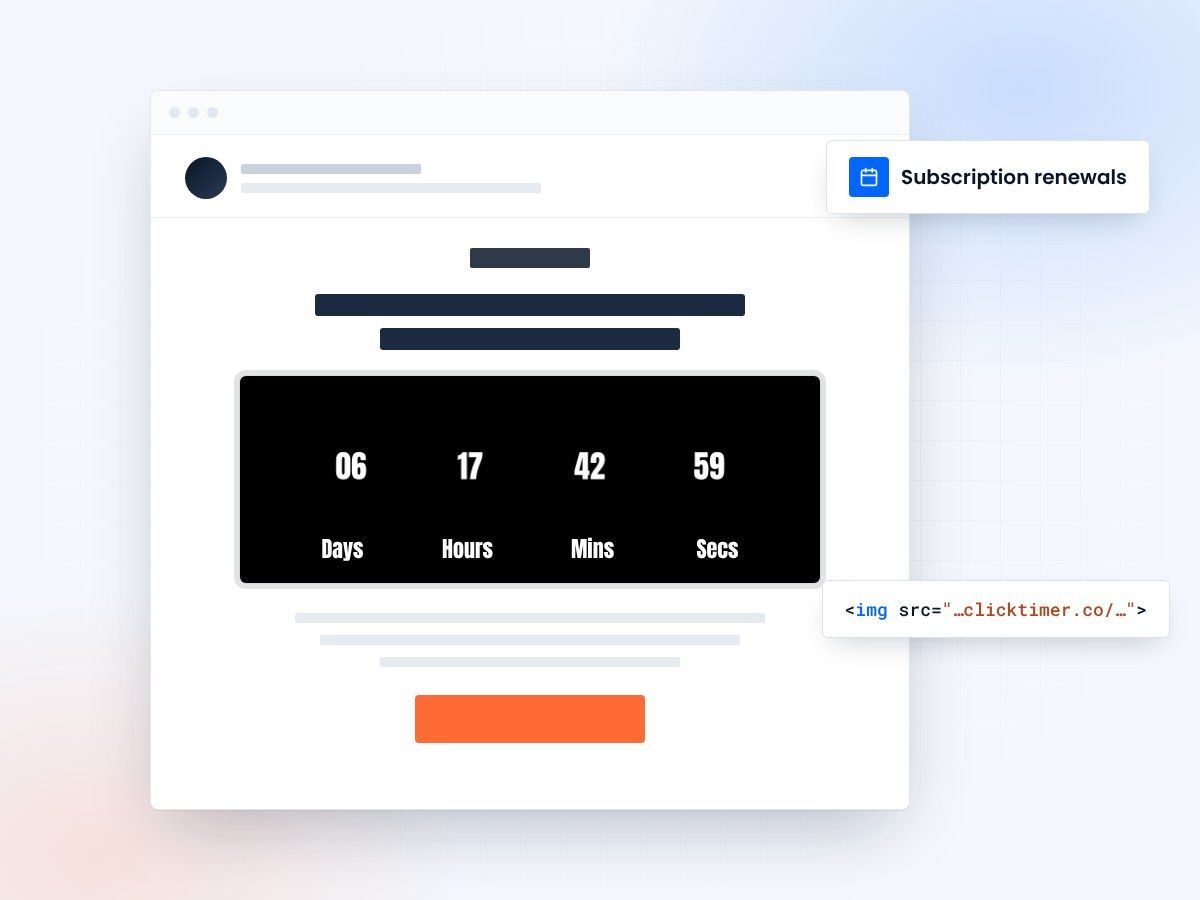
- Countdown to every renewal date
- Built for multi-email reminder sequences
- 10,000 free impressions a month
- No watermark, even on the free plan
Keep the customers you already have
For subscription-based businesses, the question isn't how to acquire new customers—it's how to keep the ones you have. Industry data shows that acquiring a new customer costs five times more than retaining an existing one.
Yet many SaaS companies, membership sites, and subscription box services neglect renewal communications. Customers often let subscriptions lapse accidentally (forgot about the renewal date, didn't open the renewal notification, switched payment methods) rather than intentionally canceling.
This represents pure lost revenue that could have been saved with timely, strategic renewal communications. Countdown timer emails address this directly by making renewal dates impossible to miss.
Core strategy
When a customer's renewal date is coming up, they need multiple touchpoints reminding them that their subscription is about to expire. A countdown timer email creates urgency and visibility that simple date-based reminders don't achieve. The visual ticking timer signals that action is required, which reduces the "out of sight, out of mind" problem that leads to accidental churn.
Rather than sending a single renewal reminder, use a sequence of three emails spread across 2 weeks before the renewal date. This multi-touch approach catches customers at different points in their decision-making journey.
Key insight
- Countdown timers increase email engagement by creating urgency
- Visual timers improve click-through rates and conversions
- Time-sensitive messaging drives immediate action
Impact metrics
| Metric | Impact | Result |
|---|---|---|
| Email Open Rates | Countdown timers in subject lines | ↑ 25-40% |
| Click-Through Rates | Visual timer elements in content | ↑ 18-35% |
| Conversion Rates | Urgency-driven messaging | ↑ 12-30% |
| Customer Action Speed | Limited-time offers | 3x Faster |
Create your renewal countdown
Count down to the renewal date and drop the image into each reminder. 10,000 free impressions a month, no credit card.
Already have an account?
Send Test Email
Enter your email to receive a preview of how this countdown looks in email campaigns.
Best practices
Do
- Use realistic, achievable deadlines
- Make timers visually prominent
- Test countdown copy variations
- Update timers in follow-up emails
Don't
- Use fake countdown timers
- Overuse urgency messaging
- Hide expiration dates
- Forget to honor deadlines
Frequently asked questions
How do countdown timers affect email deliverability?
Countdown timers don't directly impact deliverability. However, ensure your timer code is clean HTML/CSS and avoid heavy JavaScript that could trigger spam filters. Test emails with major providers before sending.
Should I use the same deadline for all recipients?
Segmentation is recommended. Send time-zone adjusted emails with recipient-specific deadlines for maximum relevance. This prevents last-minute send volume spikes.
What's the optimal countdown duration?
24-72 hours is typically ideal for urgency without creating undue pressure. Test different durations with your audience to find the sweet spot.
How do I ensure timer accuracy across clients?
Use server-side rendering or dynamic content blocks that calculate time differences server-side. This ensures consistency across all email clients, from Gmail to Outlook.
Make your next renewal date impossible to miss
Create your first countdown timer in 30 seconds and start driving urgency-based conversions today.