Add a Countdown Timer to ActiveCampaign Emails
Create urgency in your ActiveCampaign campaigns with a live, animated countdown timer — setup takes 30 seconds.
Create Your Timer — Free 10,000 free impressions a month · No watermark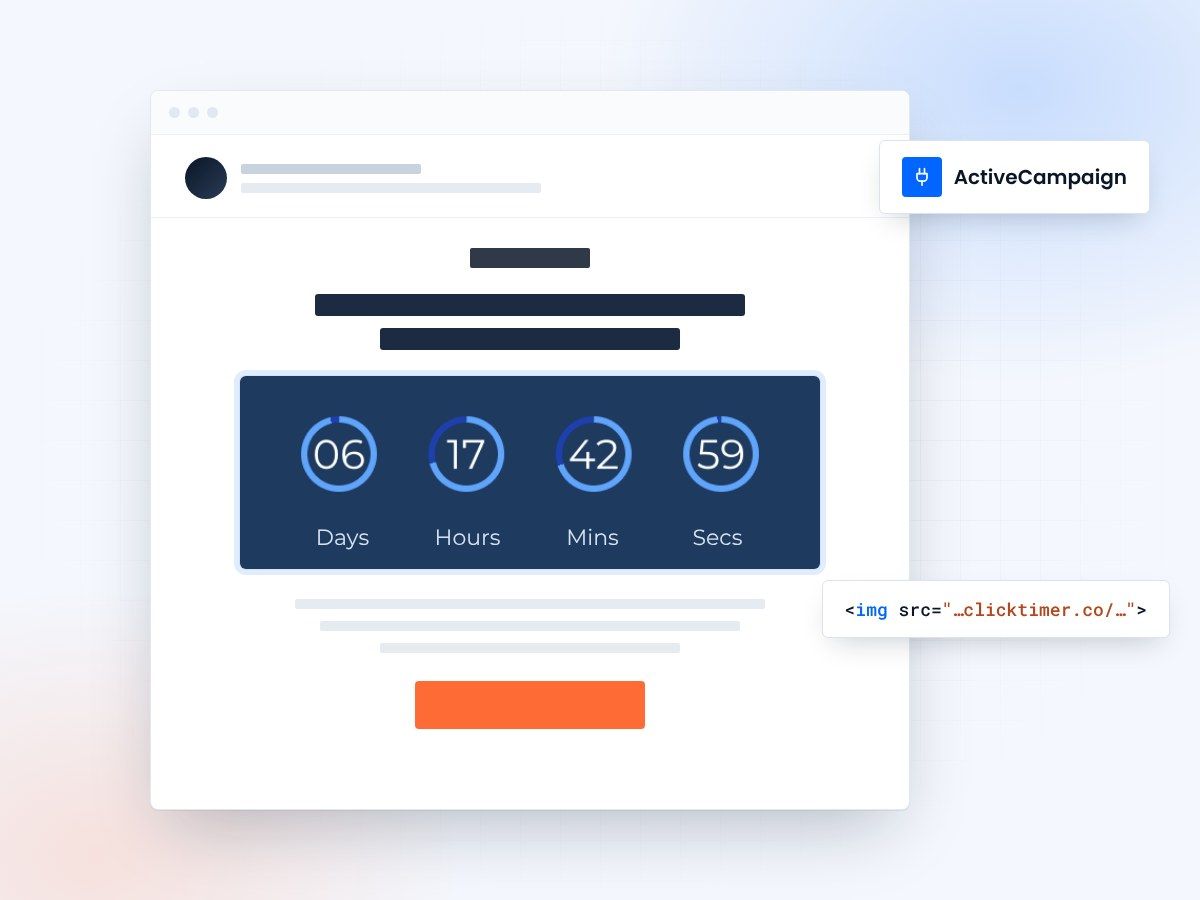
- Works in campaigns and automations
- No coding required
- 10,000 free impressions a month
- No watermark, even on the free plan
Why use countdown timers in ActiveCampaign
ActiveCampaign is one of the most popular marketing automation platforms, known for its powerful workflows, advanced segmentation, and CRM integration. But even the best-crafted automation sequence can fall flat without a sense of urgency. That's where countdown timers come in.
A countdown timer displayed directly in your email creates a visual cue that time is running out. Whether you're promoting a flash sale, a webinar registration deadline, or a limited-time offer, adding a live countdown timer to your ActiveCampaign emails can significantly increase click-through rates and conversions. Studies consistently show that urgency-driven emails outperform standard promotional emails by 30–50% in terms of engagement.
With ClickTimer, you can add a GIF-based countdown timer to any ActiveCampaign email in under 30 seconds — no coding required, no watermark on the free tier, and it works perfectly with ActiveCampaign's drag-and-drop email builder.
Adding a ClickTimer to ActiveCampaign
Follow these simple steps to embed a live countdown timer in your next ActiveCampaign campaign or automation email:
- Create your timer on ClickTimerGo to clicktimer.co and configure your countdown timer. Set your end date, choose your timezone, pick a font from the 900+ Google Fonts available, and customize the colors to match your ActiveCampaign email design. Once ready, copy the generated HTML code.
- Open your ActiveCampaign email designerIn ActiveCampaign, navigate to your campaign or automation and open the email editor. You can use either a standard campaign email or an automation-triggered email — ClickTimer works with both.
- Add an HTML blockDrag an HTML content block into your email where you want the countdown to appear and paste the ClickTimer code you copied in step 1.
- Add a link to your timer (optional)To make the countdown timer clickable, set its link to your landing page or offer page in ClickTimer. The embed code already contains it. This turns the visual urgency into a direct conversion path.
- Preview and sendUse ActiveCampaign's preview and test send features to verify the timer displays correctly. The GIF-based timer will animate in most email clients, showing a real-time countdown each time the email is opened.
Using countdown timers in ActiveCampaign automations
One of ActiveCampaign's greatest strengths is its automation builder. Countdown timers work exceptionally well in automated sequences. Here are some high-impact automation scenarios:
Cart abandonment sequences
Add a countdown timer to your recovery emails showing when the reserved cart expires. This creates immediate urgency that static text simply cannot match.
Welcome series with limited offers
When new subscribers join, trigger a sequence with a time-limited discount. The countdown timer visually reinforces the deadline throughout the series.
Event reminders
For webinar or event registrations, use countdown timers in reminder emails to show exactly how much time remains before the event starts.
ClickTimer vs other timer options for ActiveCampaign
| Feature | ClickTimer | MailTimers | Sendtric |
|---|---|---|---|
| Free tier | 10,000 impressions | No free tier | Free with watermark |
| Watermark on free | No watermark | N/A | Yes (Sendtric branding) |
| Pricing model | Pay-as-you-go from €0.23/10K | From €49/month | Free (limited) or paid |
| Google Fonts | 900+ | Limited | Limited |
| ActiveCampaign compatible | Yes | Yes | Yes |
Create your ActiveCampaign countdown
Set the end date, match your brand, copy the code. 10,000 free impressions a month, no credit card.
Already have an account?
Send Test Email
Enter your email to receive a preview of how this countdown looks in email campaigns.
Best practices for ActiveCampaign countdown timers
- Place the timer above the fold: Position your countdown timer near the top of the email where it's immediately visible. This ensures recipients see the urgency right away, without scrolling.
- Use honest deadlines: Set real deadlines that you actually enforce. If your sale ends Saturday at midnight, set the timer for that exact moment. Fake urgency erodes trust and damages your ActiveCampaign sender reputation over time.
- Combine with segmentation: ActiveCampaign excels at segmentation. Send countdown-enhanced emails to your most engaged segments for maximum impact. Use tags and lead scores to target subscribers most likely to convert.
- A/B test with and without timers: ActiveCampaign's split testing feature lets you compare emails with and without countdown timers. Track click-through rates and conversions to measure the real impact on your audience.
- Don't overuse: Reserve countdown timers for genuinely time-sensitive offers. If every email has a timer, subscribers become numb to the urgency. Aim for timers in 20–30% of your promotional emails at most.
ClickTimer pricing for ActiveCampaign users
ClickTimer uses a pay-as-you-go model that's ideal for ActiveCampaign users at any scale. There are no monthly subscriptions and credits never expire:
| Impressions | Price |
|---|---|
| 0 – 10,000 | Free (no watermark) |
| 10K – 150K | €0.23 per 10K impressions |
| 150K – 1M | €0.15 per 10K impressions |
| 1M+ | €0.06 per 10K impressions |
Frequently asked questions
Does ClickTimer work with ActiveCampaign automations?
Yes. ClickTimer generates a standard HTML snippet that works in any ActiveCampaign email — campaigns, automations, transactional emails, and split tests. Simply paste the timer code into an HTML block.
Will the timer animate in all email clients?
ClickTimer uses GIF-based animation, which is supported by all major email clients including Gmail, Apple Mail, Yahoo Mail, and Outlook (desktop Outlook shows the first frame as a static image, which still displays the countdown).
What happens when the countdown reaches zero?
When the timer expires, it displays zeros (00:00:00:00). You can configure this behavior when creating your timer on ClickTimer.
Is there a watermark on the free tier?
No. Unlike competitors like Sendtric, ClickTimer's free tier (up to 10,000 impressions) has no watermark. Your timer looks completely professional from day one.
Related resources
Explore more ClickTimer guides for other email platforms: Klaviyo countdown timer setup, Mailchimp countdown timer guide, and our full ESP integrations hub. You might also find our best email countdown timers comparison helpful.
Add a countdown to your next ActiveCampaign email
Create your first countdown timer in 30 seconds.