Best Email Countdown Timers in 2026 (Ranked)
An honest, up-to-date ranking of every countdown timer tool worth considering for your email campaigns.
Create Your Timer — Free 10,000 free impressions a month · No watermark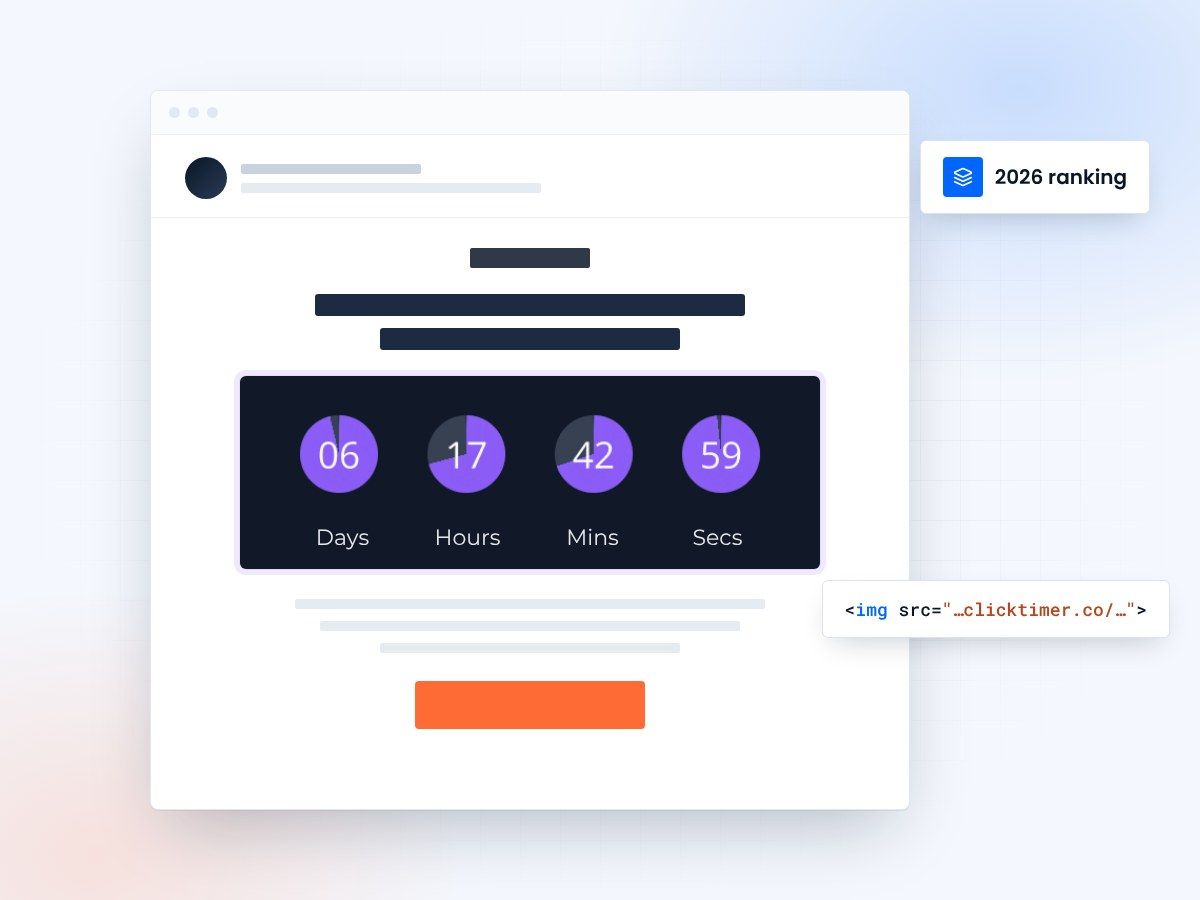
- Seven tools ranked side by side
- No watermark, even on the free plan
- Prepaid credits that never expire
- 10,000 free impressions a month
Why email countdown timers matter in 2026
Countdown timers are one of the simplest ways to boost email engagement. They create visual urgency that static text simply cannot match. According to email marketing benchmarks, adding a countdown timer to a promotional email can increase click-through rates by 30% or more. In 2026, the market has matured with dozens of tools available, but they vary wildly in pricing, features, and reliability.
We tested and compared every major email countdown timer tool on the market. This ranking is based on real-world usage, pricing transparency, design flexibility, and email client compatibility. Whether you are a solo marketer or running campaigns for enterprise brands, this guide will help you pick the right tool.
The complete ranking
| Rank | Tool | Starting price | Free tier | Watermark on free? | Fonts |
|---|---|---|---|---|---|
| 1 | ClickTimer | €0.23/10K impressions | 10,000 impressions | No watermark | 900+ Google Fonts |
| 2 | Sendtric | Free (limited customization) | Unlimited (basic) | Yes | Limited |
| 3 | CountdownMail | $9/month | Limited free plan | Yes (on free) | Standard set |
| 4 | MotionMail | $10/month | 1,000 impressions | Yes (on free) | Standard set |
| 5 | MailTimers | €49/month | Free trial only | N/A | Custom options |
| 6 | NiftyImages | $20/month | Limited trial | N/A | Good selection |
| 7 | Deadline Funnel | $49/month | 14-day trial | N/A | Limited |
1. ClickTimer — best overall value
ClickTimer takes the top spot for a simple reason: it offers the most generous free tier with no watermark, the largest font library (900+ Google Fonts), and the most affordable pay-as-you-go pricing on the market. There is no monthly subscription — you buy prepaid credits that never expire, starting at just €0.23 per 10,000 impressions.
The setup process takes about 30 seconds. You configure your timer, copy the generated HTML code, and paste it into any email builder. ClickTimer works with every email service provider — from Klaviyo and Mailchimp to Salesforce Marketing Cloud and everything in between. Check out the full ESP integrations hub for platform-specific tutorials.
How the other tools compare
2. Sendtric — best completely free option
Sendtric offers unlimited free countdown timers, which makes it attractive for budget-conscious marketers. The catch? Every timer displays a Sendtric watermark, and customization options are limited. If branding matters to you (and it should for customer-facing emails), the watermark is a dealbreaker for professional campaigns.
For comparison, ClickTimer's free tier gives you 10,000 impressions with zero watermark — enough for most small campaigns. But if you truly need unlimited free timers and are comfortable with the branding, Sendtric works as a starting point.
3. CountdownMail — solid mid-range choice
CountdownMail is a well-established player with a clean interface and reliable timers. Plans start at $9/month, which is reasonable for small businesses with consistent sending volume. They offer decent customization and good email client compatibility. The main downside is the monthly subscription model — you pay whether you use it or not, which adds up for seasonal senders.
4. MotionMail — good but pricey at scale
MotionMail offers a polished experience with good design options and a reliable service. Their free tier is quite limited at just 1,000 impressions with a watermark. Paid plans start at $10/month. The tool works well, but the per-impression cost at higher volumes makes it significantly more expensive than pay-as-you-go alternatives like ClickTimer. Read our full ClickTimer vs MotionMail comparison for details.
5-7. MailTimers, NiftyImages and Deadline Funnel
These tools are capable but serve different niches. MailTimers (from €49/month) targets enterprise users who need advanced features and dedicated support. NiftyImages ($20/month) bundles countdown timers with other email personalization tools like dynamic images and merge tags — useful if you need the full suite but overpriced for timers alone. Deadline Funnel ($49/month) specializes in evergreen deadlines for sales funnels rather than standard email countdown timers — a different use case entirely.
How they work and what to look for
How email countdown timers work
All email countdown timers work on the same principle: they generate a GIF image that recalculates the remaining time each time the email is opened. Since emails do not support JavaScript, a GIF is the only way to show dynamic content across all email clients — Gmail, Outlook, Apple Mail, Yahoo, and more.
When you create a timer with a tool like ClickTimer, you get an HTML code. You paste that code into an HTML block in your email template. Each time a subscriber opens the email, the image is freshly generated from the server, showing the accurate time remaining until your deadline. Once the deadline passes, the timer displays zeros or a custom expiration message.
What to look for in a countdown timer tool
When choosing a countdown timer, focus on these factors: pricing model (pay-as-you-go vs. monthly subscription), free tier quality (watermark or not), design flexibility (fonts, colors, layouts), email client compatibility (GIF-based timers work everywhere), and setup speed (most should take under a minute).
Avoid tools that lock you into annual contracts for basic countdown functionality. Also check whether the free tier includes a watermark — this is a common gotcha that can make your emails look unprofessional. For a full breakdown of what each tool charges, see our countdown timer pricing comparison.
Create your email countdown
Set the end date, match your brand, copy the code. 10,000 free impressions a month, no credit card.
Already have an account?
Send Test Email
Enter your email to receive a preview of how this countdown looks in email campaigns.
Frequently asked questions
What is the best email countdown timer in 2026?
ClickTimer ranks as the best overall email countdown timer in 2026, thanks to its no-watermark free tier, 900+ font options, pay-as-you-go pricing starting at €0.23/10K impressions, and universal email client compatibility.
Are email countdown timers effective?
Yes. Countdown timers add visual urgency to emails, which has been shown to increase click-through rates and conversions. They are especially effective for flash sales, limited-time offers, event registrations, and cart abandonment sequences.
Do countdown timers work in all email clients?
GIF-based countdown timers (like those from ClickTimer) work in all major email clients including Gmail, Outlook, Apple Mail, Yahoo Mail, and more. This is because they use standard image formats rather than JavaScript or CSS animations.
Can I use a countdown timer with Klaviyo or Mailchimp?
Which countdown timer has the best free plan?
ClickTimer offers the best free plan with 10,000 impressions per month and no watermark. Sendtric offers unlimited free impressions but includes a watermark. See our free email countdown timer guide for a full comparison.
Try ClickTimer free
Create your first countdown timer in 30 seconds. No watermark, no credit card required.