Mother's Day Countdown Email Campaigns That Drive Gift Sales
Drive gift purchases with urgency-powered email campaigns
Create Your Timer — Free 10,000 free impressions a month · No watermark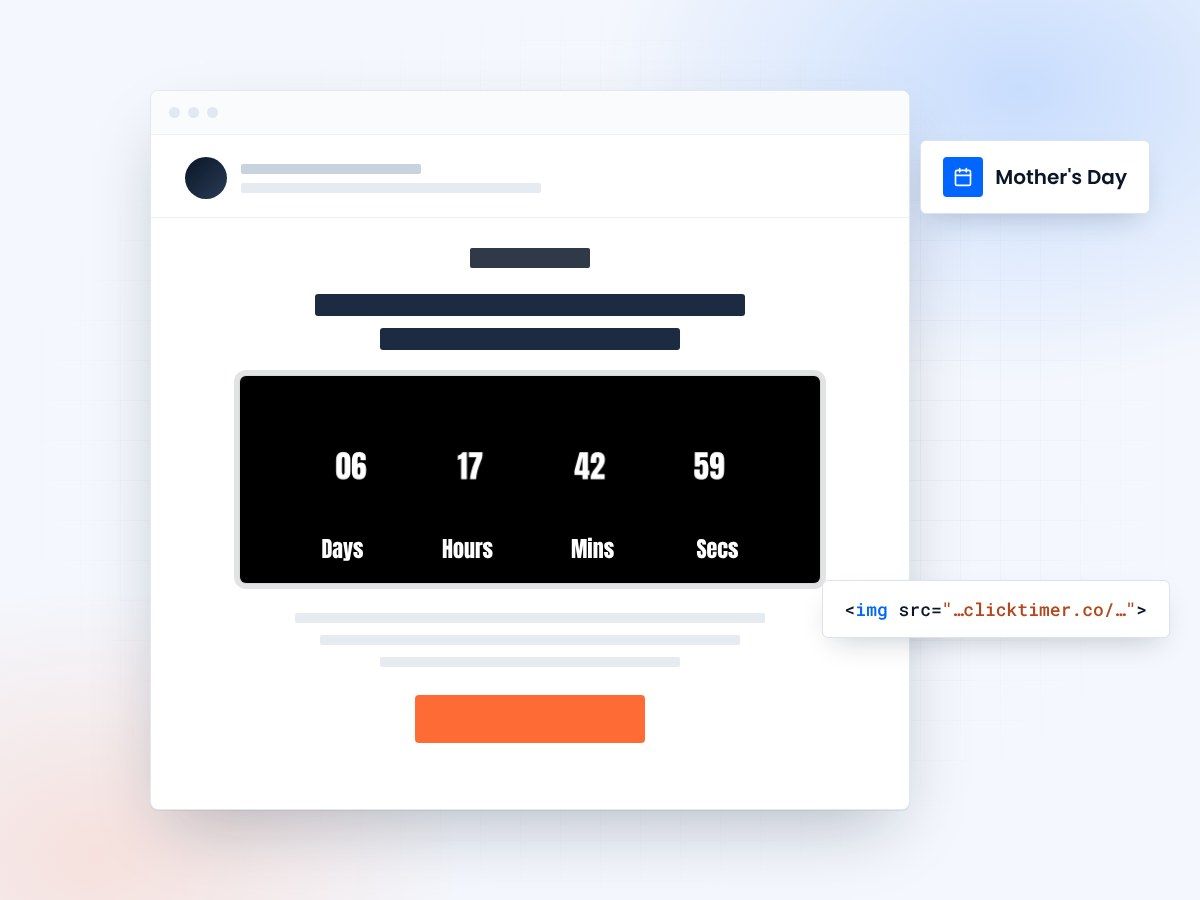
- Built for Mother's Day gift campaigns
- Count down to your shipping deadline
- 10,000 free impressions a month
- No watermark, even on the free plan
Why countdown timers transform Mother's Day email campaigns
Mother's Day is the third-largest retail holiday in many markets, and email remains the top-performing channel for gift-driven purchases. But here's the challenge: most shoppers procrastinate. Research shows that over 40% of Mother's Day gift buyers wait until the final week before the holiday. That's where countdown timers change the game.
A countdown timer embedded in your email creates a visual, real-time reminder that the clock is ticking. Unlike static "hurry!" copy, a GIF-based countdown timer updates every time the recipient opens the email, showing the exact hours, minutes, and seconds remaining. This dynamic urgency has been shown to increase click-through rates by 30% or more during seasonal campaigns.
With ClickTimer, you can create beautiful, branded countdown timers in 30 seconds — choosing from 900+ Google Fonts and fully customizable colors. The GIF-based format works in every email client, from Gmail to Outlook to Apple Mail, so your urgency message reaches every recipient.
Mother's Day email campaign timeline
Timing is everything for Mother's Day campaigns. Here's a proven timeline that maximizes both early-bird and last-minute shoppers:
| Timing | Campaign Type | Timer Strategy | Expected Impact |
|---|---|---|---|
| 3 weeks before | Gift Guide Launch | Early-bird discount timer | Build awareness, 15–20% open rate |
| 2 weeks before | Category Spotlights | Flash sale countdown (48h) | Drive browsing, 20–25% open rate |
| 1 week before | Shipping Deadline | Last day for guaranteed delivery | Highest conversion, 25–35% open rate |
| 3 days before | Last-Minute Solutions | Digital gift card countdown | Rescue revenue, 30–40% open rate |
| Day of | Same-Day Offers | Hours-only timer for experiences | Impulse buys, high urgency |
5 high-converting Mother's Day email strategies
- The shipping deadline countdownThis is your highest-converting email of the season. Set a countdown timer to your last guaranteed delivery date and make it the centerpiece of the email. Subject line: "Order by [date] for Mother's Day delivery." The timer creates undeniable urgency — recipients can see exactly how much time remains, and each re-open shows less time. Pair it with free shipping to maximize conversions.
- The gift guide with timed discountsCreate a curated gift guide email with a 48-hour flash sale timer at the top. Categories like "For the Foodie Mom," "For the Wellness Mom," and "For the Tech-Savvy Mom" work well. The countdown creates urgency to act on the recommendations immediately rather than bookmarking for later. This strategy combines discovery with urgency — a powerful combination.
- The "don't forget" reminder seriesSend a 3-email sequence starting 5 days before Mother's Day. Each email includes a countdown timer to the holiday itself, with increasingly urgent messaging. Email 1: "5 days left to make her day." Email 2: "Last chance for delivery." Email 3: "Gift cards delivered instantly — hours left." This works exceptionally well with Klaviyo or Mailchimp automation flows.
- The experience gift promotionFor brands selling experiences (spa days, cooking classes, travel), create a countdown to an early-booking discount. Experience gifts have grown 40% year-over-year for Mother's Day. A timer counting down to "book by midnight to save 20%" drives immediate action on high-consideration purchases.
- The post-purchase thank youAfter someone buys a Mother's Day gift, send a follow-up with a countdown to a "treat yourself" sale. This clever strategy turns gift buyers into self-purchasers, extending your campaign's revenue beyond the holiday itself.
Subject line + timer synergy
Your subject line should set up the urgency, and the countdown timer should deliver it. Use subjects like "48 hours: Mom's gift sorted" or "Her day is in 3 days — are you ready?" Then place the timer prominently above the fold. This one-two punch of curiosity (subject) and confirmation (timer) consistently outperforms either element alone.
Setting up your Mother's Day countdown timer
Creating a Mother's Day countdown timer with ClickTimer takes just 30 seconds. Here's how:
- Set the end dateGo to clicktimer.co and set your end date to Mother's Day (the second Sunday of May in the US, or the last Sunday of May in France and many European countries).
- Choose your styleChoose your style — pick from 900+ Google Fonts, set your brand colors, and select a size that fits your email template.
- Copy the embed codeCopy the generated HTML embed code and paste it into your email service provider. It works with every ESP — Klaviyo, Mailchimp, ActiveCampaign, HubSpot, and dozens more.
Create your Mother's Day countdown
Set the end date, match your brand, copy the code. 10,000 free impressions a month, no credit card.
Already have an account?
Send Test Email
Enter your email to receive a preview of how this countdown looks in email campaigns.
Mother's Day email design tips
Warm, personal design
Your Mother's Day emails should feel warm, emotional, and personal — not just promotional. Use soft color palettes (pastels, warm pinks, lavender) that evoke the sentiment of the holiday. Place your countdown timer prominently but frame it within the emotional context: "Make her day special — time is running out to order."
Clear, specific calls to action
Keep your call-to-action clear and specific. "Shop Mom's Favorites" outperforms generic "Shop Now" buttons by 15–20% during gift-giving holidays. And always include multiple price points — not every shopper has the same budget, and showing a range of options reduces decision paralysis.
Personalization beyond the timer
Consider adding a personalization element beyond the timer. Dynamic content blocks that show different gift categories based on past purchase behavior can significantly improve relevance and conversion rates.
Frequently asked questions
When should I start my Mother's Day email campaign?
Start 3 weeks before Mother's Day with your gift guide, then increase frequency as the day approaches. The highest-converting emails are sent 7–3 days before the holiday, focused on shipping deadlines.
What should the countdown timer count down to?
For maximum impact, count down to your shipping deadline rather than Mother's Day itself. This creates a more actionable deadline. For digital products or gift cards, count down to the holiday.
Do countdown timers work in all email clients?
Yes — ClickTimer uses GIF-based timers that render in every email client, including Gmail, Outlook, Apple Mail, and Yahoo Mail. The timer updates on each email open to show the current remaining time.
How much does a countdown timer for Mother's Day emails cost?
ClickTimer offers a free tier for up to 10,000 impressions with no watermark. Beyond that, pricing starts at €0.23 per 10,000 impressions — far more affordable than subscription-based competitors like MailTimers (€49/month) or Deadline Funnel ($49/month).
Should I send Mother's Day emails to my entire list?
Be thoughtful with segmentation. Consider offering an opt-out for Mother's Day messaging specifically, as this is a sensitive topic for some recipients. Segment by past purchase behavior and engagement to maximize relevance.
Start your Mother's Day countdown today
Create your first countdown timer in 30 seconds.