Dynamic Countdown Timers for Salesforce
Power enterprise email campaigns with real-time urgency across Marketing Cloud, Pardot, and Account Engagement
Start Free with Salesforce 10,000 free impressions a month · No watermark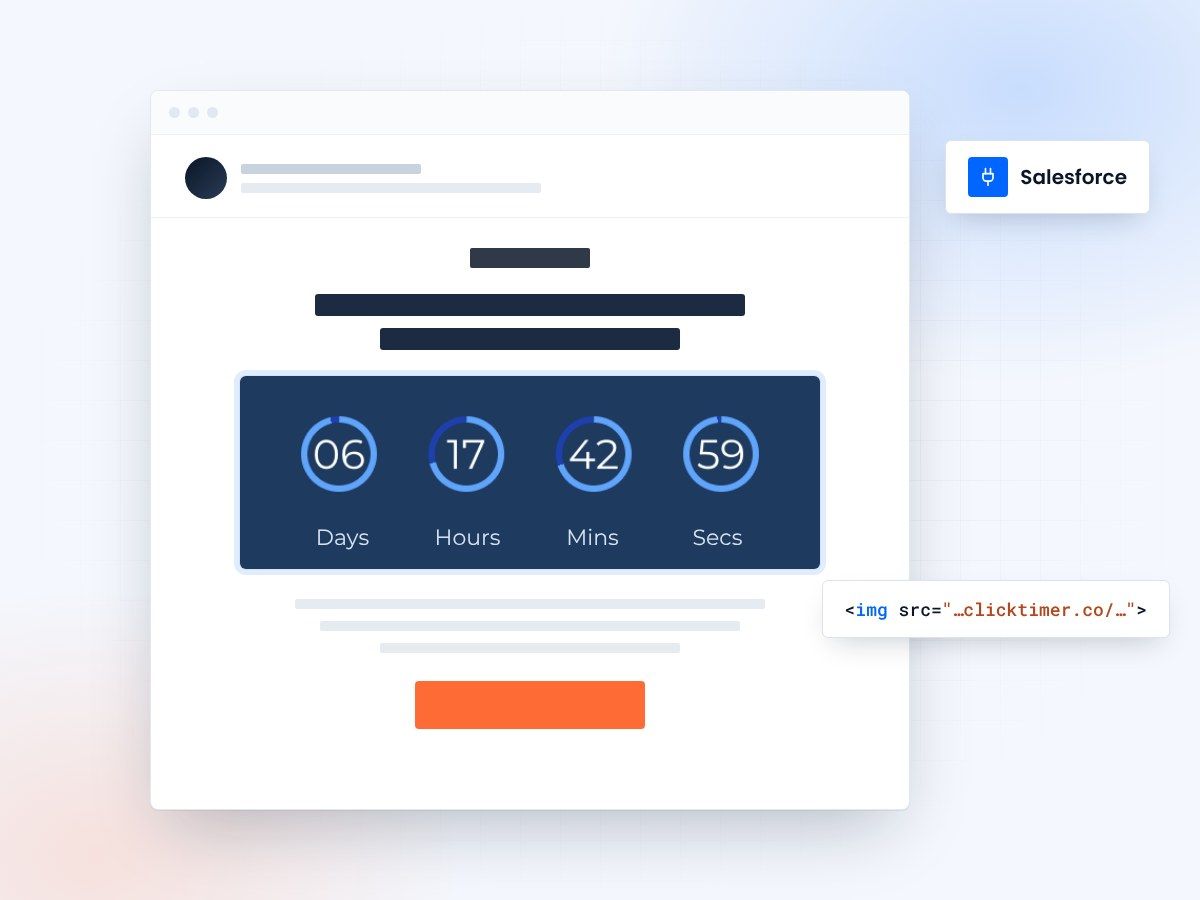
- Marketing Cloud, Pardot and Account Engagement
- Paste into any HTML block
- 10,000 free impressions a month
- Edit live after sending
Why use ClickTimer with Salesforce
Salesforce users manage complex customer journeys across Marketing Cloud, Pardot, and Account Engagement. ClickTimer brings real-time countdown timers to your enterprise campaigns, event invitations, and multi-touch nurture streams—whether you're driving webinar registrations, contract renewals, or product launches. Timers update live on every email open, creating urgency that moves enterprise buyers through your pipeline faster.
- Works in Marketing Cloud, Pardot & Account Engagement — Use in Journeys, Engagement Studio, Email Studio—any HTML-enabled template or content block.
- 900+ fonts, full customization — Match your brand. No watermarks even on free tier.
- Pay-as-you-go pricing — 10K free impressions. No subscription, credits never expire.
- Edit after sending — Update timer settings anytime, changes apply instantly.
How to add countdown timers to Salesforce
Four steps from the builder to your next Journey.
- Create your timerUse ClickTimer builder. Set date, colors, fonts.
- Copy the HTML codeClick Get Code to copy your snippet.
- Add HTML block in SalesforceIn Email Studio, Content Builder, or Pardot editor, add an HTML block (NOT image block).
- Paste and sendTimer updates in real-time on every email open.
Create your Salesforce countdown
Set the date, match your brand, copy the HTML. 10,000 free impressions a month, no credit card.
Already have an account?
Send Test Email
Enter your email to receive a preview of how this countdown looks in email campaigns.
Popular timer use cases for Salesforce
Webinar registration deadlines
Drive last-minute signups in Journey Builder campaigns
Contract renewal reminders
Add urgency to renewal campaigns in Account Engagement
Product launch announcements
Countdown to go-live dates in enterprise campaigns
Event registration closes
Push attendees to register for Dreamforce or user conferences
Quote expiration dates
Sync with Salesforce CPQ to show offer validity windows
Engagement Studio drip campaigns
Add time-limited offers in Pardot nurture streams
Frequently asked questions
Does ClickTimer work with Marketing Cloud Journey Builder?
Yes. Add the HTML code in any email activity within Journey Builder. The timer updates live across all customer journeys and decision splits.
Can I use timers in Pardot/Account Engagement?
Absolutely. Insert the HTML snippet in Pardot email templates or Engagement Studio programs. Works in both classic Pardot and Account Engagement.
How much does it cost for enterprise send volumes?
You get 10K free impressions. After that, pay-as-you-go starts at €0.23/10K and drops to €0.06/10K at scale. No subscription—credits never expire. Perfect for high-volume Salesforce campaigns.
Do I need to create separate timers for each email send?
No. One timer can be reused across multiple campaigns, business units, and sends. Edit the timer anytime—changes apply instantly to all emails already sent.
Will timers work with AMPscript or dynamic content?
Yes. ClickTimer HTML embeds work alongside AMPscript, content blocks, and dynamic content rules in Marketing Cloud. No conflicts.
Ready to boost your Salesforce conversions?
Create your free timer in 90 seconds. 10K impressions, no credit card.